45
BASIC OPERATIONS
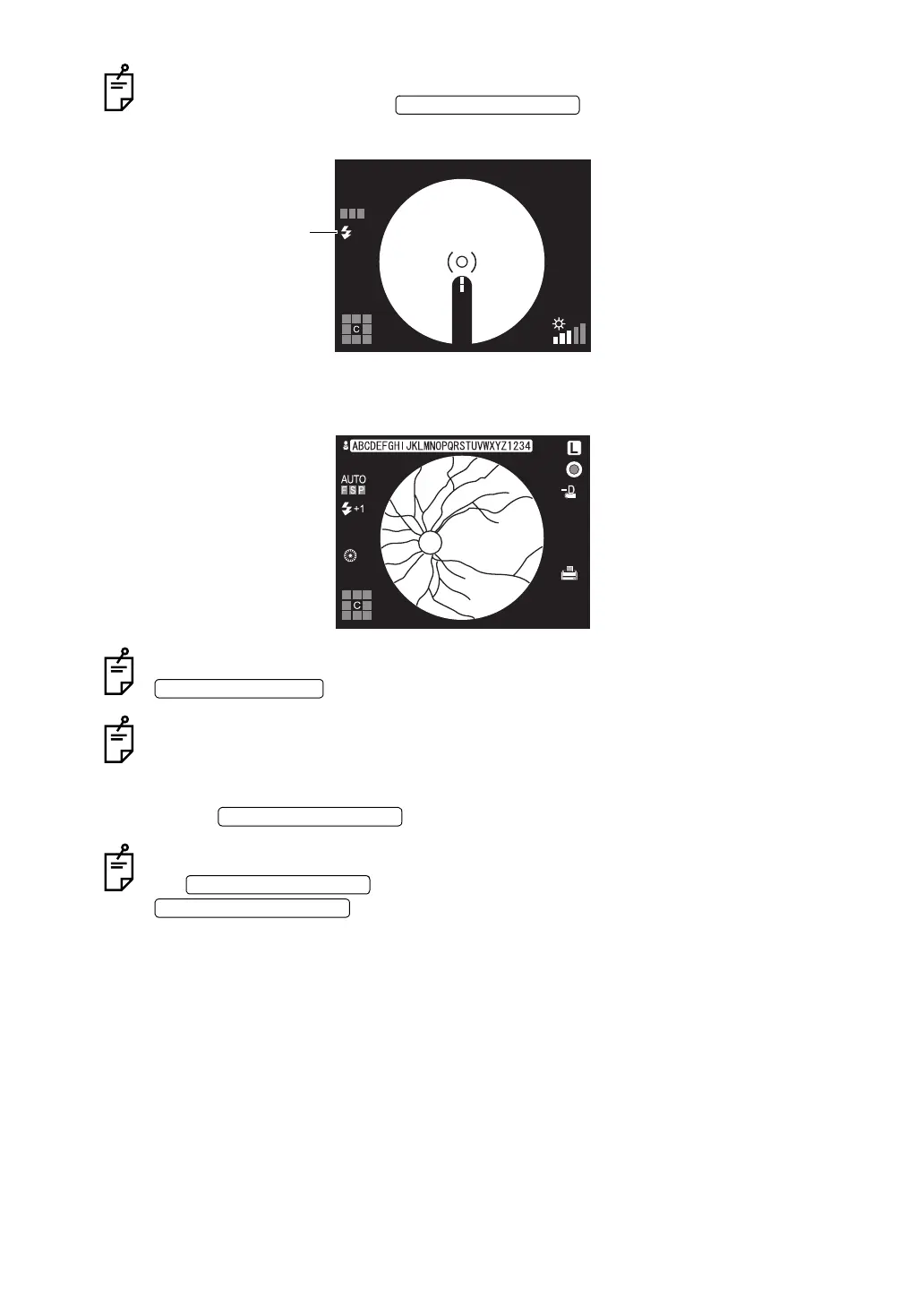
When the xenon charging display flickers on the color LCD monitor, photography is not
possible even by pressing the .
Wait until the xenon charging display turns on before you attempt to take the next image.
11 The captured image is stored in the external recording device and displayed on the color
LCD monitor.
If the light intensity of the image is insufficient, compensate for it by pressing the
, and repeat the centering and photography procedure.
When connecting to IMAGEnet (commercial product), etc. with two USB cables, the pre-
view screen is not indicated.
12 To return to the Monitor screen from the photographed image on the color LCD monitor,
press the again.
When a digital printer is connected to the instrument, the image is printed by pressing
the . To return to the Monitor screen without printing, press the
.
PHOTOGRAPHY SWITCH
AUTO
FSP
Xenon charging display
FLASH LEVEL SWITCH
PHOTOGRAPHY SWITCH
PHOTOGRAPHY SWITCH
IMAGE DELETION SWITCH


 To Next Page