44
BASIC OPERATIONS
When the patient's eye is beyond -13 to +12D, the instruction to insert the diopter compen-
sation lens appears on the color LCD monitor screen. At this time, change the diopter
compensation lens. Refer to "Changing the diopter compensation lens" on page 40.
Since the split lines are off when the diopter compensation lens is anything other than
(0), turn the focusing knob so that the fundus image is clearly visible on the color LCD
monitor.
At the same time all the automatic functions are invalidated.
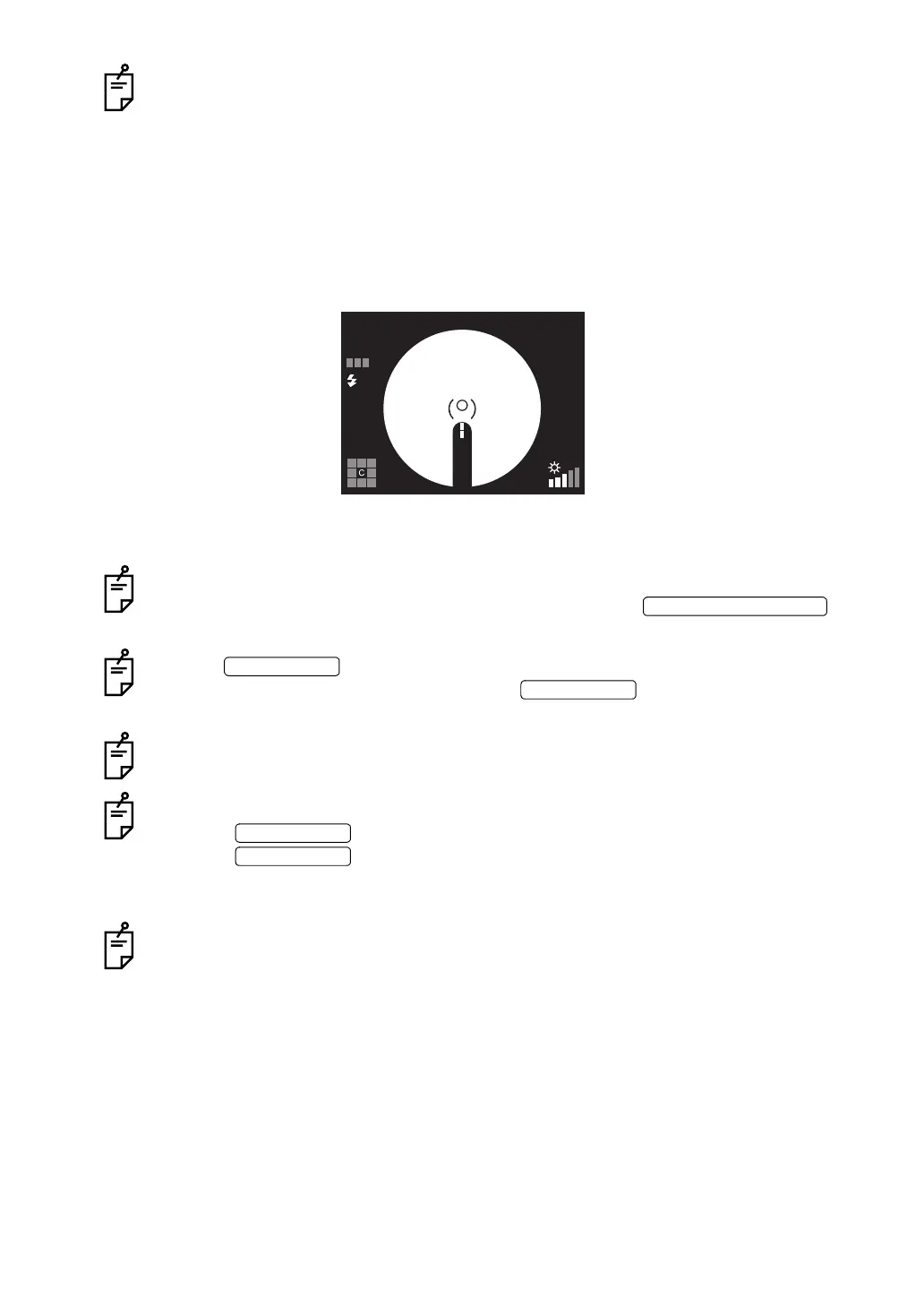
9 Operate the control lever and move the instrument body to bring the bright spot of the
color LCD monitor into the ( ) scale.
10 When the positional relation between the instrument body and the patient's eye is proper
for photography, the instrument automatically takes a picture.
When the auto shoot function is OFF, the instrument does not take a picture automatically.
Check the bright spot on the color LCD monitor and press the to
take a picture.
Use the to turn ON/OFF all the auto functions, which have been set to
"ON" in "MENU", at the same time. Press the to turn OFF the auto func-
tions, and the AUTO display disappears on the color LCD monitor.
If the split lines cannot be seen, check if dilation is sufficient or if the eye is obstructed by
eyelashes or the eyelid, interrupting the light.
You can remove the split lines from the Monitor screen if they are not necessary.
Press the to remove the split lines from the Monitor screen.
Press the again to display the split lines on the Monitor screen.
When the split lines are erased on the Monitor screen, the auto focus and auto shoot
functions do not work.
If the patient blinks when taking a picture, the blink detection function works to stop pho-
tography.
AUTO
FSP
PHOTOGRAPHY SWITCH
AUTO SWITCH
AUTO SWITCH
SPLIT SWITCH
SPLIT SWITCH


 To Next Page