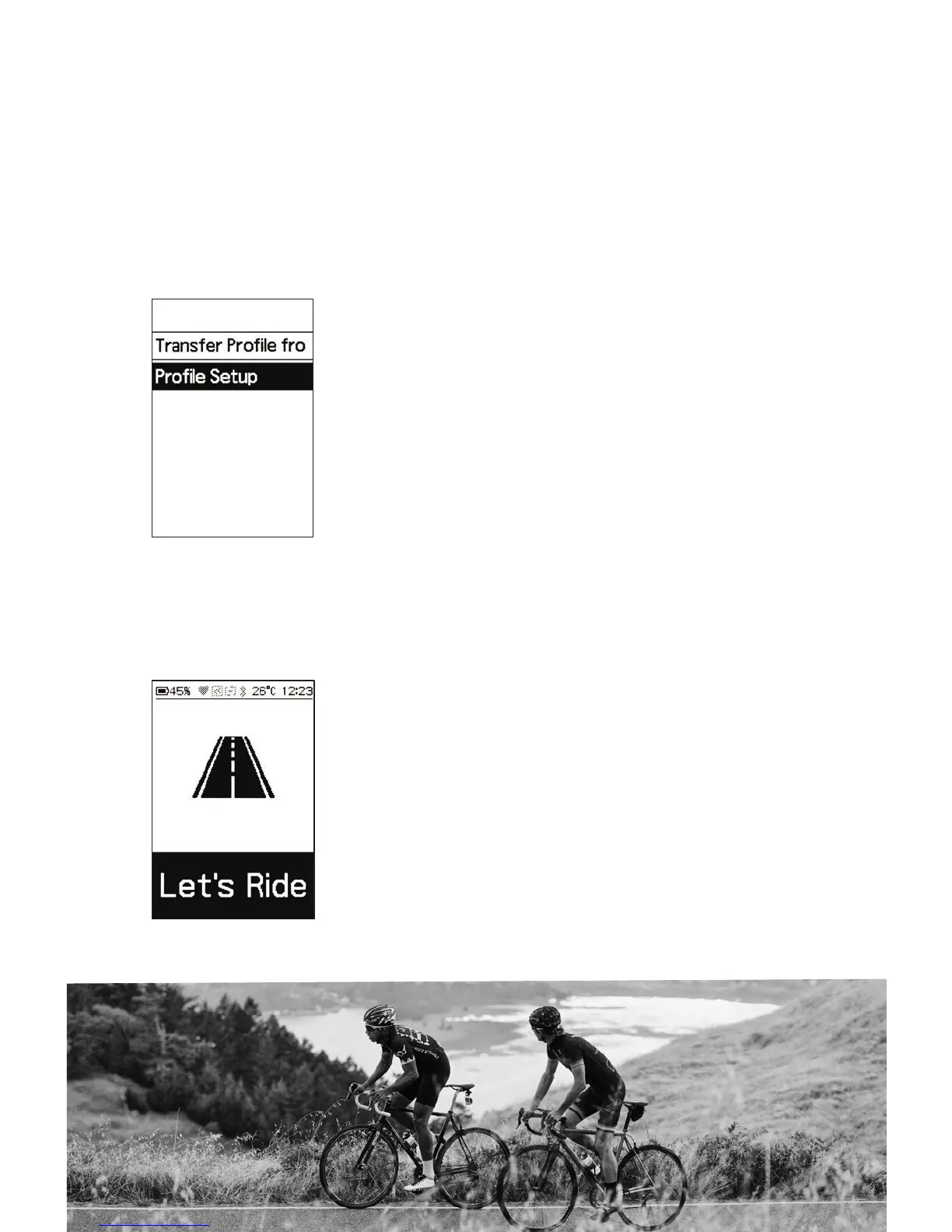
2. Start Ride
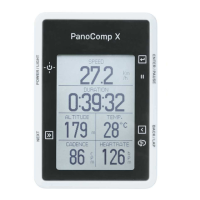
• Press POWER to turn on PanoComp X.
• Select the riding mode.
6. Set Birth Year:
Repeat sequence to set and confirm remaining year information.
7. Set Measurement Units:
Cycle between Metric and Imperial, confirm selection.
8. Set Height:
Repeat sequence to complete height setting.
9. Weight :
Repeat sequence to complete weight information.





 To Next Page