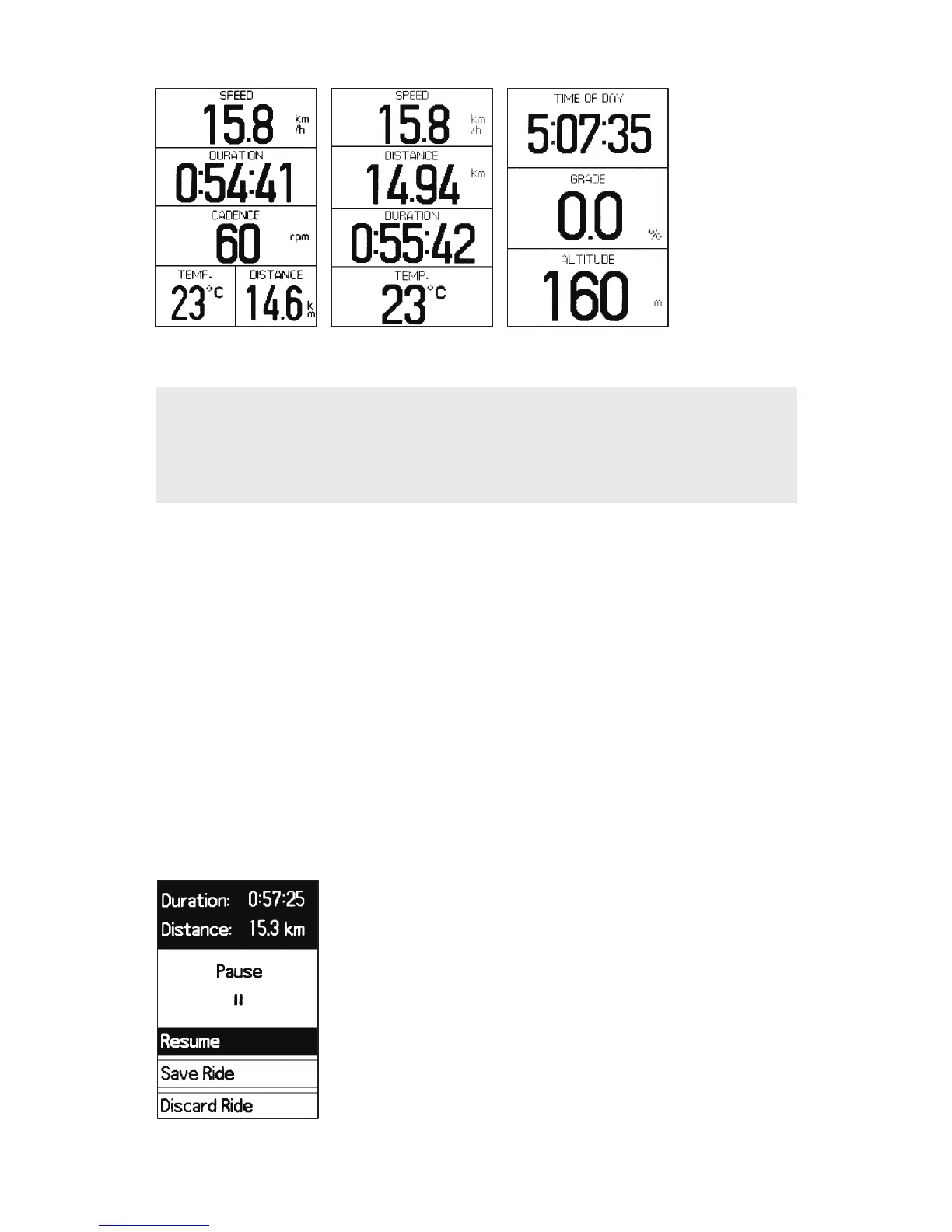
2.2 Pause
• If Auto Pause is set to off, press PAUSE when you want to
suspend recording your ride. This is helpful at stoplights, rest
stops or when you
need to maintain your bike during a ride.
• Ride recording is automatically paused if motion is not detected
when Auto Pause is set to on.
Press ENTER to resume recording your ride or press NEXT to cycle
between selections and press ENTER to confirm your selection.
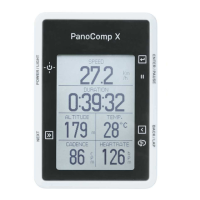
Screen 1 Screen 2 Screen 3
2.1 Three user customizable screens.
NOTE
To modify your customizable screens, see Section 3.1.1
"Customizing the Data Pages" for more information.





 To Next Page