EasyManua.ls Logo

Topens RK700 - User Manual

Topens RK700
21 pages
Print Icon
To Next Page IconTo Next Page
Loading...
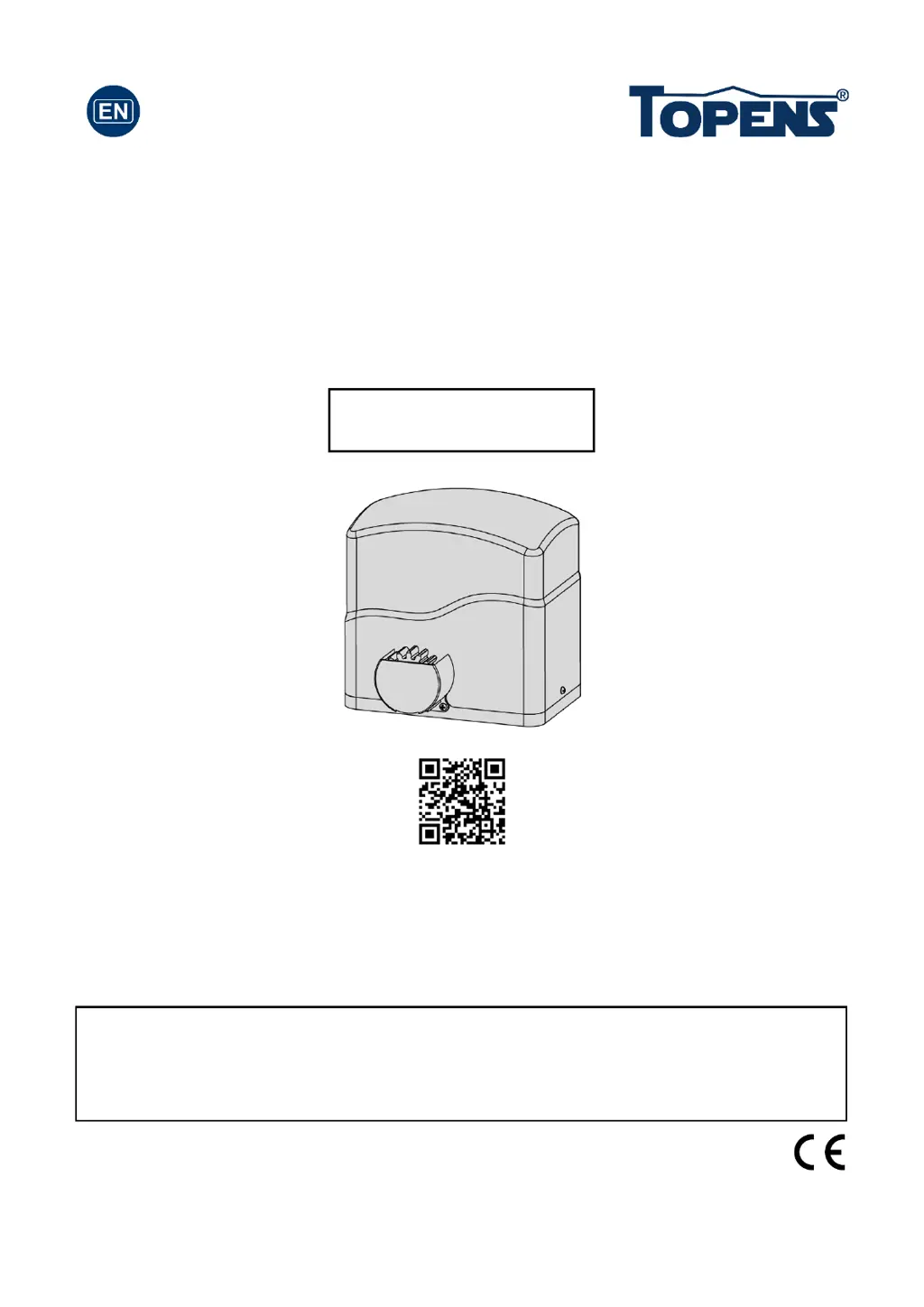
Sliding Gate Opener
User’s Manual
Model:
TOPENS Website
www.topens.com
Email: support@topens.com
VER 21b
RK700(T)
Please read and follow all warnings, precautions and instructions before
installation and use.
Periodic checks of the opener are required to ensure safe operation.
Save this manual.
C030418

Questions and Answers

  • L
    Lisa BarronJul 27, 2025
    Why is my Topens RK700 Gate Opener remote control not working?
    • M
      masonmarkJul 27, 2025
      If your Topens Gate Opener's remote control isn't working, here are a few things you can try: * First, check and replace the battery in the remote. * If that doesn't work, make sure you're not too far from the gate opener when using the remote. Try getting closer. * Also, the remote control may not be suitable for receiver. After making sure the codes are correct, erase remote controls and then re-program the codes in the device. * If none of these steps work, the control board may need to be checked or replaced.
  • J
    Justin ThompsonAug 4, 2025
    What to do if Topens RK700 Gate Opener starts but immediately stops or reverses?
    • B
      burkeaustinAug 4, 2025
      If your Topens Gate Opener gate starts but immediately stops or reverses, try these steps: * First, check the wire connection of the hall sensor board with the main control board. * The opening or closing force might be set too low. Adjust it by turning the Potentiometer A to increase the force. * Disconnect the gate from the opener and ensure it slides freely without any obstructions. * If the issue persists, the control board may need to be checked or replaced.
  • K
    keykimberlyAug 9, 2025
    Why Topens RK700 Gate Opener can open, but fails to close?
    • L
      Lisa DaughertyAug 9, 2025
      If your Topens Gate Opener opens but won't close, here are a few things to check: * Make sure the photocell is not obstructed. Remove any obstructions that you find. * Check the limit switch by removing the wire connection of the limit switch which is connected to the 8#, 9#, and 10# terminals of the control board and using a jumper wire to short these terminals. If the motor then runs in both directions, replace the limit switch. * If the issue persists, the control board may need to be replaced.
  • M
    Matthew SalazarAug 14, 2025
    What to do if Topens RK700 opens, but stops and will not return?
    • V
      Vanessa PowellAug 14, 2025
      If your Topens Gate Opener opens but stops and will not return, consider the following: * Check the installation position of the magnets. The opener will not run if both limit switches are activated by one magnet. * Check the limit switch by removing the wire connection of the limit switch which is connected to the 8#, 9#, and 10# terminals of the control board and using a jumper wire to short these terminals. If the motor then runs in both directions, replace the limit switch. * If the issue persists, the control board may need to be replaced.
  • R
    robertbenitezAug 17, 2025
    Why does my Topens Gate Opener open automatically instead of closing?
    • M
      Mark JacksonAug 17, 2025
      If your Topens Gate Opener opens automatically instead of closing after the auto close time, ensure that DIP switch 4# has been set correctly according to your installation for “Left Open” or “Right Open.”
  • M
    Mrs. Carrie HinesAug 21, 2025
    What causes the motor to run but the gate doesn’t move on Topens RK700?
    • T
      Timothy HayesAug 22, 2025
      If the motor of your Topens Gate Opener is running but the gate isn’t moving, make sure the clutch for emergency release is adjusted properly and is not slipping.
  • D
    David MendozaOct 31, 2025
    How to troubleshoot Topens RK700 Gate Opener that does not run?
    • Z
      zbrownOct 31, 2025
      If your Topens Gate Opener isn't running, consider the following: 1. Check that the input voltage of the control board matches your local AC electricity. 2. Inspect the fuse in the control board and replace it if it's burnt out. 3. Ensure the remote control has been correctly programmed to the control board. 4. If the motor has been running for a long time, the thermal protector may be active due to high temperature. Wait 20 minutes for the motor to cool down. 5. Verify the installation position of the limit magnets. The opener won’t run if both limit switches are activated by a single magnet. 6. Check the limit switch by removing the wire connections (8#, 9#, and 10# terminals) from the control board and using a jumper wire to short these terminals. If the motor then runs in both d...

Summary

Check Your Gate before Installation

General Safety

Essential safety warnings and precautions for installation and use.

Preparation for Installation

Gate Structure Requirements

Ensures the gate structure is suitable for automation, including linearity and stability.

Technical Specifications & Features

Product Specifications

Details power supply, motor voltage, speed, weight capacity, and environmental conditions.

Product Features

Highlights features like midway mode, rolling code technology, and emergency release.

Installation Overview

Installation Steps

Outlines the general process and necessary tools for opener installation.

Manual Operation

Gate Rack Fitting

Instructions for fitting the plastic rack reinforced with steel to the gate.

Installation of the Magnets

Magnet Positioning

Guidance on positioning S and N magnets for proper gate limit detection.

Connecting of Power Supply

Control Board Wiring

Detailed instructions and diagrams for connecting the control board components.

Setting of the Control Board

DIP Switch Settings

Explains how DIP switches control modes like auto-close and direction.

Potentiometer Adjustments

Potentiometer Operation

Details how to adjust stall force and auto-close time using potentiometers.

Test the Reversing Sensitivity

Remote Control Programming

Step-by-step guide to program and erase remote controls for the opener.

How to Use the Remote to Operate Your Gate Opener

Wireless Keypad Programming

Instructions for programming and changing the password for the wireless keypad.

Troubleshooting

Common Issues and Solutions

Provides solutions for common symptoms like opener not running or remote issues.

Maintenance

Routine Maintenance Checks

Lists periodic checks for lubrication, cleaning, tightening, and wiring.

Topens RK700 Specifications

General IconGeneral
Included Remotes2
Safety FeaturesObstacle Detection
Operating Temperature-20°C
Remote Control Range30 m
Manual ReleaseYes

Related product manuals