EasyManua.ls Logo

Topens DK1000 - User Manual

Topens DK1000
20 pages
Print Icon
To Next Page IconTo Next Page
Loading...
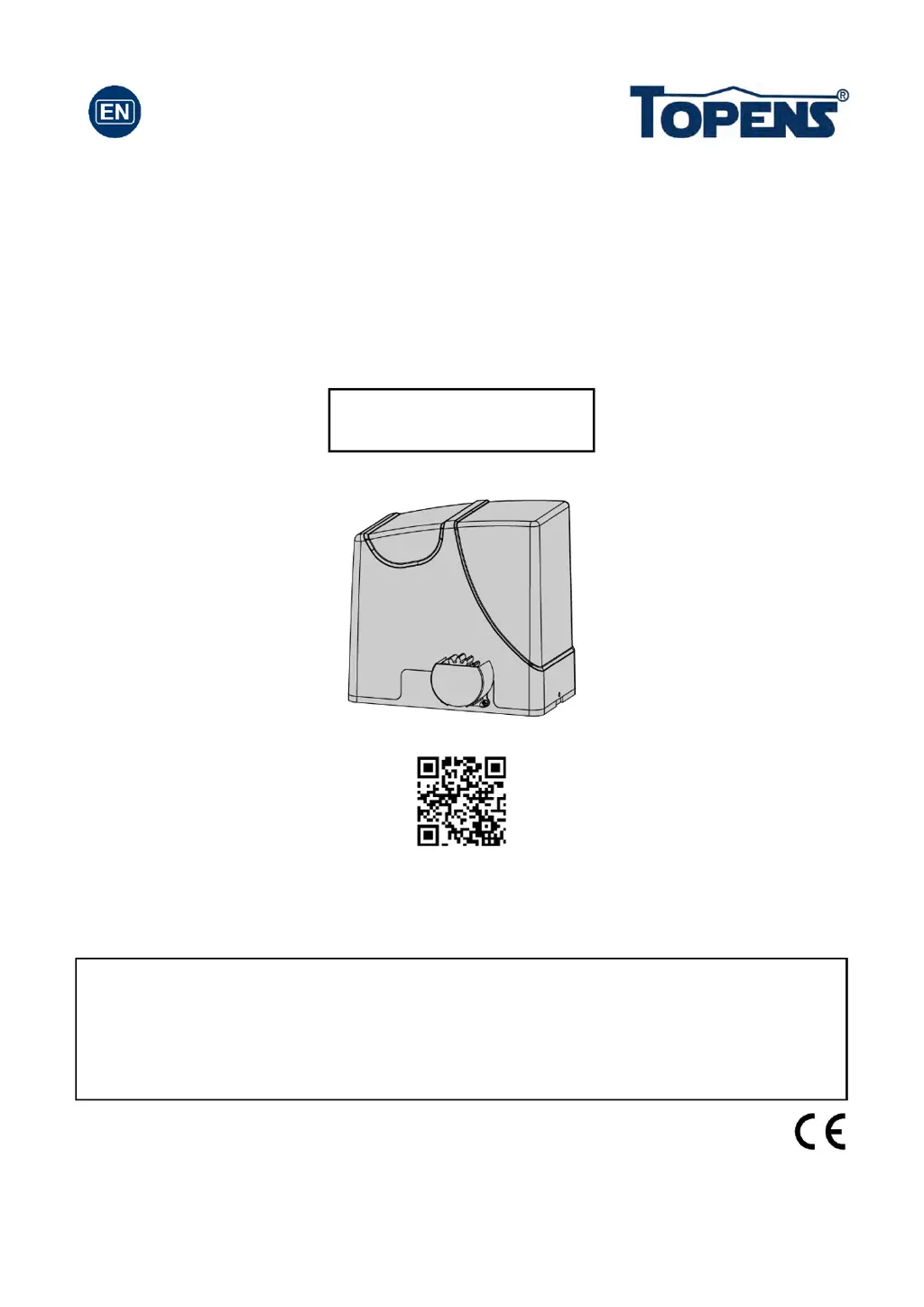
Sliding Gate Opener
User’s Manual
Model:
TOPENS Website
http://www.topenstool.com/
VER 20a
DK1000(S/Y/T)
Please read and follow all warnings, precautions and instructions before
installation and use.
Never connect the solar panel to the control board directly to charge the battery.
Periodic checks of the opener are required to ensure safe operation.
Save this manual.
C030411

Questions and Answers

  • C
    Carrie FordJul 28, 2025
    Why Topens DK1000 Gate Opener remote control does not work?
    • J
      Jeffrey ThompsonJul 28, 2025
      There are several reasons why the remote control might not be working: * The remote control battery may be non-functional, so check and replace it if needed. * You might be too far from the opener; try moving closer. * The remote control might not be suitable for the receiver. If the codes are correct, erase and re-program the codes in the device. * The control board could be faulty and may need to be replaced.
  • C
    chloethomasAug 1, 2025
    What to do if Topens DK1000 opens, but stops and will not return?
    • N
      Natalie LinAug 1, 2025
      If the gate opens but then stops and won't return: * Try exchanging the two limit magnets, noting that one is N pole and the other is S pole. * Try exchanging the limit switch wires CL (close) and OP (open). * Adjust the magnets to the correct position according to the manual if they are in the wrong position. * Check the control board and replace if necessary.
  • Z
    zhouseAug 7, 2025
    What to do if Topens DK1000 does not run but power LED is ON?
    • E
      Elizabeth SwansonAug 7, 2025
      If the power LED is ON but the opener isn't running: * Ensure the beam isn't blocked if a photocell is used. * Check the motor by releasing the clutch, disconnecting the motor wires from terminals 1 and 2, and connecting them directly to a 24V battery. The motor should run in both directions when the wires are exchanged. * Inspect the limit switch by using a jumper wire to short terminal 4 with terminals 3 and 5, then use a keying device to operate the opener. Replace the limit switch if the motor runs in both directions. * The control board may need to be checked and possibly replaced.
  • S
    Shannon MartinezAug 12, 2025
    What to do if Topens DK1000 does not run and power LED is OFF?
    • J
      Jerry SmallAug 12, 2025
      If your Topens gate opener isn't running and the power LED is off: * Ensure the power cord is properly plugged into the mains outlet. * Check if the transformer's output voltage is 24VAC. If it measures 0, the transformer might be overheated or damaged. Turn the power off, let the board cool, and then reset it. If the problem persists, replace the transformer. * Inspect the fuse in the control board and replace it if it's burnt out. * If using batteries, check the over-discharged LED on the solar controller. Wait for the batteries to fully charge. * The solar controller could be faulty, check the over-discharged LED on it. * Check the control board and replace if necessary.
  • J
    Joseph FreemanAug 16, 2025
    What to do if Topens Gate Opener starts but stops or reverses immediately?
    • M
      Matthew Thomas DDSAug 16, 2025
      If your Topens gate opener starts but stops or reverses right away: * Check that the HALL sensor board is tightly connected to the control board. * Make sure the clutch is properly adjusted and not slipping. * Increase the opening or closing force by turning Potentiometer A&B. * Disconnect the gate from the opener to ensure it slides freely without binding. * The control board might need to be checked and possibly replaced.
  • B
    Brandon RobinsonAug 21, 2025
    Why Topens Gate Opener can open, but fails to close?
    • P
      Pam BrownAug 21, 2025
      If the Topens gate opener can open but won't close, it could be due to: * An obstruction blocking the photocell. Remove any obstructions. * A failed limit switch. Use a jumper wire to short terminal 4 with terminal 3 and 5, and then use a keying device to operate the opener. Replace the limit switch if the motor could run in both directions. * A faulty control board. Check the control board and replace if necessary.

Summary

General Safety

Preparation for Installation

Installation Overview

Installation of the Opener

Ensures opener is installed horizontally, paralleled, and securely for safe operation.

Fit the Rack

A. Fit the plastic rack reinforced with steel

Instructions for fitting the plastic rack to the gate opener, including alignment and spacing.

B. Fit the galvanized steel rack

Instructions for fitting the galvanized steel rack to the gate opener, including welding and spacing.

Connecting of AC Main Power Supply

Connecting of the Batteries & Solar Panels & Solar Controller

1. Using with the AC electricity at the same time

Connects batteries, solar panels, and solar controller for dual AC/battery power.

Connecting of the Control Board

Setting of the Control Board

Test the Reversing Sensitivity

How to Program or Erase the Remote

How to Use the Remote to Operate Your Gate Opener

Wireless Keypad Programming

Troubleshooting

Topens DK1000 Specifications

General IconGeneral
BrandTopens
ModelDK1000
CategoryGate Opener
LanguageEnglish

Related product manuals