EasyManua.ls Logo

Topens CF800 - User Manual

Topens CF800
20 pages
Print Icon
To Next Page IconTo Next Page
Loading...
VER 23b
C030689
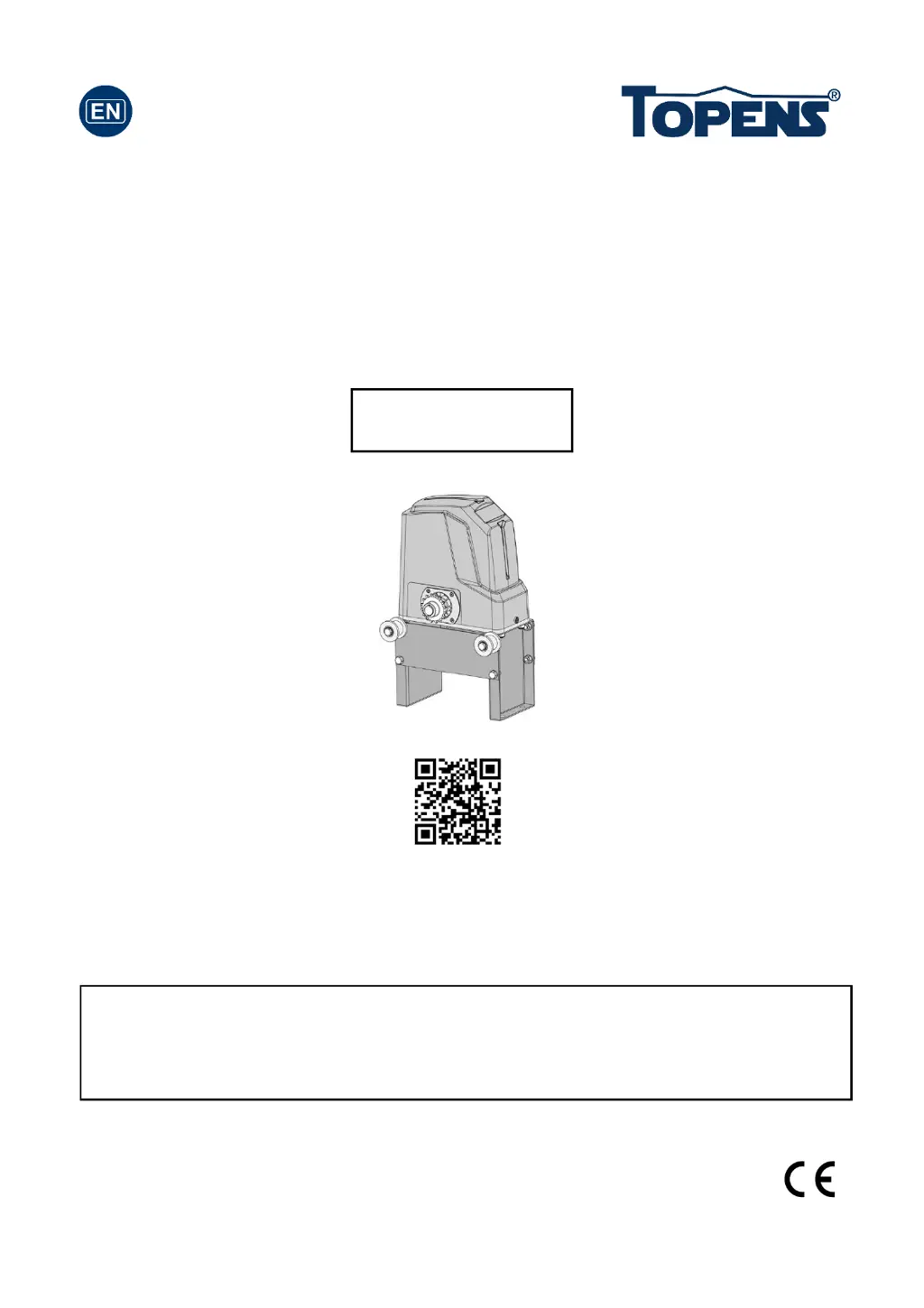
Fast Sliding Gate Opener
User’s Manual
Model:
TOPENS Website
www.topens.com
Email: support@topens.com
CF800
Please read and follow all warnings, precautions and instructions before
installation and use.
Periodic checks of the opener are required to ensure safe operation.
Save this manual.

Questions and Answers

  • T
    Travis MitchellJul 29, 2025
    What to do if Topens Gate can open, but fails to close?
    • S
      Samuel TaylorJul 29, 2025
      If your gate opens but won't close, first check if the Photocell is obstructed and remove any obstruction. Next, inspect the limit switch by removing the wire connection of the limit switch connected to terminals 8#, 9#, and 10# of the control board, then use a jumper wire to short the 3 terminals together. Replace the limit switch if the motor can then run in both directions. If the problem continues, the control board may need to be checked and replaced if necessary.
  • V
    vanessa68Aug 4, 2025
    Why Topens Gate Opener remote control does not work?
    • F
      Frank PetersAug 4, 2025
      If the indicator light of your remote control isn't on, the battery might be the issue. Try replacing it. Also, the distance between you and the opener might be too far. Try moving closer. If that doesn't work, the remote control may not be suitable for the receiver. Ensure the codes are correct, then erase the remote controls and reprogram the codes in the device.
  • K
    Kevin PattersonAug 17, 2025
    What to do if Topens Gate starts but immediately stops or reverses?
    • T
      tkiddAug 17, 2025
      Check the wire connection of the hall sensor board with the main control board. It is also possible that the opening or closing force is set too low. Try adjusting the Potentiometer A to increase the force. Disconnect the gate from the gate opener to ensure it slides freely without any obstructions. If the issue persists, the control board may need to be checked and possibly replaced.
  • N
    Nicole GrimesAug 22, 2025
    What to do if Topens Gate opens, but stops and will not return?
    • T
      Timothy WhiteAug 22, 2025
      Check the installation position of the magnets; the opener will not run if both limit switches are activated by one magnet. Also, inspect the limit switch by removing the wire connection of the limit switch connected to terminals 8#, 9#, and 10# of the control board, then use a jumper wire to short the 3 terminals together. Replace the limit switch if the motor can then run in both directions. If these steps don't resolve the issue, the control board may need to be checked and replaced.
  • R
    Richard SuttonNov 9, 2025
    What to do if my Topens CF800 does not run?
    • C
      Christina MorrisNov 9, 2025
      First, check the input voltage of the control board; it should match your local AC electricity. Next, inspect the fuse in the control board and replace it if it's burnt out. Also, make sure the remote control is programmed to the control board. If the motor has been running for a long time, the thermal protector may be active due to high temperature; wait 20 minutes for the motor to cool down. Check the limit magnets' installation position; the opener won't run if both limit switches are activated by one magnet. Inspect the limit switch by removing the wire connection of the limit switch connected to terminals 8#, 9#, and 10# of the control board, then use a jumper wire to short the 3 terminals together. Replace the limit switch if the motor can then run in both directions. If none of thes...

Summary

Check Your Gate Before Installation

General Safety Precautions

Preparation for Installation

Parts List

Optional Accessories Parts List

Replacement Parts

Technical Specifications & Features

Installation of the Opener

Manual Operation

Procedure for operating the gate manually during power failure or emergencies.

Installation of chain and chain brackets

Installation of the Magnets

Connecting of Power Supply

Connecting of the Control Board

Setting of the Control Board

DIP Switches

Configure running time, auto-close, and gate direction using DIP switches.

Potentiometer Adjustments

Test the Reversing Sensitivity

Remote Control Operations

Wireless Keypad Programming

Steps to program a wireless keypad for gate operation.

Troubleshooting Common Issues

Routine Maintenance Guide

Feedback and Contact Information

Topens CF800 Specifications

General IconGeneral
BrandTopens
ModelCF800
CategoryGate Opener
LanguageEnglish

Related product manuals