EasyManua.ls Logo

Topens CK2500 - User Manual

Topens CK2500
20 pages
Print Icon
To Next Page IconTo Next Page
Loading...
VER 23a
C030685
VER 23b
C030685
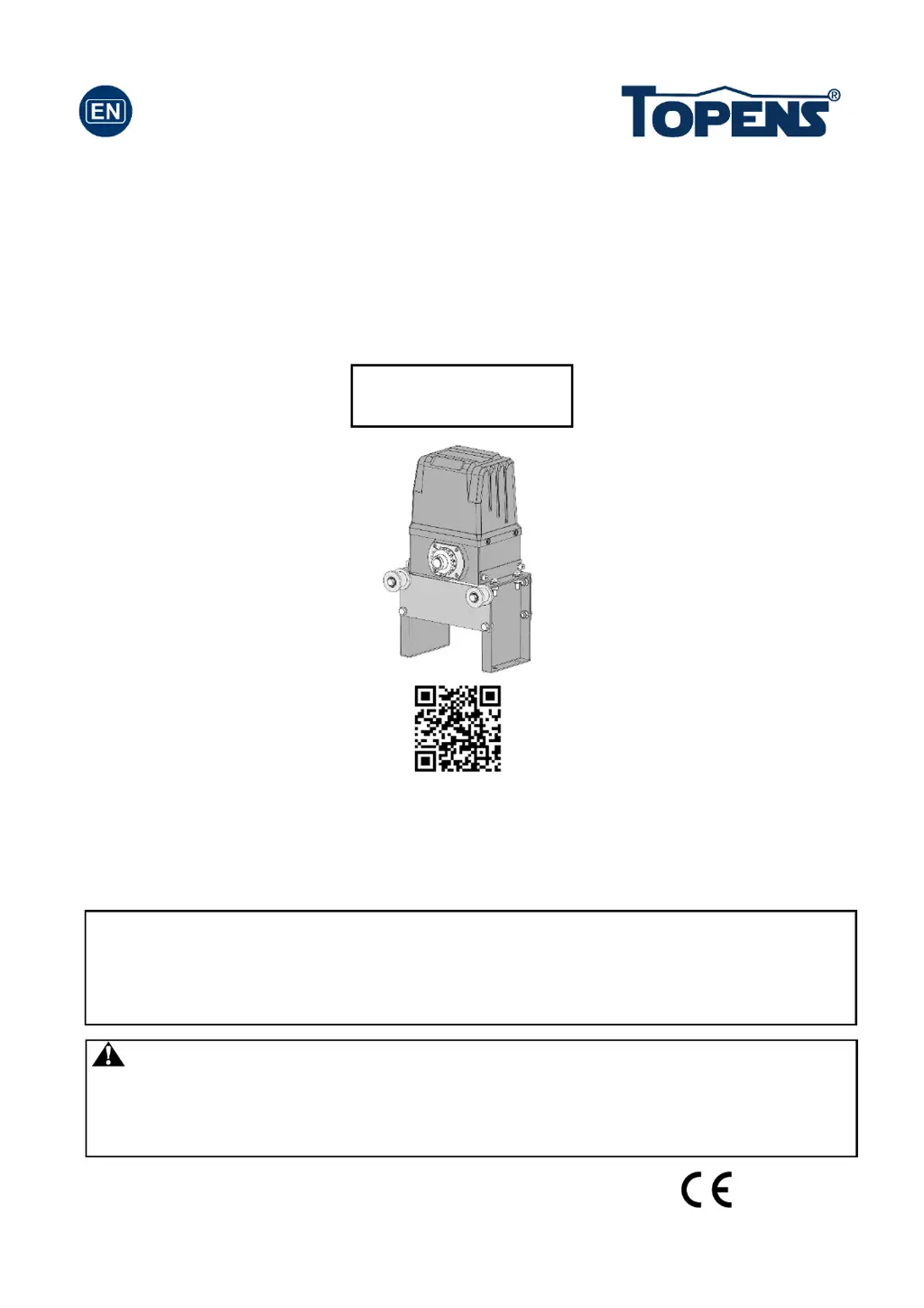
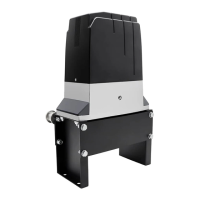
Sliding Gate Opener
User’s Manual
Model:
TOPENS Website
www.topens.com
Email: support@topens.com
Warning: A photocell sensor is included in the package. The photocell must be
installed with the gate opener for SAFETY PROTECTION. The jumper wire between
the PHO & COM terminals (NO.14 & NO.15) MUST BE REMOVED before installing the
photocell.
Please read and follow all warnings, precautions and instructions before
installation and use.
Periodic checks of the opener are required to ensure safe operation.
Save this manual.
CK2500

Questions and Answers

  • M
    moralesmelindaAug 5, 2025
    Why is my Topens CK2500 Gate Opener remote control not working?
    • E
      Ellen MorrisonAug 6, 2025
      If your Topens Gate Opener's remote control isn't working, first check the remote's battery and replace it if needed. If the indicator light is off, that's likely the problem. Also, make sure you're not too far from the opener when using the remote. If the remote still doesn't work, erase the remote controls and then re-program the codes in the device, ensuring the codes are correct and that the remote is suitable for the receiver. If none of these steps work, the control board may need to be checked or replaced.
  • S
    Sheena FletcherAug 10, 2025
    Why does my Topens CK2500 Gate Opener open, but fail to close?
    • J
      Julie GarrettAug 10, 2025
      If your Topens Gate Opener can open but fails to close, first check if the photocell is obstructed and remove any obstructions. If that's not the issue, check the limit switch by removing the wire connection of the limit switch which is connected to the 9#, 10#, and 11# terminals of the control board and then try it again. Replace the limit switch if the motor could run in both directions. If the problem persists, the control board may need to be checked or replaced.
  • M
    michael27Aug 15, 2025
    How to fix Topens Gate Opener when it does not run and the Power LED is OFF?
    • Y
      yvonne98Aug 16, 2025
      If your Topens Gate Opener does not run and the power LED is OFF, check the input voltage of the control board to ensure it's receiving local AC electricity. Make sure the power switch is turned ON. Inspect the fuse in the control board, replacing it if it's burnt out. If problems persist, the control board may need replacing.
  • C
    Christopher GomezAug 20, 2025
    What to do if Topens CK2500 Gate Opener does not run but the power LED is ON?
    • N
      Nicholas ReynoldsAug 20, 2025
      If your Topens Gate Opener isn't running but the power LED is on, there could be several reasons: * Ensure the remote control has been programmed to the control board. * The thermal protector may be active due to high temperature after prolonged use. Wait 20 minutes for the motor to cool down. * Check the magnet installation. The opener won't run if both limit switches are activated by one magnet. * Inspect the limit switch by removing the wire connection connected to terminals 9#, 10#, and 11# on the control board and try again. If the motor then runs in both directions, replace the limit switch. * As a last resort, check the control board and replace if necessary.
  • J
    Joshua PalmerAug 26, 2025
    What to do if Topens Gate Opener opens, but stops and will not return?
    • C
      Cory CarpenterAug 26, 2025
      If your Topens Gate Opener opens but then stops and won't return, check the installation position of the magnets, as the opener will not run if both limit switches are activated by one magnet. Also, check the limit switch. Remove the wire connection of the limit switch which is connected to the 9#, 10#, and 11# terminals of the control board and then try it again. Replace the limit switch if the motor could run in both directions. If these steps don't resolve the issue, the control board may need to be checked or replaced.
  • M
    michaeldavisAug 30, 2025
    What to do if Topens Gate Opener motor runs but the gate doesn’t move?
    • C
      Christopher HendersonAug 31, 2025
      If the motor of your Topens Gate Opener is running but the gate isn’t moving, ensure the clutch for emergency release is adjusted properly and is not slipping.

Summary

General Warnings and Information

Safety Precautions

Read warnings and instructions before installation and use.

Periodic Checks

Ensure safe operation through regular checks of the gate opener.

Photocell Sensor Installation

Warning about photocell installation for safety protection.

Gate Preparation and Checks

Manual Gate Operation Check

Ensure the gate opens and closes smoothly by hand before installation.

General Safety Warnings

Product Use and Electrical Safety

Crucial safety warnings regarding product use, environment, and electrical setup.

Installation Preparation

Structural Gate Requirements

Check gate structure for linearity, horizontal movement, strength, and plumbness.

Warning Sign Placement

Position visible indication devices and warning signs on the gate structure.

Product Handling and Disposal

Handle packing materials responsibly and inspect product for damage upon arrival.

Gate Stop Installation

Positive Stop Placement

Install positive stops at both ends of the ground track for safety.

Clearance Guidelines

Maintain specific distances between components and walls for safe operation.

Included Parts List

Gate Opener Components

List of all parts included with the gate opener for installation and operation.

Optional Accessories

Accessory Part Catalog

Catalog of optional accessories available for purchase to enhance gate opener functionality.

Technical Specifications and Features

Product Specifications

Details on power input, voltage, power, speed, weight, and environmental conditions.

Key Product Features

Highlights ease of installation, auto-close, safety protections, and remote rolling code technology.

Installation Overview and Steps

Installation Overview Diagram

Visual guide showing the placement of key components like sensors, magnets, and receivers.

Opener Installation Procedure

Step-by-step guide for installing the opener onto a concrete pad.

Chain Installation and Brackets

Chain Bracket Mounting

Instructions on how to attach chain brackets to the gate frame using various bolts.

Chain Attachment Procedure

Steps for placing the chain, connecting it with master links and brackets, and setting tension.

Manual Gate Operation

Emergency Release Procedure

How to disengage the clutch for manual gate operation during power failure.

Magnet Installation

Magnet Positioning and Alignment

Guidelines for correctly positioning and aligning magnet components for limit switch activation.

Magnet Bracket Fitting

Steps to install the magnet bracket to ensure the opener stops at the correct open/close positions.

Power and Control Board Wiring

Power Supply Connection

Instructions for connecting the main power supply to the opener.

Control Board Wiring Details

Wiring instructions for limit switches, warning lights, and photocell systems.

Wiring Diagram and Photocell

Control Board Wiring Diagram

Detailed schematic illustrating connections for various components to the control board.

Photocell Sensor Wiring

Specific instructions for connecting the reflection photocell sensor to the control board.

Optional Component Wiring

Push Button and Exit Wand Wiring

Wiring instructions for optional push buttons and exit wands.

Receiver and Keypad Wiring

Wiring guidance for external receivers and wired keypads.

HomeLink Kit Wiring

Connection details for the Home Link remote control kit.

Control Board DIP Switch Settings

Midway Mode DIP Settings

Configuration of DIP switches for the midway gate opening mode.

DIP Switch Configuration and Remote Programming

Auto-Close and Direction DIP Settings

Setting DIP switches for auto-close timers and gate opening direction.

Remote Programming Procedure

Step-by-step guide to program new remotes or erase existing codes.

Remote Operation and Keypad Programming

Using the Remote Control

Explanation of how to use the remote's buttons to operate the gate opener.

Wireless Keypad Setup

Instructions for programming the wireless keypad and changing its password.

Troubleshooting Guide

Opener Not Running

Solutions for when the opener does not run, with power LED off or on.

Remote Control Issues

Troubleshooting steps for when the remote control is not working.

Advanced Troubleshooting

Gate Opening;Closing Problems

Solutions for when the gate opens but doesn't close, or vice versa.

Motor Operation without Movement

Addresses issues where the motor runs but the gate does not move.

Regular Maintenance

Scheduled Maintenance Tasks

Recommended checks and lubrication every six months for unit operation.

Topens CK2500 Specifications

General IconGeneral
Remote Control IncludedYes
Warranty1 year
Max Gate Length20 ft (6 m)
Control TypeRemote control, keypad
Operating Temperature-4°F to +122°F (-20°C to +50°C)
Remote Control RangeUp to 100 ft (30 m)
Operating VoltageDC 24V
Safety FeaturesAuto-reverse, obstruction
Weather ResistanceYes

Related product manuals