EasyManua.ls Logo

Topens DKR500 - User Manual

Topens DKR500
22 pages
Print Icon
To Next Page IconTo Next Page
Loading...
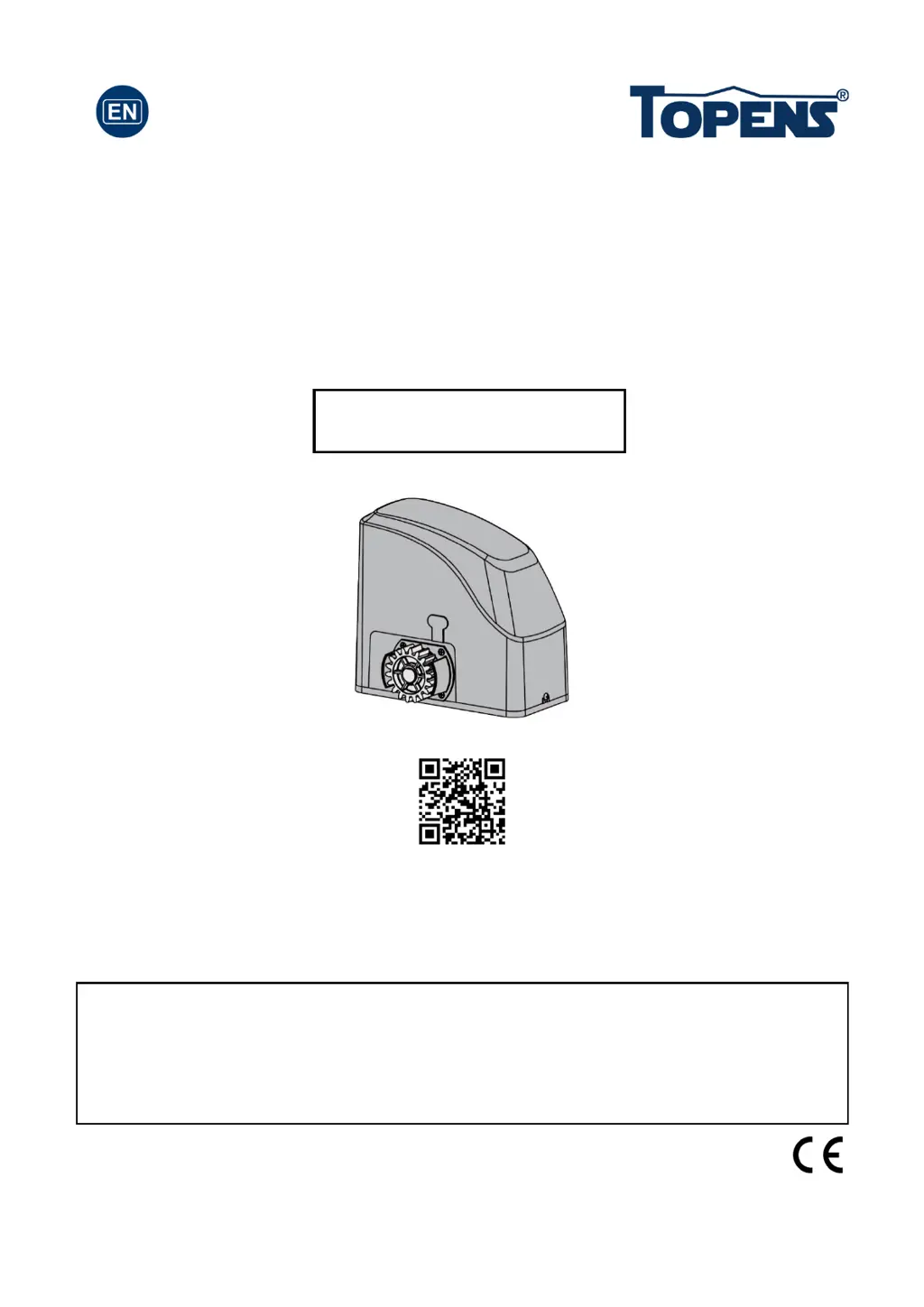
Sliding Gate Opener
User’s Manual
Model:
TOPENS Website
www.topens.com
Email: support@topens.com
VER 21b
C030566
DKR500(S/Y/T)
Please read and follow all warnings, precautions and instructions before
installation and use.
Never connect the solar panel to the control board directly to charge the battery.
Periodic checks of the opener are required to ensure safe operation.
Save this manual.

Questions and Answers

  • C
    Christopher HicksJul 29, 2025
    Why is my Topens DKR500 remote control not working?
    • J
      Jason PachecoJul 29, 2025
      If the remote control indicator light isn't on, replace the battery. If the distance is too far, try moving closer to the Topens Gate Opener. Ensure the remote control is suitable for the receiver; if the codes are correct, erase and reprogram them. If problems persist, consider checking or replacing the control board.
  • M
    Matthew WattsAug 3, 2025
    How to fix a Topens Gate Opener when it does not run and the power LED is off?
    • T
      Taylor RhodesAug 3, 2025
      First, ensure the power cord is properly plugged into the mains outlet. Next, check if the transformer's output voltage is 24VAC; if it's 0, the transformer may be overheated or damaged. Turn the power off, let the board cool, and then reset it. If the issue continues, replace the transformer. Check the fuse in the control board and replace it if burnt out. If using solar power, check the over-discharged LED on the solar controller; if it's on, wait for the batteries to fully charge. If the LED is on with normal battery voltage (>24VDC), the solar controller might be faulty. If none of these steps work, check and replace the control board if necessary.
  • C
    crossryanAug 10, 2025
    What to do if Topens DKR500 Gate Opener starts, but immediately stops or reverses?
    • R
      Rachel BerryAug 10, 2025
      Ensure the HALL sensor board is tightly connected to the control board. Check the clutch adjustment to prevent slipping. Increase the opening or closing force by adjusting Potentiometer A&B. Disconnect the gate from the opener to check for free sliding without binding. If these steps don't resolve the issue, inspect or replace the control board of your Topens Gate Opener.
  • J
    jhillAug 15, 2025
    Why does my Topens Gate Opener open, but fail to close?
    • Z
      zpowellAug 16, 2025
      Check for any obstructions of the photocell and remove them. If the limit switch has failed, use a jumper wire to short terminal 4 with terminals 3 and 5, then use a keying device to operate the opener; replace the limit switch if the motor can run in both directions. If the issue persists, check the control board of your Topens Gate Opener and replace if necessary.
  • A
    ambermullinsAug 21, 2025
    What to do if Topens DKR500 Gate Opener opens, but stops and won't return?
    • J
      Jon StewartAug 21, 2025
      Note that the two limit magnets are different (N pole and S pole); try exchanging them. Also, try exchanging the limit switch wires CL (close) and OP (open). The magnet may be in the wrong position, inducting both switches; adjust the magnets to the correct position. If problems persist, check or replace the control board of your Topens Gate Opener.

Summary

General Safety Precautions

Preparation for Installation

Installation Overview

Installation of the Opener

Provides guidance and necessary tools for installing the gate opener unit onto a concrete pad.

Installation of the Magnets

Guides on positioning and installing the limit switch magnets for accurate gate opening and closing.

Connection of the Power Supply

Provides a critical warning to complete all installations before connecting the gate opener to the power outlet.

Connecting of the Control Board

Motor and Limit Switches Connection

Connects motor and limit switch wires to specific terminals on the control board.

Setting of the Control Board

DIP Switches for Midway Mode and Soft Stop

Configures motor running time in midway mode and adjusts soft stop periods using DIP switches.

DIP Switches for Auto-Close and Direction

Sets auto-close timing and gate opening/closing direction via DIP switch configurations.

Test the Reversing Sensitivity

How to Program or Erase the Remote

Troubleshooting

Topens DKR500 Specifications

General IconGeneral
Protection LevelIP44
Power SupplyAC 110V/60Hz
Motor TypeDC Motor
Max Gate Weight660 lbs (300 kg)
Control TypeRemote control, keypad
Safety FeaturesObstacle detection
Operating Temperature-4°F to +122°F (-20°C to +50°C)
Remote Control Range30 m
Battery BackupOptional
Max Gate Length12 ft (3.66 m)

Related product manuals