50 Recording and Playback
repeatedly, the playback speed changes. To resume normal
speed, press the button.
You can change the playback speed in 3 steps (4, 16 and 64
times) or in 6 steps (2, 4, 8, 16, 32 and 64 times). See §4.5.
7.3.4 To make a bookmark
You can mark favourite parts of
a recording by creating book-
marks and then jump to them in
sequence. Bookmarks are stored
with the recording so that you
can use them again afterwards.
To make bookmarks, take the fol-
lowing steps during playback:
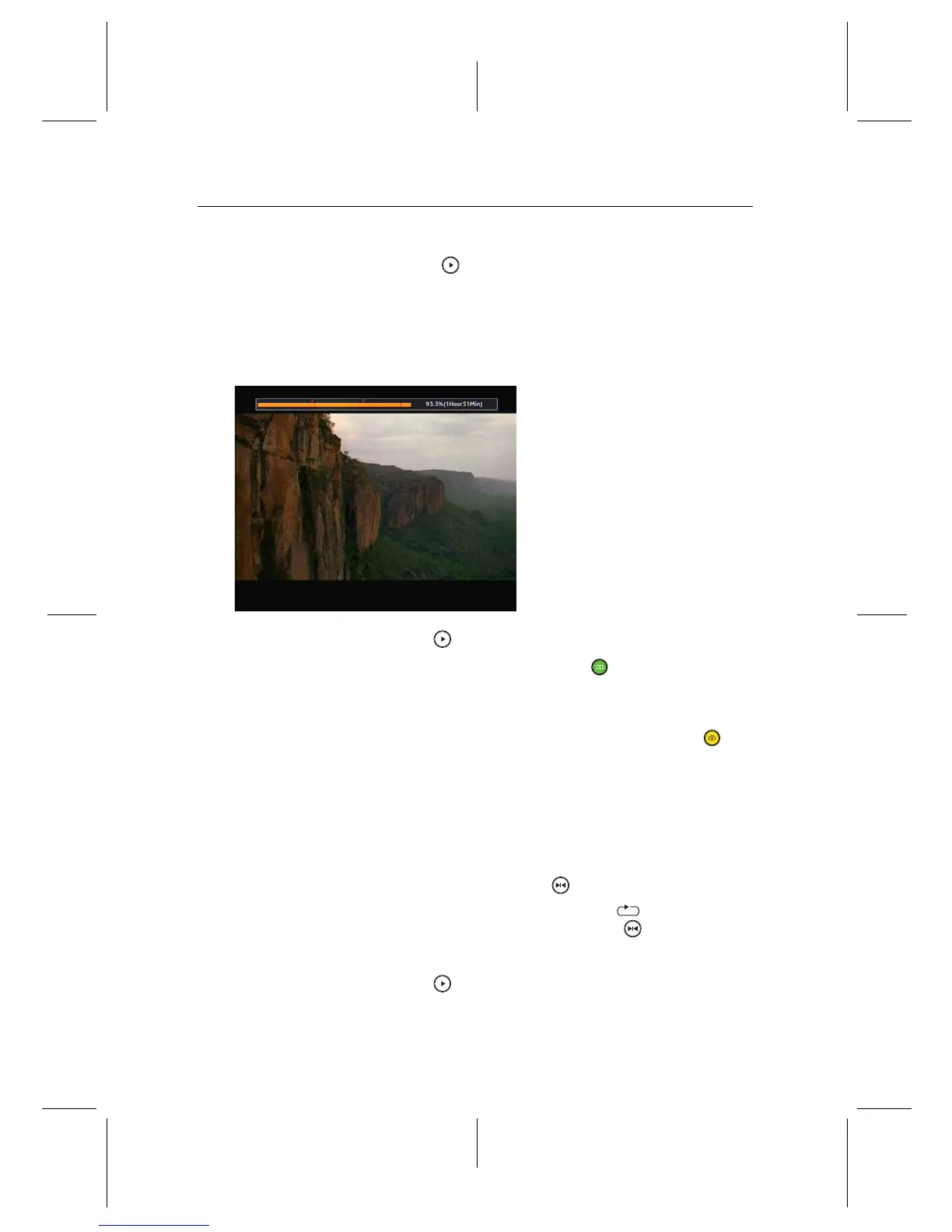
1. Press the button to display the progress bar.
2. To add a bookmark, press the button at a desired
scene, then you will see a small pointer appear above the
progress bar like in the picture above.
3. To jump forward to the next bookmark, press the but-
ton.
7.3.5 To play back a recording repeatedly
You can play back a recording repeatedly both in whole and in
part.
To play back in whole, press the button when the progress
bar is hidden, then the repetition symbol ( ) is displayed on
the information box. To cancel it, press the button again.
To play back in part, take the following steps:
1. Press the button to display the progress bar.


 To Next Page