8
8.4 Playing back a video file 57
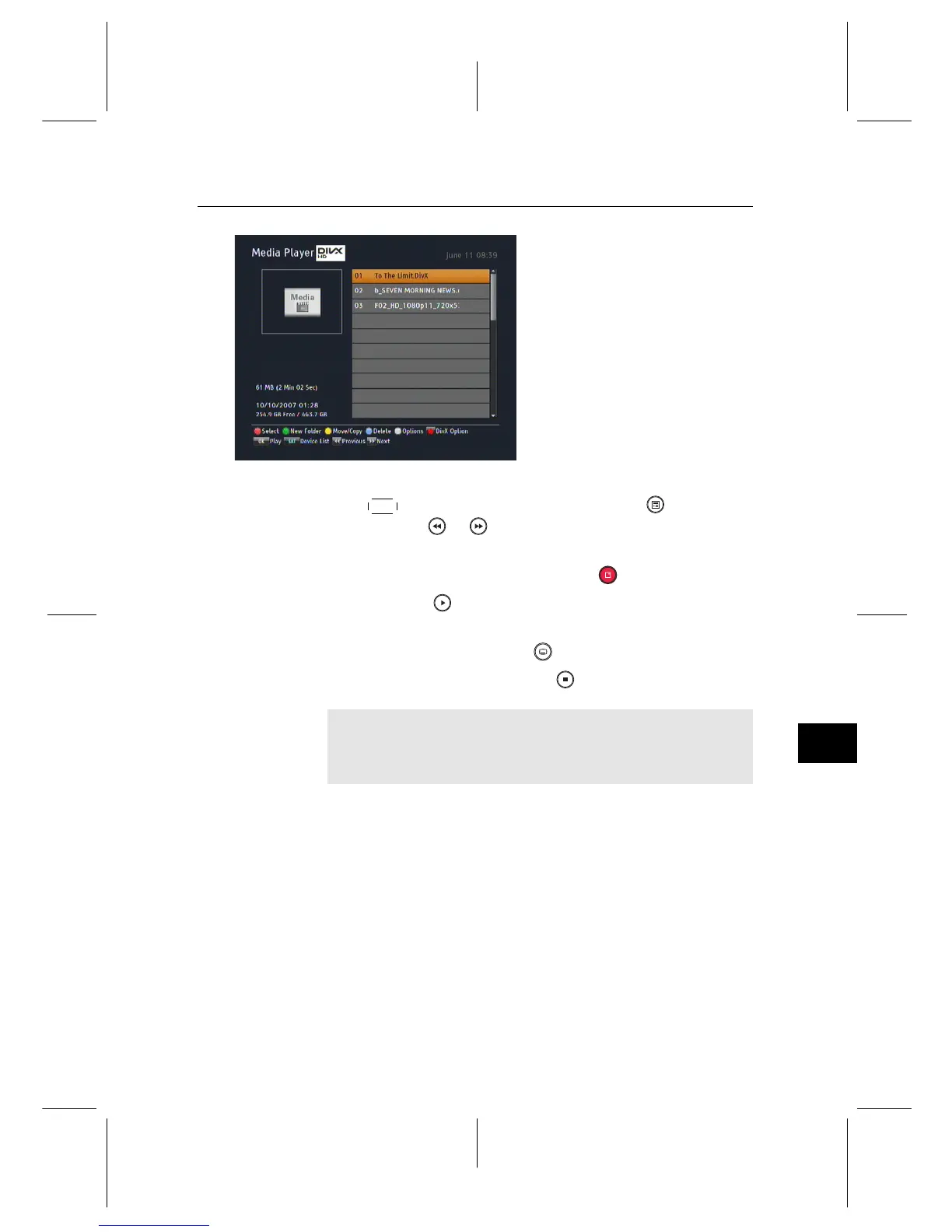
Refer to §8.1 as to how to copy a
file from an external hard drive
into the built-in hard drive of the
digital receiver. To play a video
file, take the following steps:
1. Select the Entertainment > Media Player, then press the
SAT button on the remote or press the button, and
then the or button to display the video file list.
2. Put the highlight bar on a desired file; if you want to play
several files, select them with the button.
3. Press the button to start playback.
4. If it has its own one or more subtitle files, you can select
one you prefer with the button to display subtitle.
5. To stop playback, press the button.
NOTE
This digital receiver supports only version 3.x, 4.x, 5.x, and
6.x of the Divx format.


 To Next Page