Guangzhou Topshine Information Technic Co., LTD
Address: RM 605, #52 SHUI YIN RD, YUE XIU DIST, GUANGZHOU, CHINA
User manual of tracker MT01
-
11
-
Note: GPRS, IP, Port is the default. You must change the APN, Tracker ID;
APN: Access Point Name, if you don't know, please ask SIM operator or search APN in
Google.
Tracker ID: You should change the tracker ID. Tracker ID can be set freely by user but less than
14 digits, such as 20131122001.
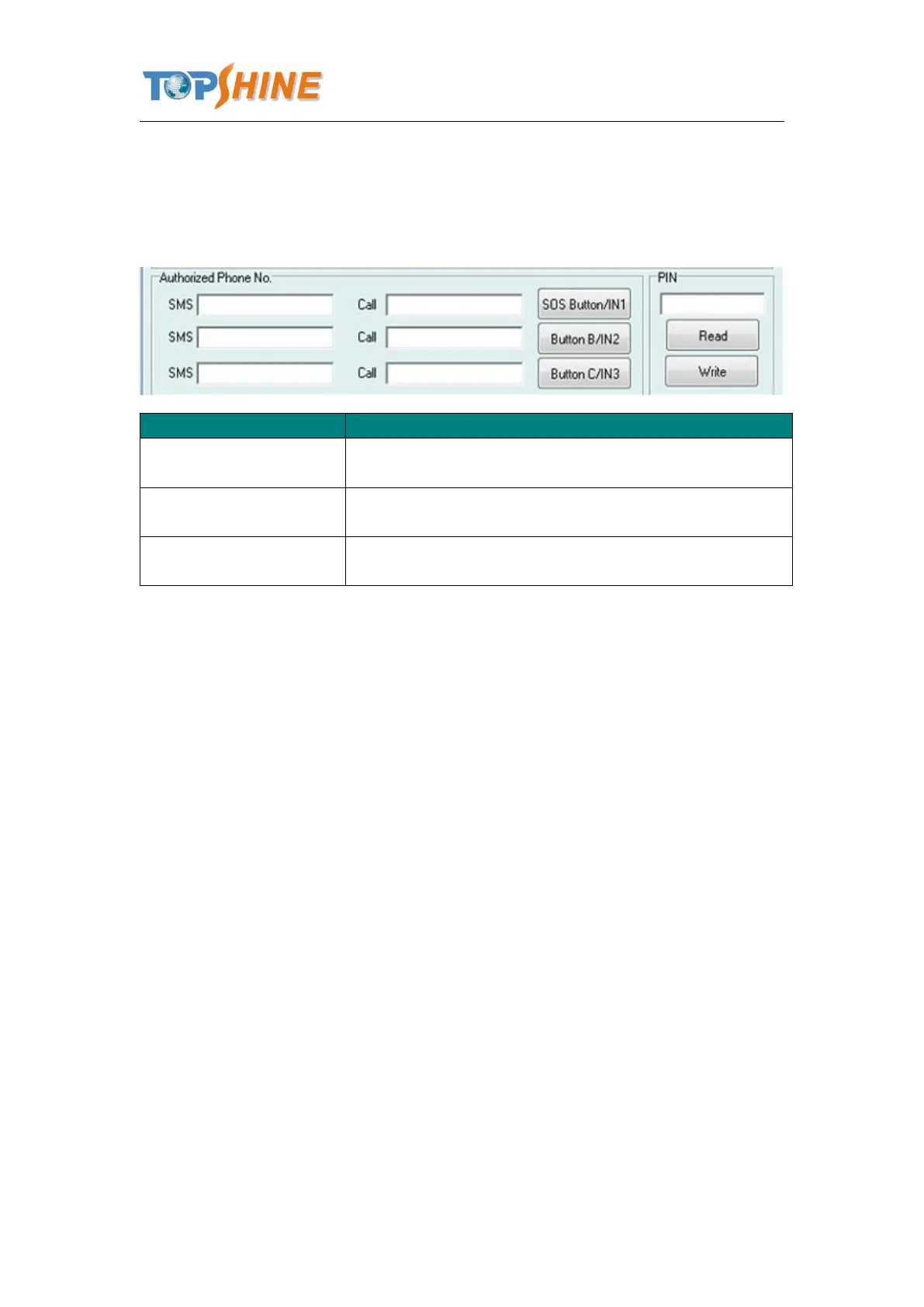
To set Mobile phone No. for SMS or Calling when SOS
button/Input 1 is triggered (alarm), it will call/SMS to this phone
To set Mobile phone No. for SMS or Calling when Button
B/Input 2 is triggered (alarm), it will call/SMS to this phone
To set Mobile phone No. for SMS or Calling when Button
C/Input 3 is triggered (alarm), it will call/SMS to this phone
After write finished, click “Write” button to configure the MT01’s Parameters. It will pop-up a
mini window, as below pictures:



 To Next Page