Guangzhou Topshine Information Technic Co., LTD
Address: RM 605, #52 SHUI YIN RD, YUE XIU DIST, GUANGZHOU, CHINA
User manual of tracker MT01
-
18
-
8.2 Set receiving physical address name via SMS
Description: To know specific address of device, send an SMS and you receive an SMS with its
location physical address name.
Command: W000000,111
Example: SMS send: W000000,111
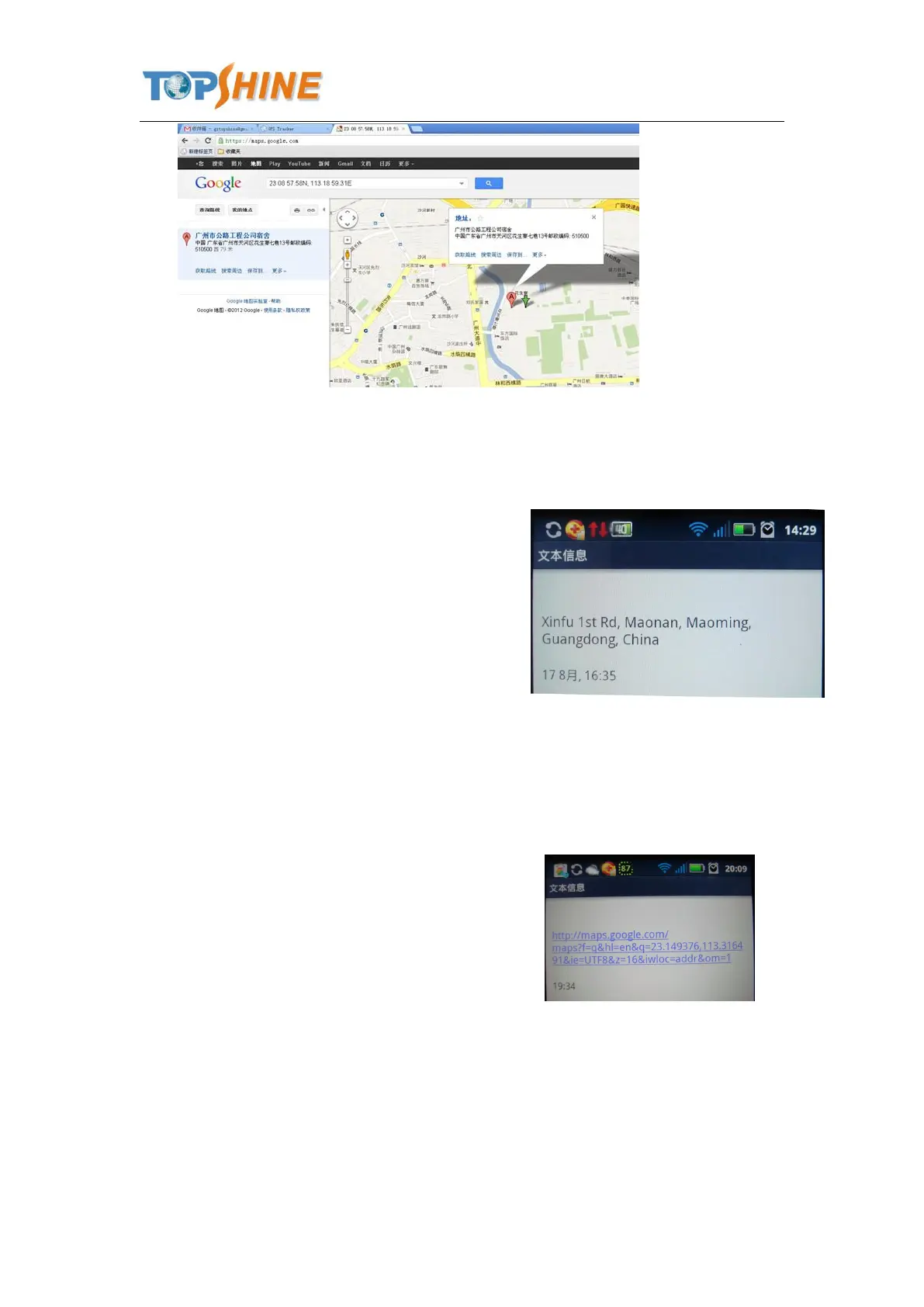
Then you will receive an SMS as below picture:
(Note: This function need support of the
GPRS01 or SMS01 tracking platform, address
SMS will be received in text format.)
8.3 Get Google Map’s Link via SMS
Description: You will get a Google map URL after sent the command, click the URL, then the
location can be shown directly on Google maps on your mobile phone.
Command: W000000,100
For example: Send SMS: W000000,100
Then you will get the SMS as below picture:
Note: By click the link, you can get the location
in Google map from your mobile phone.
8.4 To cut off Engine, immobilize the vehicle
① Command: W000000,020,P,F
Description: P=1, means output1; P=2, means output2 ... P=5, means output5
F=0, to disable this output function; F=1, to enable this output function
SMS send: W000000,020,1,1



 To Next Page