Guangzhou Topshine Information Technic Co., LTD
Address: RM 605, #52 SHUI YIN RD, YUE XIU DIST, GUANGZHOU, CHINA
User manual of tracker MT01
-
17
-
7.5 Install GPS/GSM Antenna
GSM & GPS are built-in antenna, do not need to install.
Note: Do not shield or cover the GPS Antenna with any objects containing metal
Note:
①The default password is 000000, you should change the password when use the device.
Change user’s password: W000000,001,******
(000000 is old password; ******is new password)
② Command Letter must be capitalized.
8.1 Position Report
Description: To know the position of your car, send an SMS or make a telephone call directly to
the device and you will receive an SMS with its location and other information.
Command: W000000,000
For example:
Send SMS: W000000,000
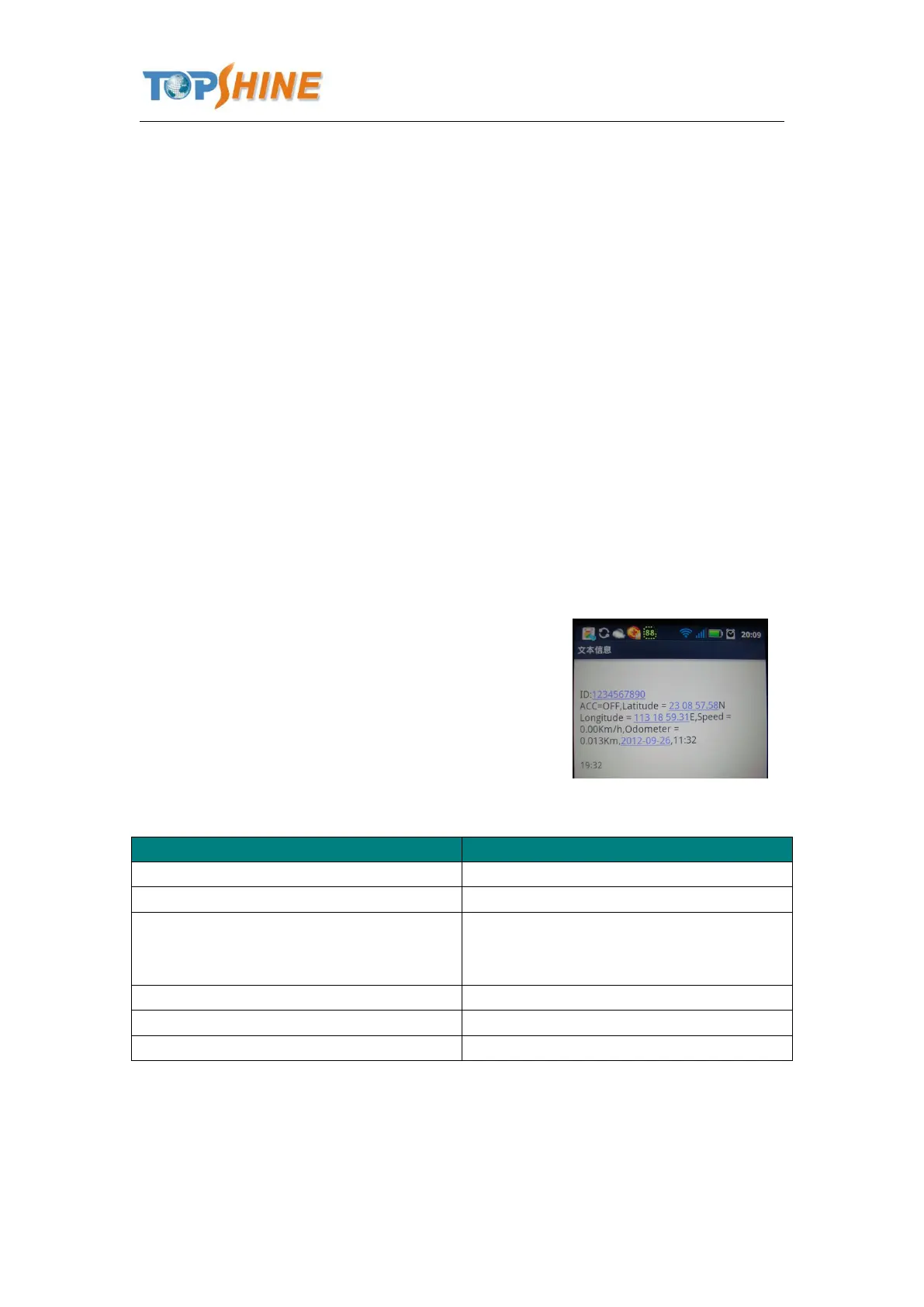
Received SMS as below picture:
Another easier way is call the device’s phone,
After ring for a while hang up the phone, then
You will receive a position SMS by the device.
Latitude=23 08 57.58N, Longitude=113 18
59.31E
Latitude and longitude information, “N” in
latitude means North; “E” in longitude means
East.
You can copy this coordinate get from the SMS into http//:maps.google.com and see its location as
picture:



 To Next Page