Guangzhou Topshine Information Technic Co., LTD
Address: RM 605, #52 SHUI YIN RD, YUE XIU DIST, GUANGZHOU, CHINA
User manual of tracker MT01
-
20
-
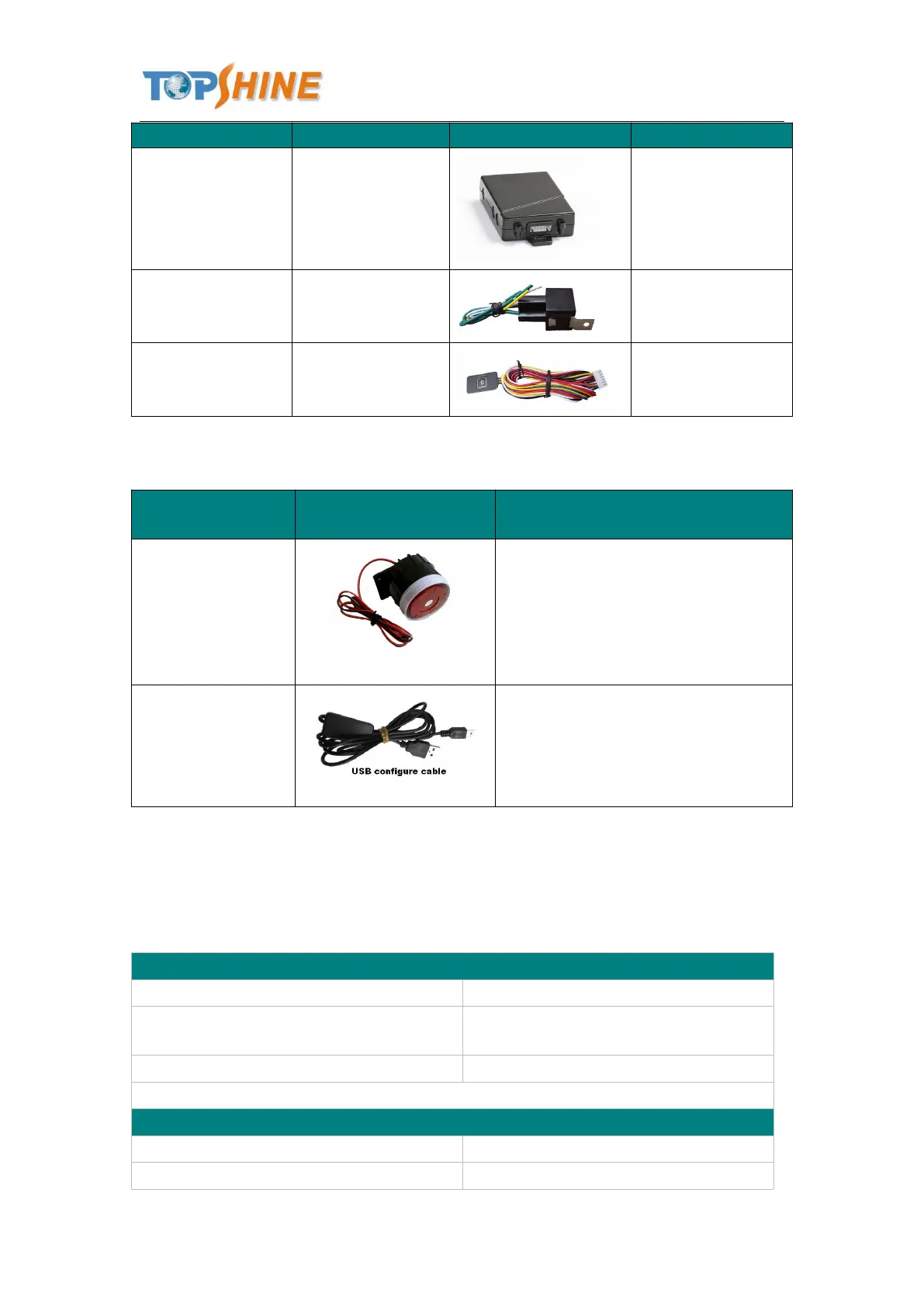
To cut-off/restore the
power/fuel supply
Mainly used to
connect to the vehicle
Configure tracker’s parameter
Upgrading the tracker’s firmware
11.Troubleshooting
Problem: Unit will not turn on
Wiring was not connected properly
Check and make sure wiring connection
is in order.
Problem: Unit will not respond to SMS
GSM antenna was not installed properly
Make MT01 connected to GSM



 To Next Page