2
FEATURES
Daylight saving - Automatic (user selectable)
Leap year - Automatic compensation
Power outage - Permanent schedule retention. Super
capacitor provides 7 days of real time back up.
Manual override - Until the next scheduled event
AM/PM or 24 hour format - user selectable
Multi-Voltage Input: 120 – 277VAC
1.0 CLOCK FORMAT
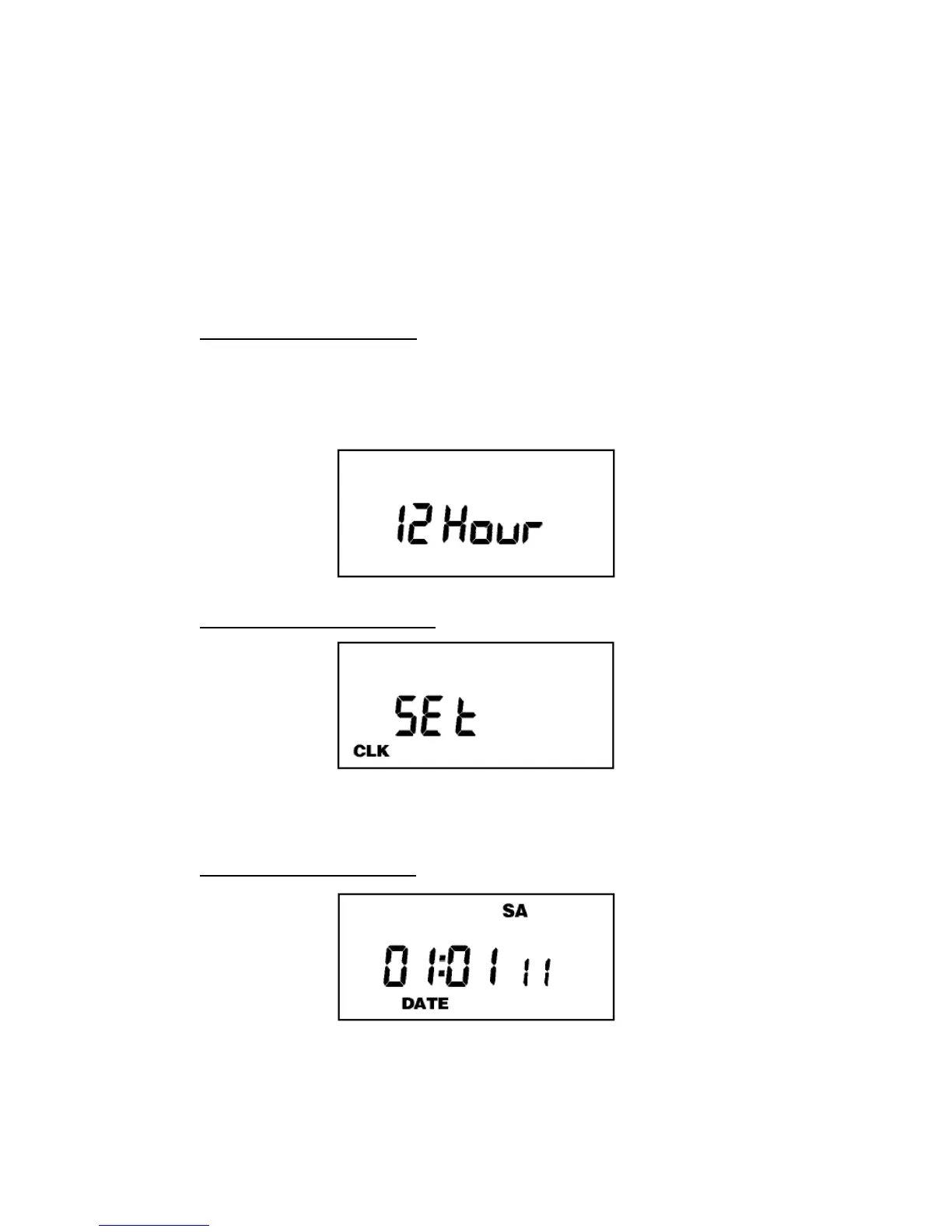
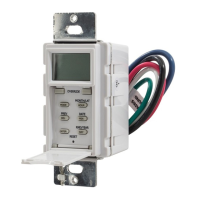
The first time unit is powered up, it will display a
flashing 12 Hour. Use HOUR key to set clock format to
either 12 Hour (AM/PM) or 24 Hour. Press the ENTER
key.
2.0 CLOCK SET MODE
Press HOUR and MIN to advance to the present hour
and minutes. Check AM/PM, and press ENTER.
3.0 DATE SET MODE
Press MONTH, DATE, and YEAR key to advance to
the desired month, date and year, then press ENTER.


 To Next Page