7
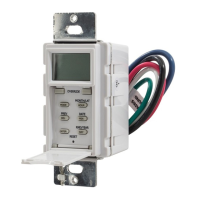
Press ENTER to save.
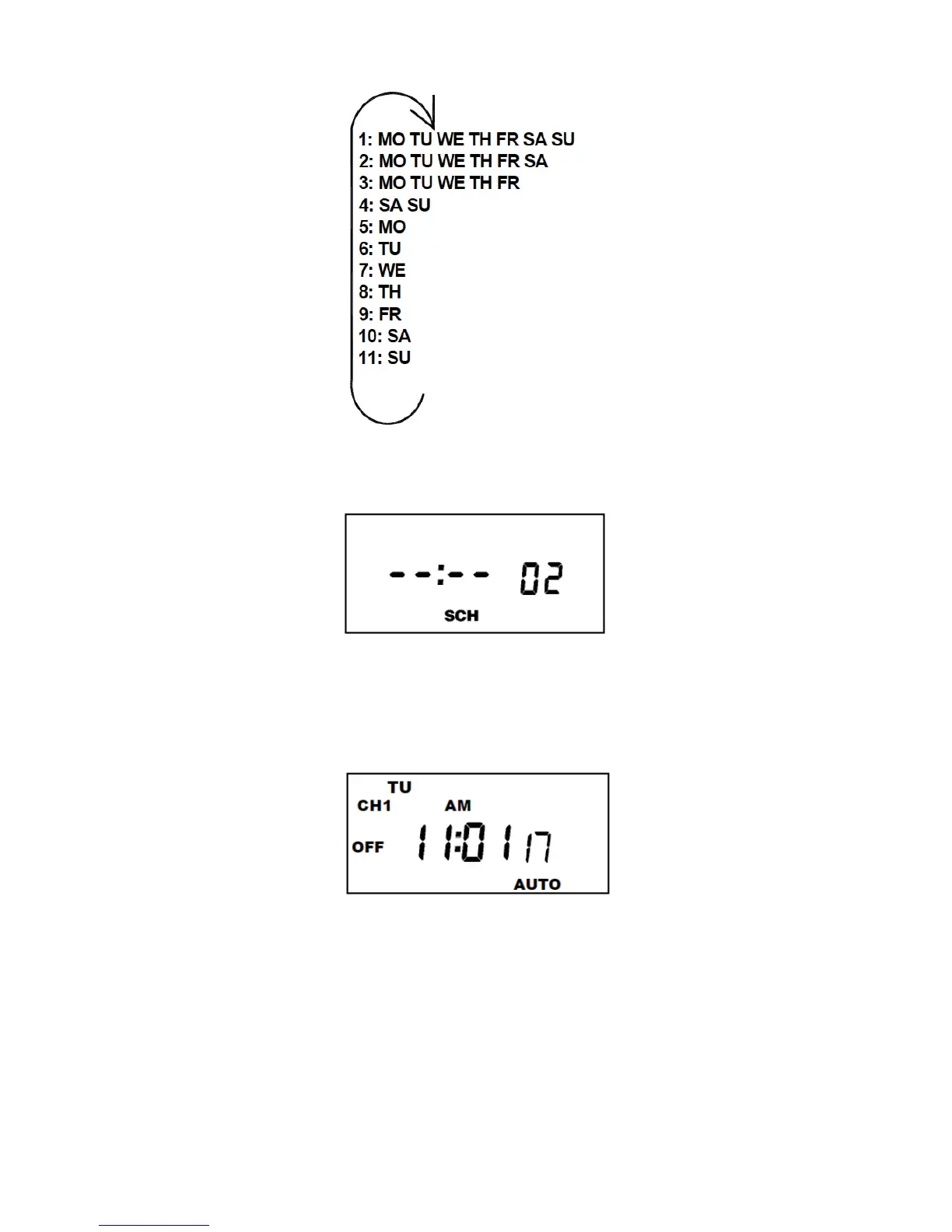
Follow the same procedures above to set more
schedule entries.
Press MODE when schedules are complete.
Unit is in the AUTO (automatic) mode.
The word FLASH may appear to indicate a new
program has been written to memory.
Press the EVENT key once to activate current
schedule then EVENT key again to return to AUTO
mode.


 To Next Page