CH2, simply press the EVENT key again. If there is no
schedule programmed for CH1 or CH2, the display will
show --:--
NOTES:
1. Unit will go to RUN MODE automatically if no key is
pressed for five minutes.
2. Unit has a look back feature. If you have just finished
setting the unit and an output is to be updated, press
the EVENT key. Unit will automatically pick up the last
schedule.
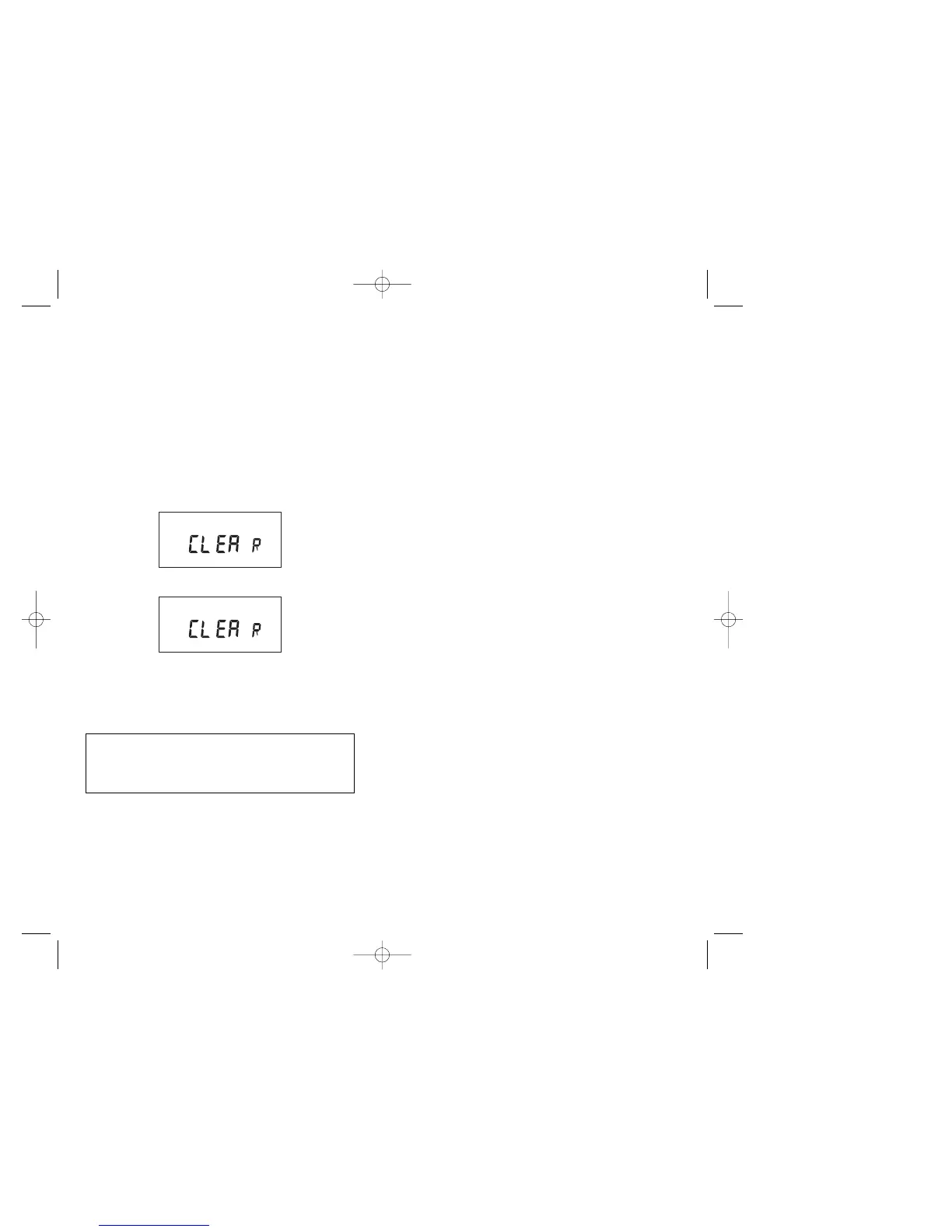
3. Clear all memory. To clear all memory, while in the
RUN mode, press ENTER, display will show:
Use the EVENT key to display:
Now Press ENTER briefly and everything in the timer
memory is wiped off including real time, date and
12HOUR will flash.
8
NOTE: AFTER MAKING ANY CHANGES TO THE
PROGRAM, PRESS MODE TO GO TO RUN MODE
AND THEN PRESS EVENT TO UPDATE THE LOAD
STATUS.
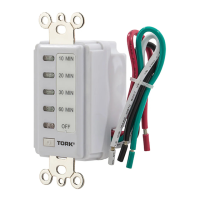
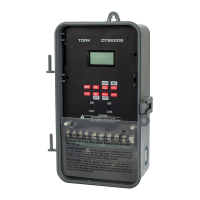
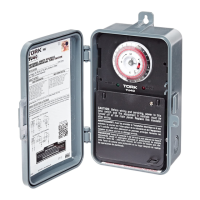
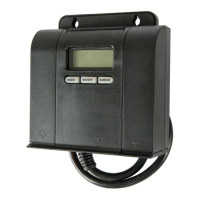
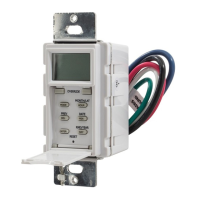
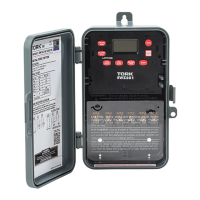
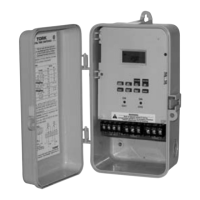
TORK MODEL DW200B
2 CHANNEL DIGITAL TIME SWITCH
CAPABILITIES & FUNCTIONS
CAPABILITIES
365 Day Advance, Single Day Holiday.
ON and OFF setpoints:
- Combined total for both channels – 99 per week
- Minimum setting – 1 minute
Capable of different schedules each day of the week.
FEATURES
Holidays 1 to 24 individual dates.
Daylight Saving Automatic (can be adjusted)
Leap Year Automatic compensation
Display LCD
Manual Override Until the next regular scheduled
ON or OFF. Automatic operation
then resumes.
Clock Format AM/PM or 24 Hour
Look Back Automatically executes the last
command after power failure.
Power Outage Permanent schedule retention for
up to 40 years. Clock maintained
for 4 days on super cap. No battery
needed.
1


 To Next Page