EasyManua.ls Logo

Toro PowerPlex Series - User Manual

Toro PowerPlex Series
20 pages
Print Icon
To Next Page IconTo Next Page
Loading...
FormNo.3424-861RevA
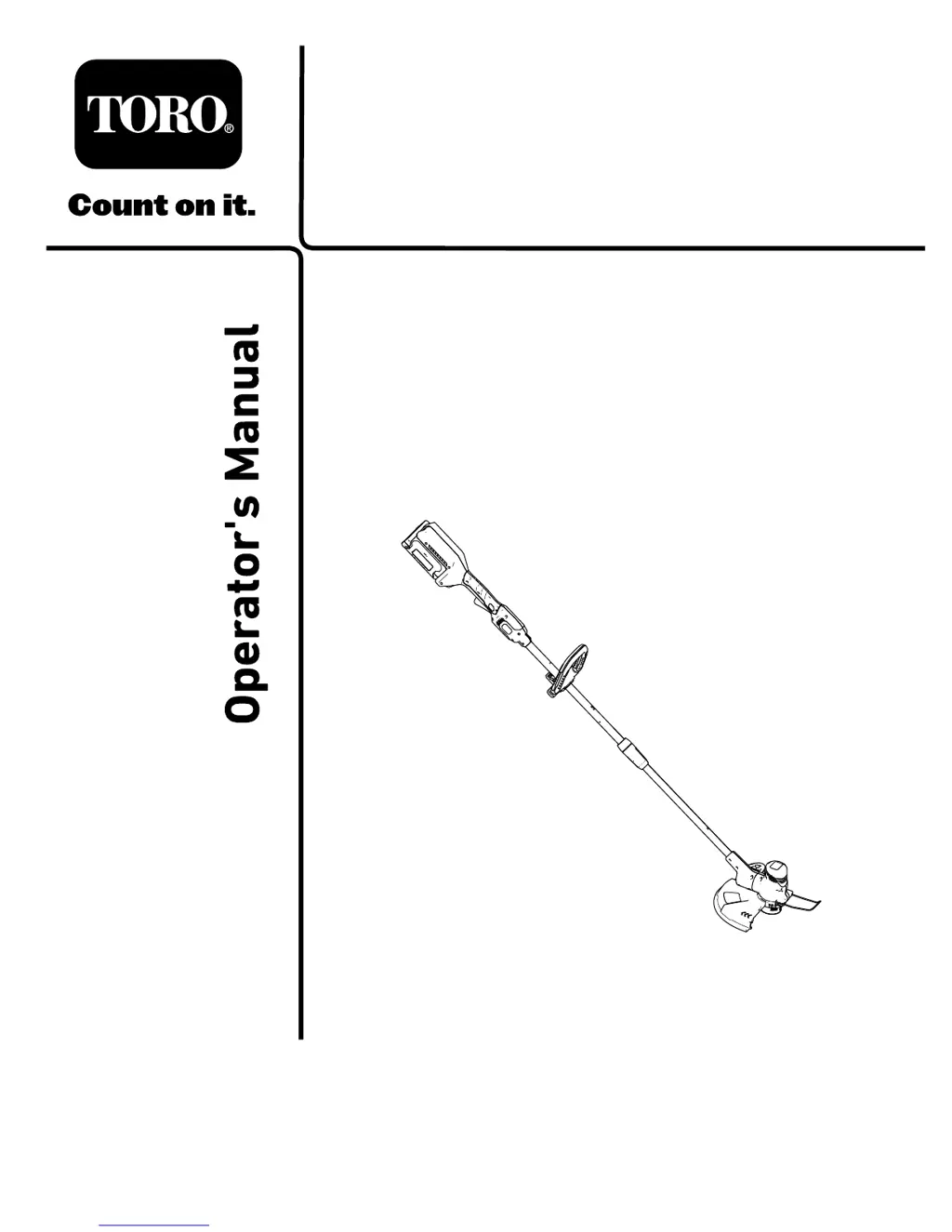
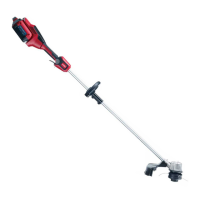
PowerPlex13in40VMAXString
Trimmer/Edger
ModelNo.51481—SerialNo.319000001andUp
ModelNo.51481T—SerialNo.319000001andUp
Registeratwww.Toro.com.
OriginalInstructions(EN)
*3424-861*A

Questions and Answers

  • J
    Jennifer RamirezSep 8, 2025
    Why does the battery pack on my Toro Blower lose charge quickly?
    • J
      Justin JordanSep 8, 2025
      The battery pack on your Toro Blower might be losing charge quickly if it's outside the correct temperature range. Move it to a dry place where the temperature is between 0°C (32°F) and 40°C (104°F).
  • C
    chenrySep 7, 2025
    What does it mean if 1 LED indicator is blinking on the battery pack of my Toro Trimmer?
    • B
      Belinda TrujilloSep 7, 2025
      If 1 LED indicator is blinking on the battery pack of your Toro Trimmer, it means the battery pack voltage is low. Place the battery pack on the charger.
  • C
    chadryanAug 22, 2025
    Why my Toro PowerPlex does not start?
    • J
      jacobsamyAug 22, 2025
      If your Toro Trimmer isn't starting, there are several potential reasons: * The battery might not be fully installed. Ensure it's properly inserted and latched. * The battery pack may need charging. Remove it and charge it fully. * The battery pack could be damaged, requiring a replacement. * There might be an electrical problem with the tool. In this case, it is recommended to contact an Authorized Service Dealer.
  • S
    Stacy RodriguezSep 4, 2025
    Why are 2 LED indicators blinking on the battery pack after releasing the trigger of my Toro PowerPlex Trimmer?
    • A
      andreabaileySep 4, 2025
      If 2 LED indicators are blinking on the battery pack of your Toro Trimmer after releasing the trigger, it indicates a voltage difference between cells in the battery pack. Place the battery on the charger until it is fully charged.
  • T
    Terrence JohnsonSep 3, 2025
    Why are 2 LED indicators blinking on the battery pack after I press the battery-charge-indicator button on my Toro PowerPlex?
    • J
      Jennifer DavisSep 3, 2025
      If 2 LED indicators are blinking on the battery pack of your Toro Trimmer after pressing the battery-charge-indicator button, it indicates a voltage difference between cells in the battery pack. Place the battery on the charger until it is fully charged.
  • D
    Darrell GouldSep 1, 2025
    What to do if my Toro PowerPlex Trimmer battery charger is not working?
    • D
      David BarrettSep 2, 2025
      If your Toro Trimmer's battery charger isn't working, consider these possibilities: * The charger's temperature may be outside the recommended range. Unplug it and move it to a dry place where the temperature is between 0°C (32°F) and 40°C (104°F). * The outlet may not be providing power. Contact a licensed electrician to repair the outlet.
  • M
    michellefordAug 31, 2025
    What does it mean if all 4 LED indicators are blinking on the battery pack after I press the battery-charge-indicator button on my Toro Trimmer?
    • H
      heather20Aug 31, 2025
      If all 4 LED indicators are blinking on the battery pack of your Toro Trimmer after pressing the battery-charge-indicator button, the battery pack is outside the correct temperature range. Move it to a dry place where the temperature is between 0°C (32°F) and 40°C (104°F).
  • K
    kristen32Aug 30, 2025
    What to do if all 4 LED indicators are blinking on the battery pack after releasing the trigger of my Toro PowerPlex Trimmer?
    • F
      Franklin TurnerAug 30, 2025
      If all 4 LED indicators are blinking on the battery pack after releasing the trigger on your Toro Trimmer, it indicates that the battery pack is either too hot or too cold. Move the battery pack to a dry location where the temperature is between 0°C (32°F) and 40°C (104°F).
  • M
    millsaaronAug 29, 2025
    Why does the battery pack lose charge quickly in my Toro Trimmer?
    • J
      Janet LunaAug 29, 2025
      If your Toro Trimmer's battery pack is losing charge quickly, it might be due to the battery pack being outside the recommended temperature range. Move the battery pack to a dry place where the temperature is between 0°C (32°F) and 40°C (104°F).
  • R
    Ryan CantrellAug 27, 2025
    Why my Toro PowerPlex Trimmer does not reach full power?
    • M
      Matthew CrossAug 27, 2025
      If your Toro Trimmer isn't reaching full power, it could be due to: * Low battery charge. Remove the battery pack and fully charge it. * Blocked air vents. Clean the air vents to ensure proper airflow.

Summary

Introduction

Safety

Work Area Safety

Keep the work area clean and well lit. Avoid dangerous environments and wet locations.

Personal Safety

Stay alert, use PPE, prevent unintentional starting, do not overreach, dress properly, keep hands and feet away from cutting area.

Power Tool Use and Care

Do not force the tool, use it correctly, remove battery before adjustments, store properly, maintain tools.

Service

Have power tool serviced by a qualified repair person using only identical replacement parts.

Battery Safety

Do not charge or use appliance in rain. Use only specified battery types. Handle batteries with care.

Safety and Instructional Decals

Setup

Mounting the Battery Charger (Optional)

Procedure to securely mount the battery charger on a wall using wall-mount key holes.

Unfolding the Handle

Procedure to unfold and assemble the trimmer handle to the desired height.

Installing the Auxiliary Handle

Procedure to align and snap the auxiliary handle onto the trimmer handle.

Installing the Guard

Procedure to remove screws, slide guard onto trimmer base, and secure with screws.

Installing the Edge Guard

Procedure to spread wire edge guard ends and insert them into trimmer housing holes.

Product Overview

Specifications

Appropriate temperature ranges for charging, using, and storing the product.

Operation

Starting the Trimmer

Ensure vents are clear, align battery cavity with tongue, push battery pack until latched, press lockout button, squeeze trigger.

Shutting Off the Trimmer

To shut off the trimmer, release the trigger. Remove battery pack when not using or transporting.

Removing the Battery Pack from the Trimmer

Press the battery latch to release the battery pack and slide it out of the machine.

Charging the Battery Pack

Charge battery within temperature range. Ensure vents are clear, align cavity, slide pack into charger.

Advancing the Line

Auto-feed: release trigger, wait, press lockout, squeeze trigger. Manual feed described later.

Advancing the Line Manually

Remove battery, push button at spool retainer base, pull trimmer line to advance.

Adjusting the Handle Height

Loosen connector, slide shaft to desired position, tighten connector. Do not slide upper shaft over vents.

Adjusting the Auxiliary Handle

Release latch, slide handle up/down, close latch to secure. Do not remove rubber bumper.

Trimming

Illustration of proper trimming technique, showing tool angle and cutting path.

Edging

Maintenance

Replacing the Spool

Procedure to remove the spool retaining cover, replace spool, and thread string into the eyelet.

Replacing the String

Procedure to replace the string, wind it onto the spool, and secure it.

Storage

Store tool, battery, and charger in appropriate temperatures, out of reach of children and away from corrosive agents.

Preparing the Battery Pack for Recycling

Cover terminals with tape, do not disassemble. Recycle or dispose of at a facility.

Troubleshooting

California Proposition 65 Warning Information

Toro PowerPlex Series Specifications

General IconGeneral
BrandToro
ModelPowerPlex Series
CategoryTrimmer
LanguageEnglish

Related product manuals