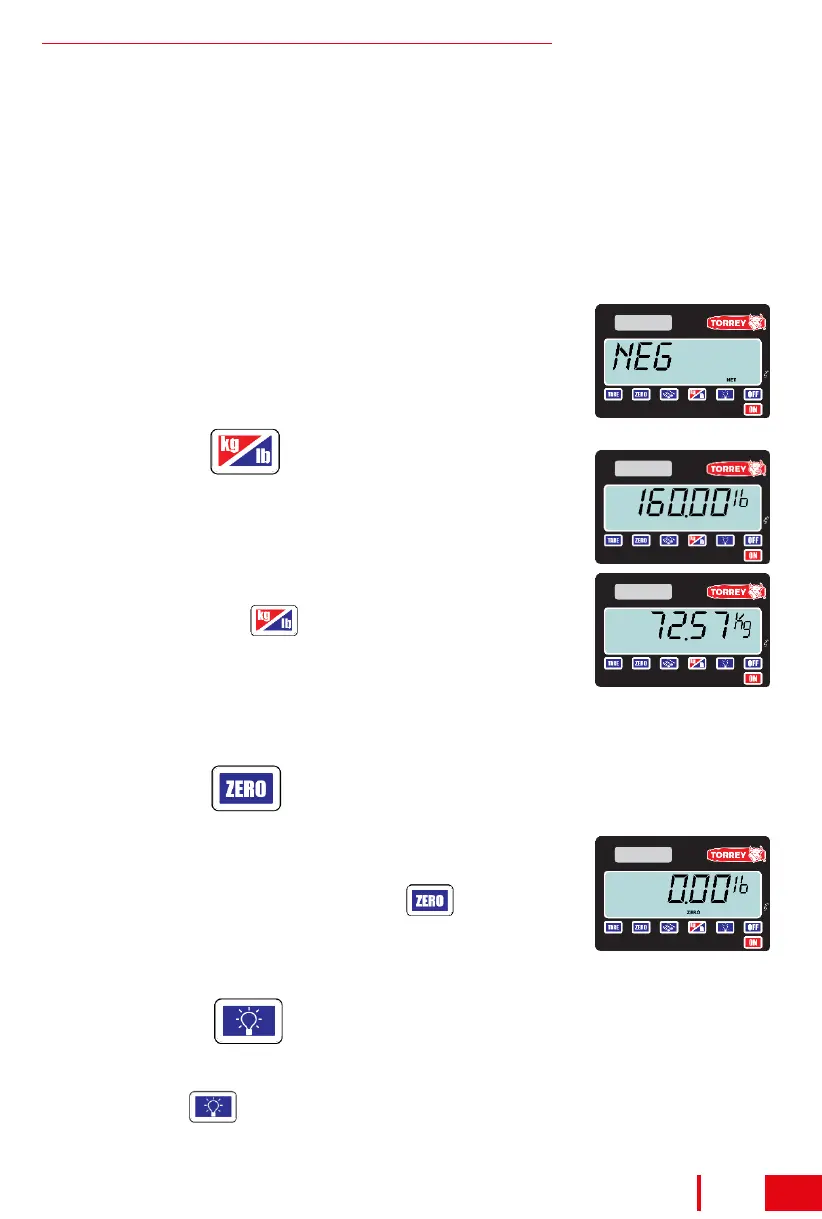
It is possible for the scale to show a number in the view
finder without having any product on the plate due to
voltage variations, rough handling or some other factor.
when this happens, simply press the key and the
view finder will return to “zero”. the indicator “zero” will
appear in the view finder. this operation is commonly
known as resetting to zero.
The following observations are specially important:
a) When there is no weight on the scale (container) you can not activate
the “TARE” function.
b) When a container is “tared”, but when you remove it from the plate and
you remove a larger weight than the container (grease, remaining of
product, etc.) or when the plate is slightly lifted the message “NEG”
(negative) will appear.
When this happens :
a) Release the plate if you are holding it.
b) If the alarm continues, turn off the scale and turn
it on again.
If the scale is in the “lb” mode and you put on the
scale a product that weights 160 pounds you will see
the following in the view finder:
But if you press the key the scale will change to
“kg” mode and you will see the following in the view
finder.
When you do not have enough light you can use the backlight to improve
the readability of the data on display. to turn on and turn off the backlight
just press the key.
How to use
Note: If you turn off the scale and it was in the “kg” mode, and you turn on
the scale again it will return in the “kg” mode.
How to use
How to use
9
Shipping / receiving scale



 To Next Page