Page 5
TO PRINT A LABEL (contd):
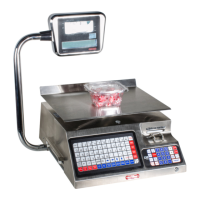
1). Place a product on the platter. Enter in the price. Press PRINT.
A label should dispense with printed information such as weight, date, total sale,
etc.
NOTE: The printer will not print a label if no price is entered, no weight is on the
platter or negative weight is displayed on the indicator. Repeat steps on page 5 if no
label comes out.
**CONGRADULATIONS!!** You have just printed your first label.



 To Next Page