Page 6
SETTING UP THE NETWORK
(Skip this part if not using a computer)
____________________________
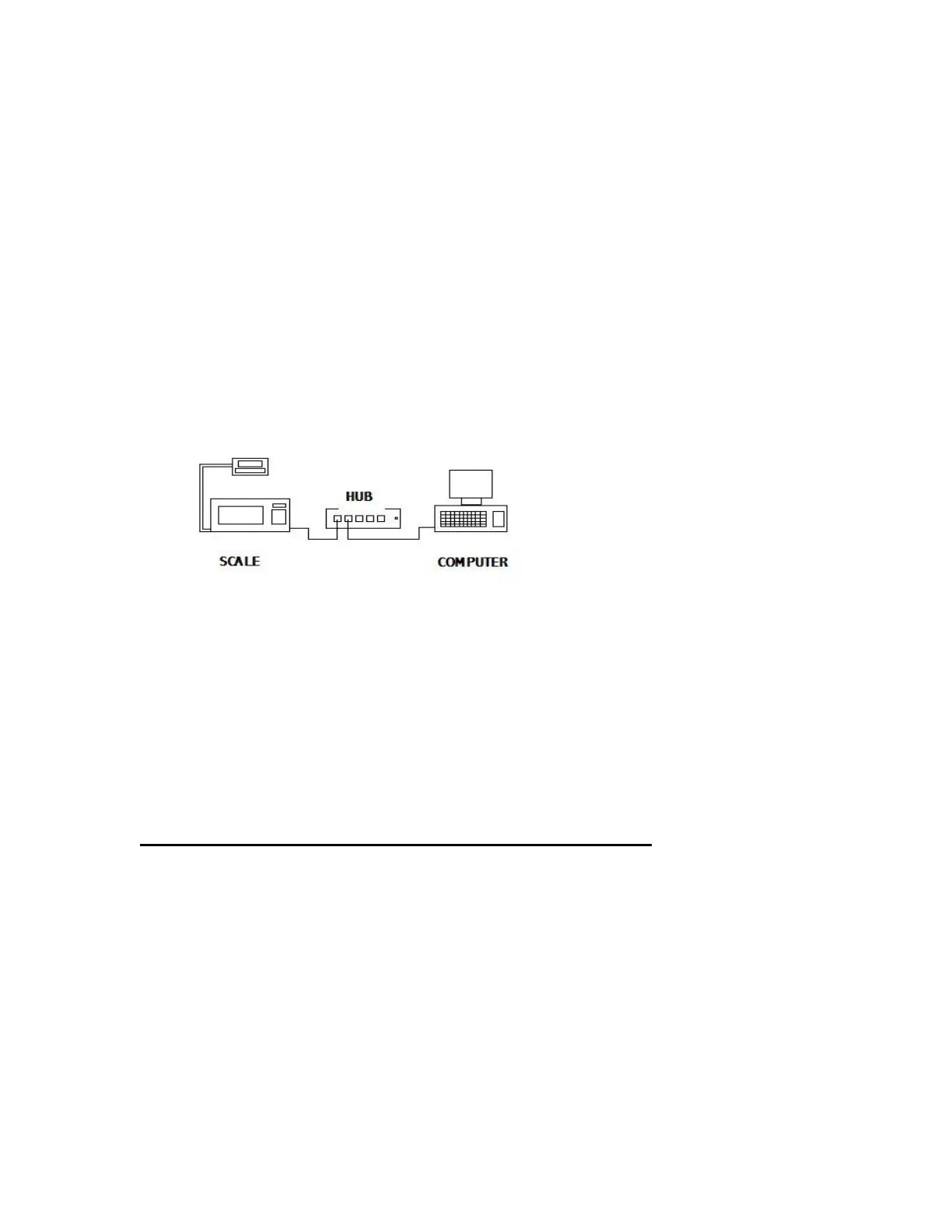
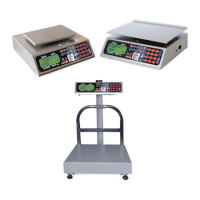
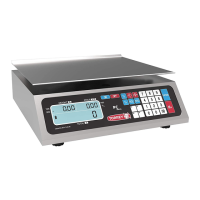
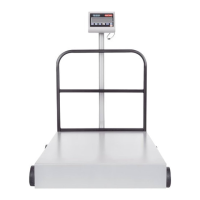
1). Connect up the equipment as shown in the drawing below.
2). Place the Scalenet (LSQ-40L) software CD in your drive. The auto install should
begin automatically. Complete the installation as instructed.
NOTE: This software is intended to run on a Windows XP operating system with
SP2 (Service Pack 2) installed only.
CONFIGURING YOUR NETWORK ON YOUR COMPUTER:
1). Click on START, then NETWORK CONNECTIONS.
2). Click on LOCAL AREA NETWORK.
3). Click on PROPERTIES.
4). Scroll down on window and click ONCE on INTERNET PROTOCAL TCP/IP.
5). Click on PROPERTIES.
6). Click on MANUALLY ENTER IP ADDRESS.



 To Next Page