5
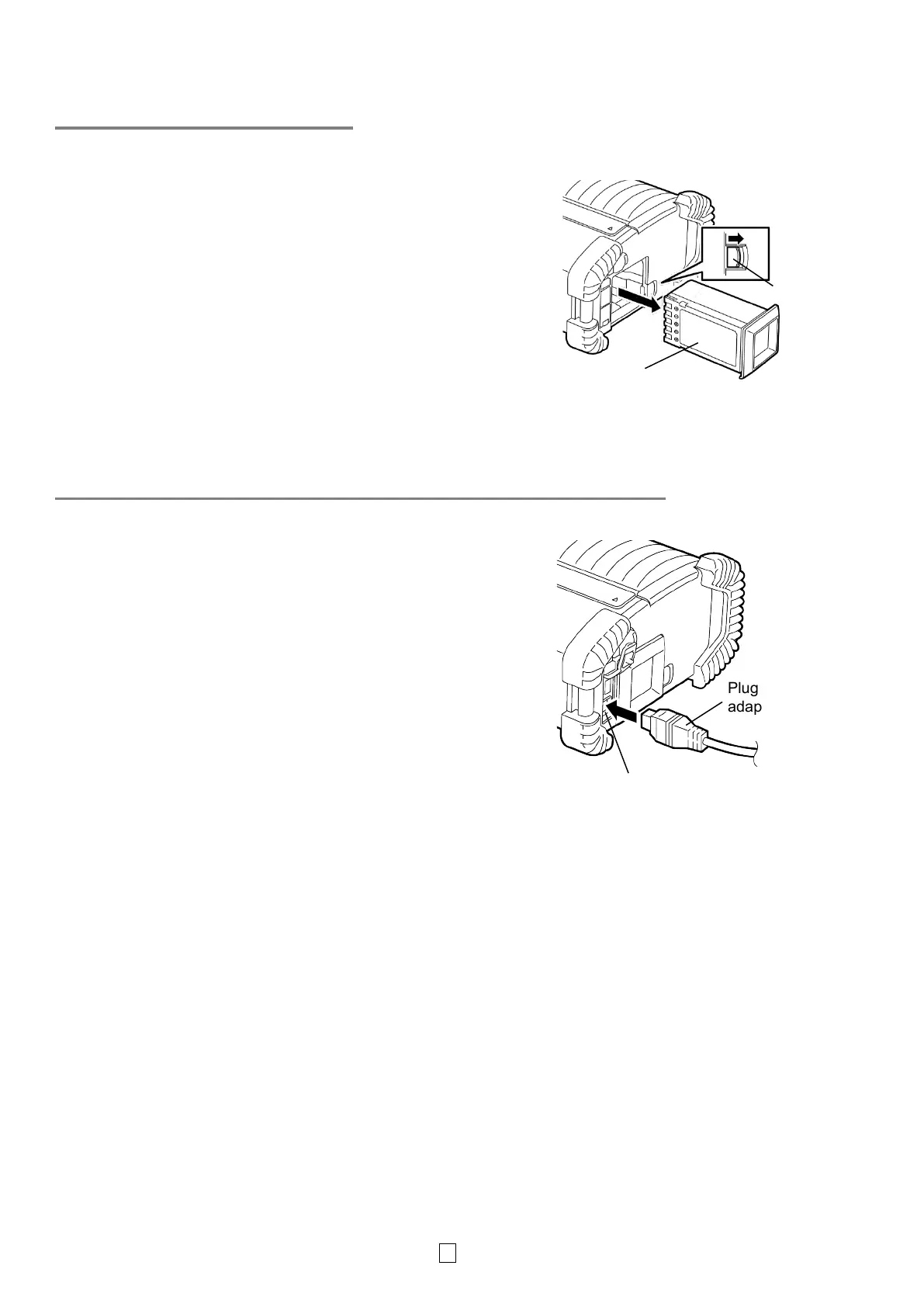
Removing a Battery Pack
Slide the battery lever in the direction of the arrow,
and remove the battery pack from the printer.
Charging the Battery Pack with an Optional Adapter
When charging the battery pack in the printer using
an optional AC adapter, insert the plug of the adapter
into the DCIN connector of the printer.
NOTE:
For details, please refer to the Owner’s Manual of
respective optional adapters.
When using an optional battery charger to charge the
battery packs, refer to the Owner’s Manual of the
respective models of battery charger.
Even if the ambient temperature is within the
operating temperature, the battery pack may not be
charged for safety depending on the temperature of
pack
lever
connector
dapter



 To Next Page
 Loading...









