26
EN
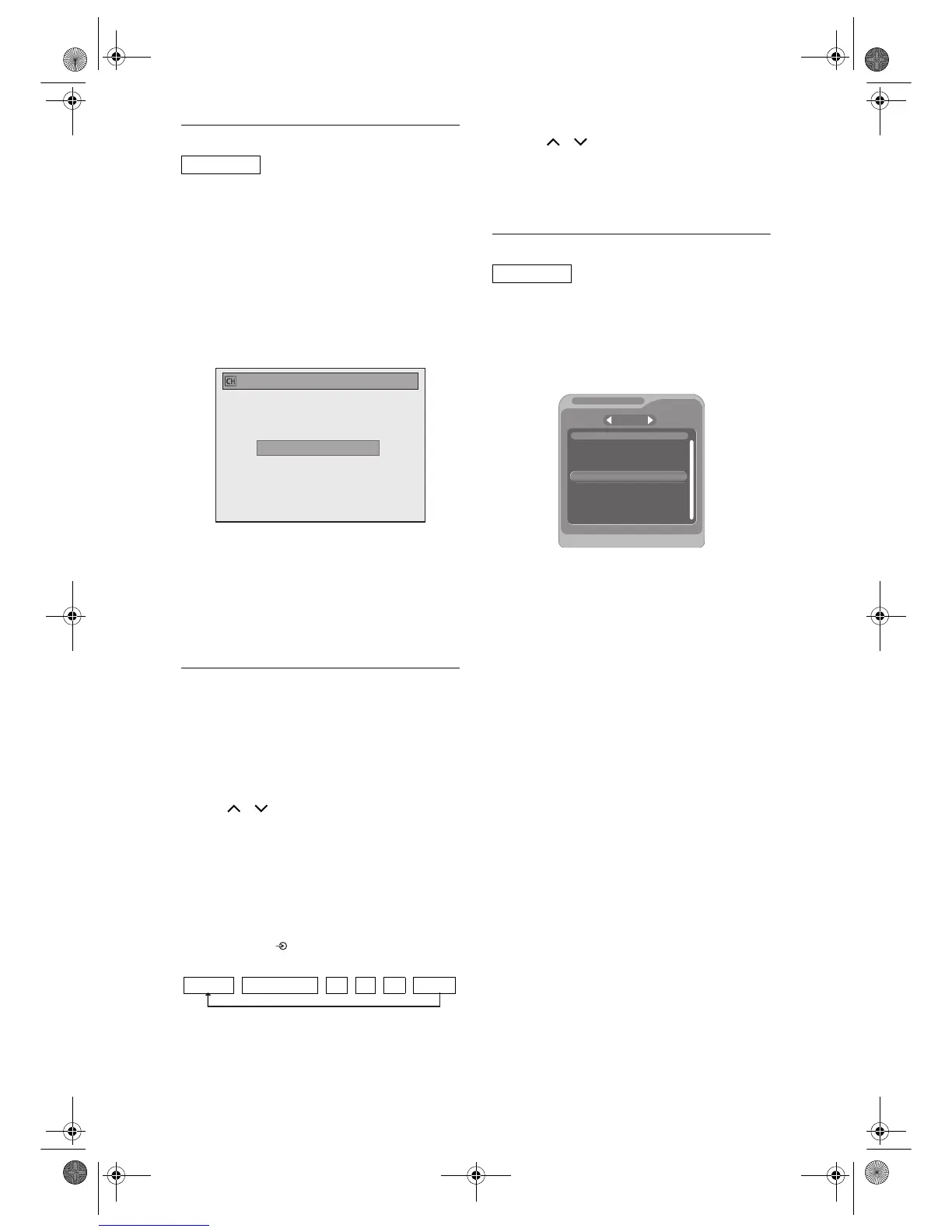
Manual Tuning (DVB)
You can preset a DVB channel manually and
individually.
1 Follow steps 1 to 3 in “Auto Tuning
(DVB)” on page 25.
2 Select “Manual Tuning” using
[U / D], then press [ENTER / OK].
3 Select your desired position number
using [U / D], then press
[ENTER / OK].
• The tuner will begin to search up or down
automatically. When a DVB channel is found,
the unit will stop searching.
• When “Auto” is selected the unit will search for
the channels which have not been stored in
channels memory.
4 Press [SETUP] to activate the
setting.
Select a Channel
You can select a channel using
[the Number buttons].
e.g.) 6 ch: Press [6], then wait for 2 seconds or
press [0],[0],[6].
15 ch: Press [1],[5], then wait for 2 seconds or
press [0],[1],[5].
You can also select a channel using
[PROG. / ] .
• You can only select channels 1 to 999.
• Analogue channels will be stored in channel 901-
999 and DVB channels will be stored in channel 1-
900 after it is scanned by this unit.
To switch DVB, analogue and external input (AV1/
AV2/AV3/DV(AV4)) mode.
You can switch between DVB, analogue and external
input (AV1/AV2/AV3/DV(AV4)) mode by pressing
[INPUT SELECT ] repeatedly. The mode changes
as follows:
• You can also switch the mode by using
[PROG. / ].
• You can select any DVB channels using
[the Number buttons] when you are in analogue or
external input (AV1/AV2/AV3/DV(AV4)) mode.
• You can select any analogue channels using
[the Number buttons] when you are in DVB mode.
Quick Select
With “Quick select” menu, you can select your
favourite DVB channel quickly. Refer to “Edit Group
Lists” on page 27.
1 Press [ENTER / OK] while watching a
DVB channel.
• “Quick select” menu will appear.
2 Press [L / P] to select your favourite
group list. (“All”, “Group1” -
“Group8”)
• “All” shows a list of all the memorised DVB
channels.
• If the favourite group does not have any
channels, the group will be skipped.
3 Select the DVB channel you want to
watch using [U / D], then press
[ENTER / OK].
4 Press [RETURN / BACK] to exit.
DVB
Manual Tuning (DVB)
Channel Auto
DVB mode Analogue mode AV1 AV2 AV3 DV(AV4)
DVB
S. No. Channel name
Moving picture 576i
ITV1
ITV2
ITV3
Channel
E4
More 4
Quick select
All
1
2
3
4
5
6
7
E9NG1BD_EN.book Page 26 Monday, April 7, 2008 5:54 PM



 To Next Page
 Loading...









