62
EN
4 Select the desired zoom position
using [U / D / L / P], then press
[ENTER / OK].
Zoom playback will start.
Hint
• To cancel the zoom function, select “x1.0” using
[U / D], then press [ENTER / OK].
Note
• If selecting a smaller factor than that currently
selected, the zoom area is not displayed.
• You cannot slide the zoomed picture on some JPEG
files.
Marker Setup
You can assign a specific point on a disc to return
later.
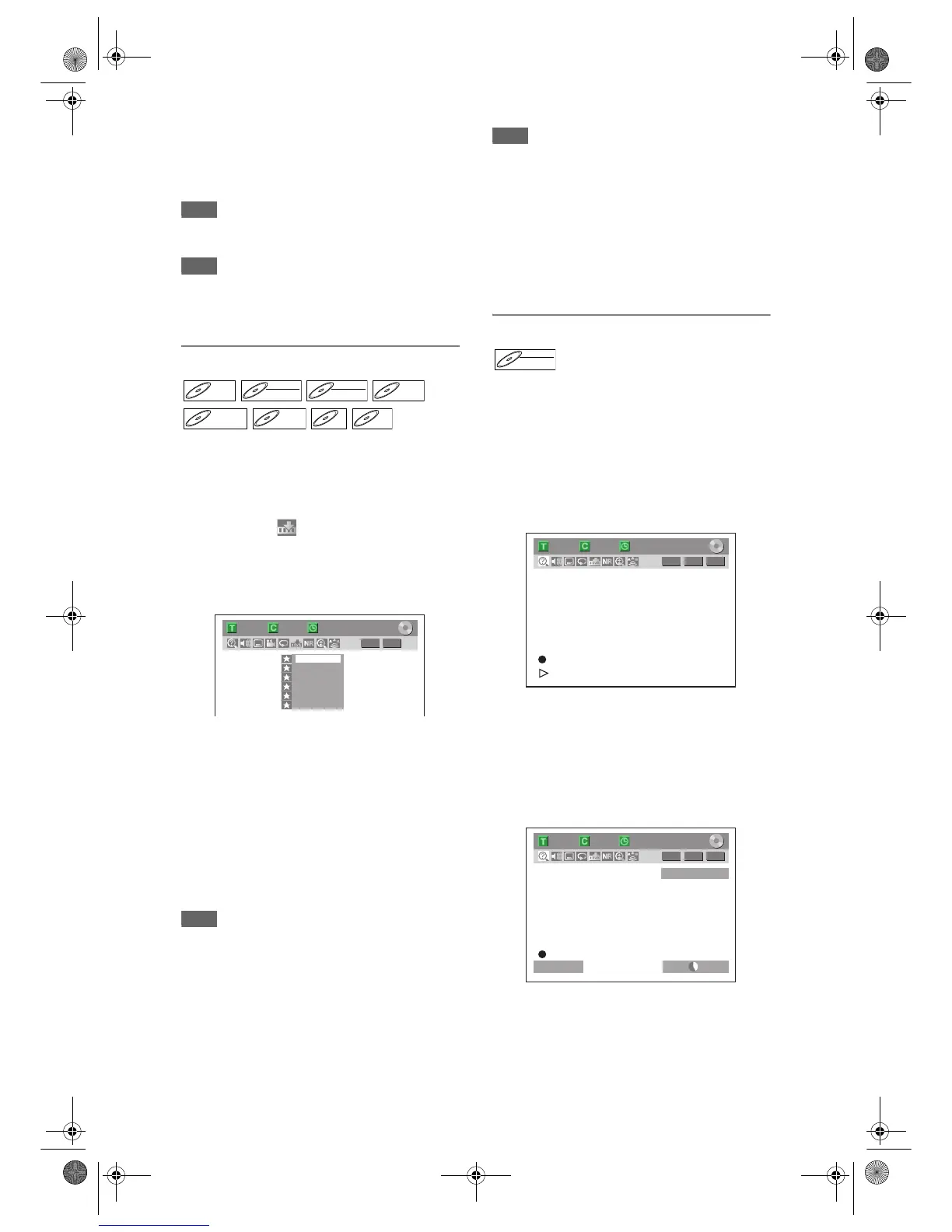
1 During playback, press [DISPLAY].
2 Select the icon using [L / P],
then press [ENTER / OK] within 1
second, or wait for 1 second to
display the marker list.
e.g.) Marker setup menu for DVD-Video
3 Select the desired marker number
using [U / D]. When the disc
reaches the desired point, press
[ENTER / OK].
The title (track) number and the time are
displayed.
4 To return to the marker, select the
desired marker number using
[U / D], then press [ENTER / OK].
Hint
• To clear a marker, select the marker number you
want to clear, then press [CLEAR].
• You can mark up to 6 points.
Note
• All markers are erased when you perform the
following operations.
- Opening the disc tray.
- Turning off the power.
- Making additional recording on the disc.
(DVD only)
- Editing any title. (DVD only)
- Changing the mode between Original and Playlist.
(VR mode DVD-RW disc only)
• Marker setting is not available when you play back
the Video CD with PBC function.
Chasing Playback during Recording
You can play back a title being recorded from the
beginning while recording continues. This function
works from 1 minute after the start of the recording.
Make sure to use a DVD-RW disc in VR mode, and
the recording mode is set to LP, EP or SLP.
1 Press [PLAY B] during recording.
Playback will start from the beginning of the
programme that you are currently recording.
Screen for the current playback:
If you play the fast forward playback and the
playback reaches the scene recorded 1 minute
before, the forwarding playback will automatically
return to the normal playback.
2 To stop the playback, press [STOP C]
once.
The resume message will appear.
Screen for the current recording:
To stop recording, press [STOP
C] again.
To cancel the resume, press [STOP
C] again.
DVD-VDVD-V DVD-RWDVD-RW
Video
DVD-RWDVD-RW
VR
DVD-RDVD-R
D



 To Next Page
 Loading...









