6 Preface
To read manuals in PDF (Portable Document Format) files
Viewing and printing this operator’s manual in PDF files require that you install Adobe Reader or
Adobe Acrobat Reader on your PC. If Adobe Reader or Adobe Acrobat Reader is not installed
on your PC, download and install it from the website of Adobe Systems Incorporated.
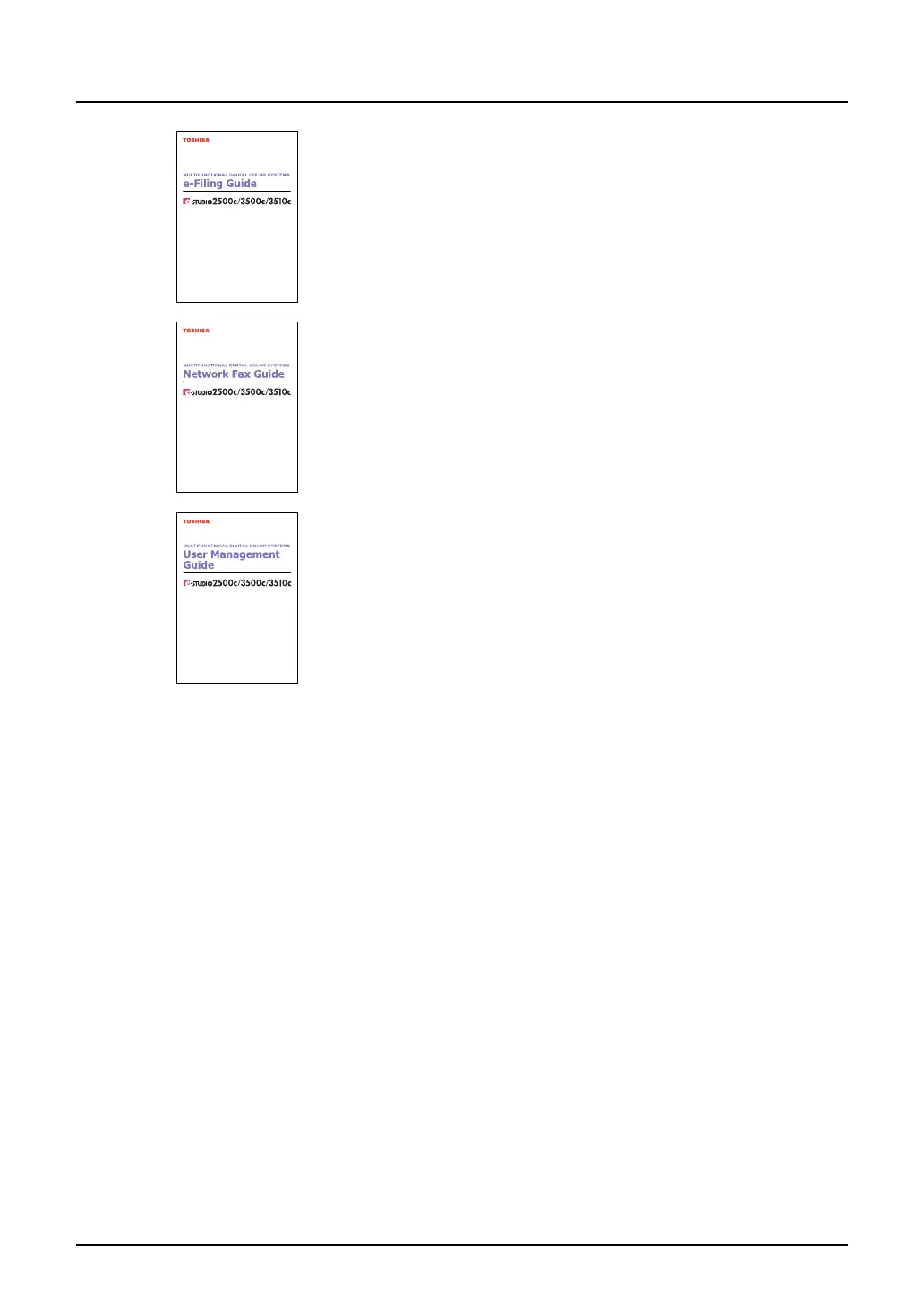
e-Filing Guide
This e-Filing Guide explains how to operate the e-Filing function using
the TWAIN driver, File Downloader and e-Filing web utility.
Network Fax Guide
This Network Fax Guide explains how to use the network fax function
that enable users to operate fax and internet fax sending from a client
computer via network.
User Management Guide
This User Management Guide describes how to manage this equipment
using the functions of “Department Management”, “User Management
Setting” and “User Authentication for Scan to E-mail”.


 To Next Page
 Loading...


 Need help?
 General