1 PREPARATION
30 Preparation 2 - Placing Copy Paper
Preparation 2 - Placing Copy Paper
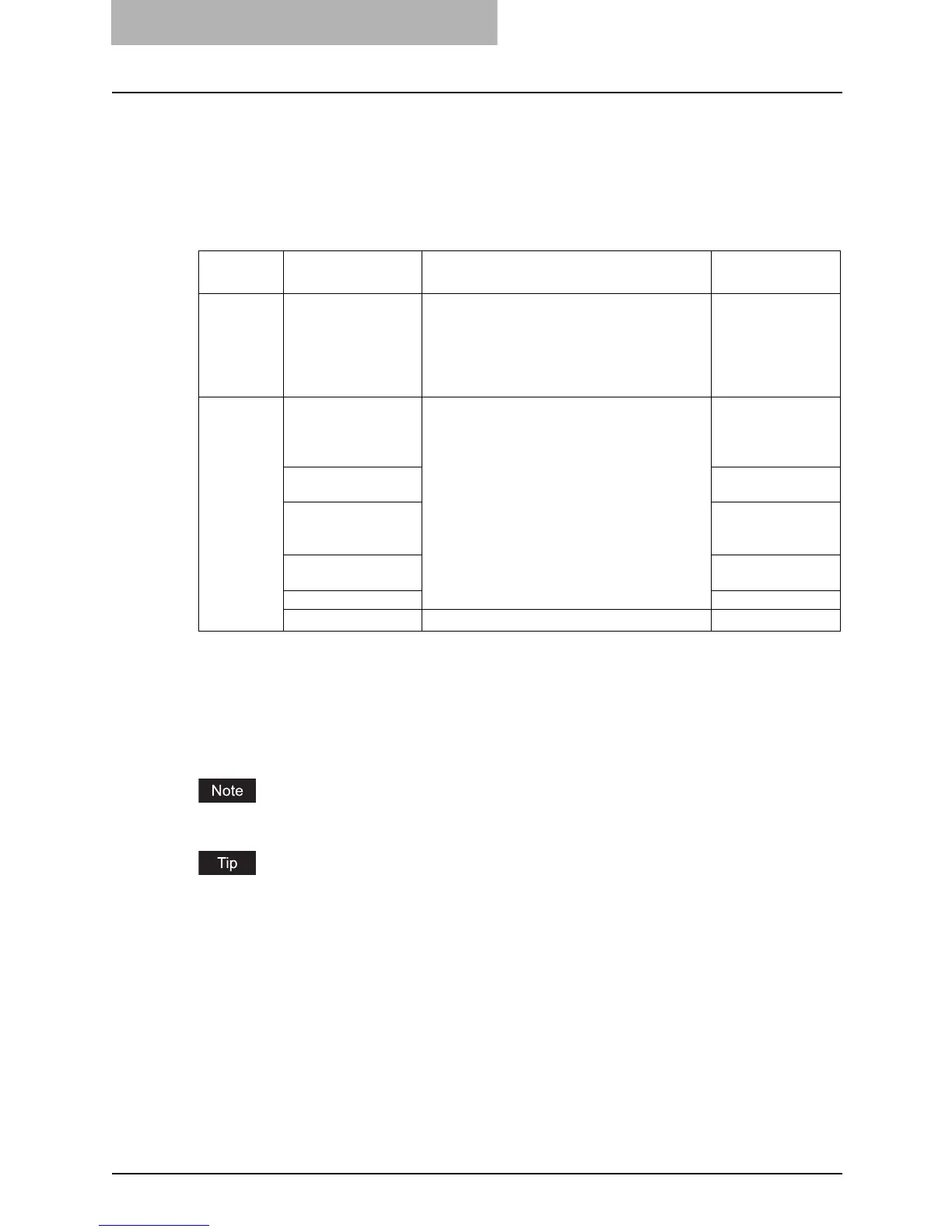
Place copy paper in an appropriate paper source before you start copying.
Acceptable media types
Standard size plain paper (17 to 20 lb. Bond) can be used for the drawers in the equipment and
the Paper Feed Unit (optional). See the table below for the details.
*1 “Maximum sheet capacity” refers to the maximum number of sheets when TOSHIBA-recommended
paper is used. See the following page for the TOSHIBA-recommended paper:
P.31 “Recommended paper”
*2 13 to 16 lb. Bond paper can be used if it is set on the bypass tray sheet by sheet.
*3 Be sure to use the overhead transparencies that TOSHIBA recommends. When transparencies other
than the TOSHIBA-recommended ones are used, this could cause an equipment malfunction.
You cannot mix various paper sizes in one drawer.
Abbreviations for LT format sizes:
LT: Letter, LD: Ledger, LG: Legal, ST: Statement, COMP: Computer
Feeder Media type Paper size
Maximum sheet
capacity
*1
Drawers of
the equip-
ment and
Paper Feed
Unit
(optional)
Plain paper
(17 - 20 lb. Bond)
LT format:
LD, LG, LT, LT-R, COMP, 13"LG
A/B format:
A3, A4, A4-R, B4, B5, B5-R, FOLIO
250 sheets
(17 lb. Bond)
250 sheets
(20 lb. Bond)
Bypass tray Plain paper
(17 - 20 lb. Bond)
*2
LT format:
LD, LG, LT, LT-R, ST-R, COMP, 13"LG
A/B format:
A3, A4, A4-R, A5-R, B4, B5, B5-R, FOLIO
100 sheets
(17 lb. Bond)
100 sheets
(20 lb. Bond)
THICK PAPER 1
(21 - 28 lb. Bond)
1 sheet
(21 - 28 lb. Bond)
THICK PAPER 2
(29 lb. Bond - 90 lb.
Index)
1 sheet
(29 lb. Bond - 90
lb. Index)
Tracing paper
(20 lb.)
1 sheet
Sticker labels 1 sheet
Transparencies
*3
LT only
1 sheet



 To Next Page
 Loading...











