Copying Both Sides of Card into 1 Page - ID CARD - 63
Copying Both Sides of Card into 1 Page - ID CARD -
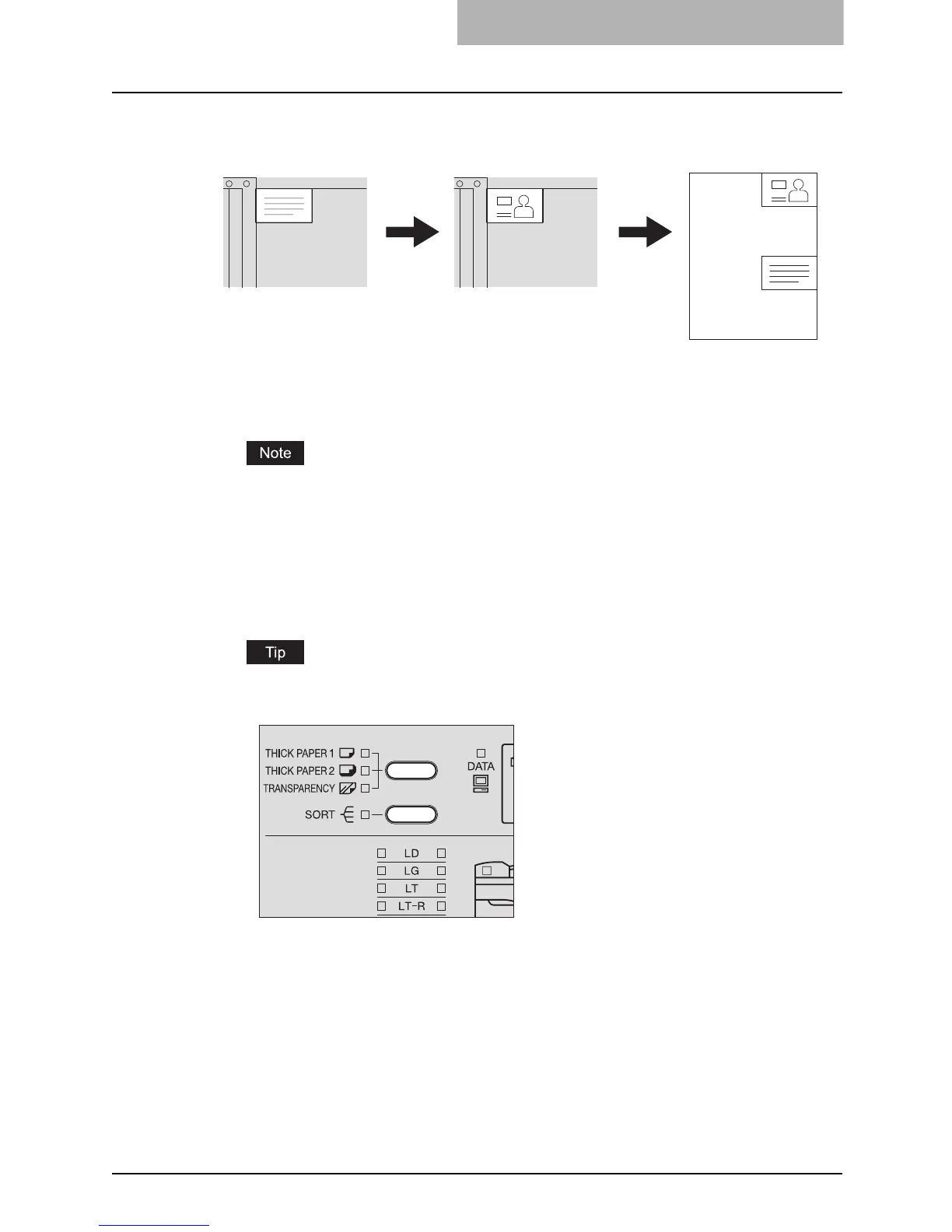
The both sides of a card-sized original can be copied into one side of LT paper. This function is
useful when you need to copy massive amounts of 2-sided cards.
1
Place paper in the drawer.
Place LT or LT-R size paper in the drawer or on the bypass tray.
2
Press and hold the media type setting button and [SORT] button
simultaneously for more than two seconds.
The AMS selection lamp, the [SORT] lamp and the [FUNCTION CLEAR] lamp blink, and
the ID card function is set.
To clear the ID card function, press the [FUNCTION CLEAR] button.
3
Raise the Platen Cover (optional) or the Automatic Document
Feeder (optional).
Front side Back side



 To Next Page
 Loading...











