Making Copies 47
Interrupting copying and making another copy - Interrupt copy -
You can interrupt copying of one job and make another copy job (= interrupt copying). The copy
quantity or functions applied to the interrupted job are stored in the memory of this equipment,
so that you will not need to set them again when the interrupted job resumes.
Interrupt copying is available only when the originals are placed on the Automatic Document
Feeder (optional) and the sort functions are used.
1
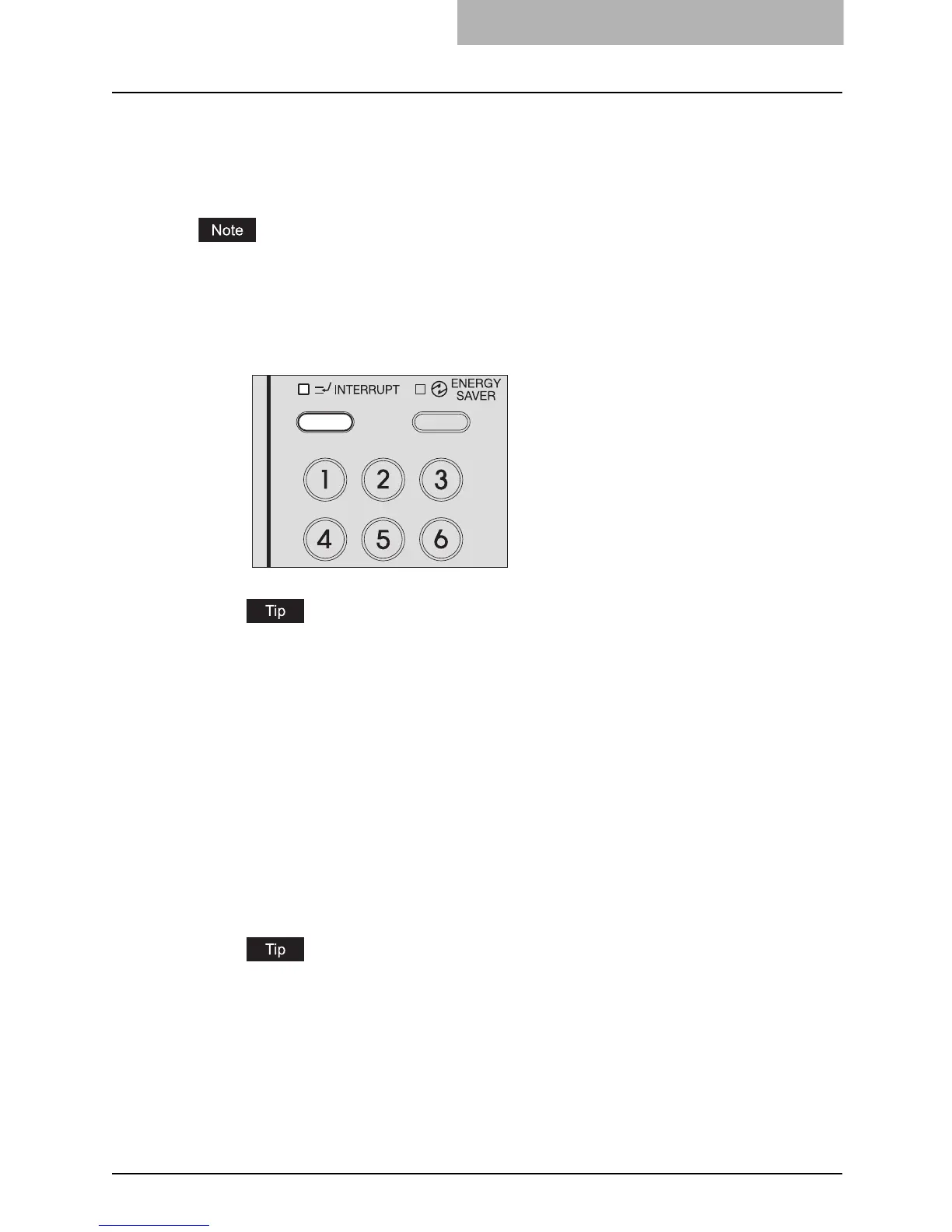
Press the [INTERRUPT] button.
The [INTERRUPT] lamp blinks, and the lamp will be fully lit after a while.
When the [INTERRUPT] button is pressed during scanning, the [INTERRUPT] lamp
blinks, and then the lamp will be fully lit after the scanning has finished.
2
Replace the original with a new one.
3
Select the copy modes as required, and then press the [START]
button.
Interrupt copying starts.
4
After you have finished interrupt copying, press the [INTERRUPT]
button.
The copying status returns to the one before the interruption.
Even if you do not press the [INTERRUPT] button, a certain time after the interrupt copy-
ing has finished, the auto clear function will work and the interrupt mode will automati-
cally be cleared.
5
Press the [START] button.
The job interrupted will resume.



 To Next Page
 Loading...











