Replacing Toner Cartridge 85
Replacing Toner Cartridge
When the toner in the toner cartridge has run out, replace the toner cartridge following the pro-
cedure below.
y Before inserting a new toner cartridge, check the product name of the cartridge. If you can
see “T-1810”, this cartridge is usable.
y Dispose of used toner cartridges in accordance with local regulations.
y Do not touch the parts on the circuit board mounted on the toner cartridge because they may
be damaged.
Never attempt to incinerate toner cartridges.
1
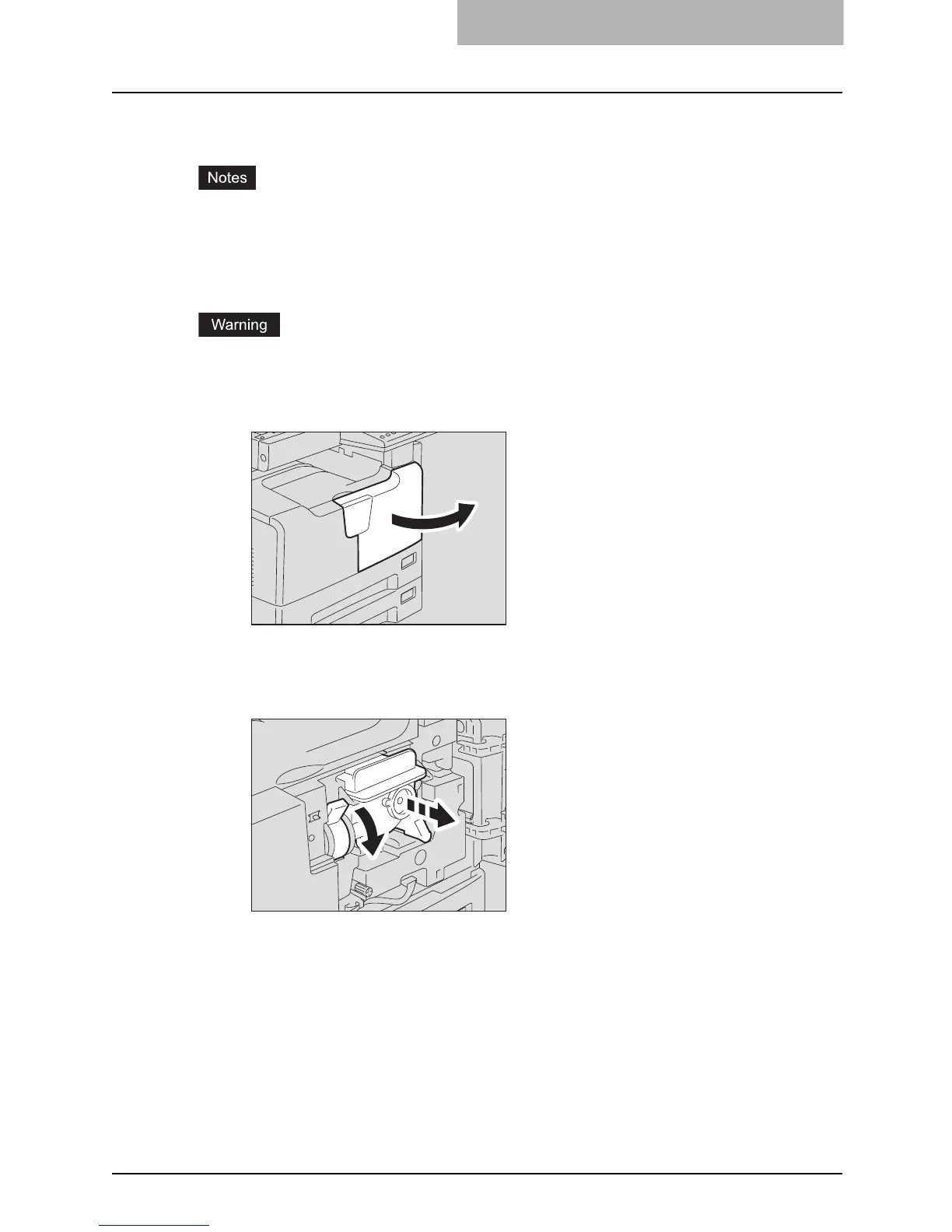
Open the front cover.
2
Hold down the green lever.
The toner cartridge is slightly pushed out.



 To Next Page
 Loading...











