Zooming In/Out Copy Image 59
Specifying reproduction ratio manually
1
Place paper in the drawer.
2
Place the original.
3
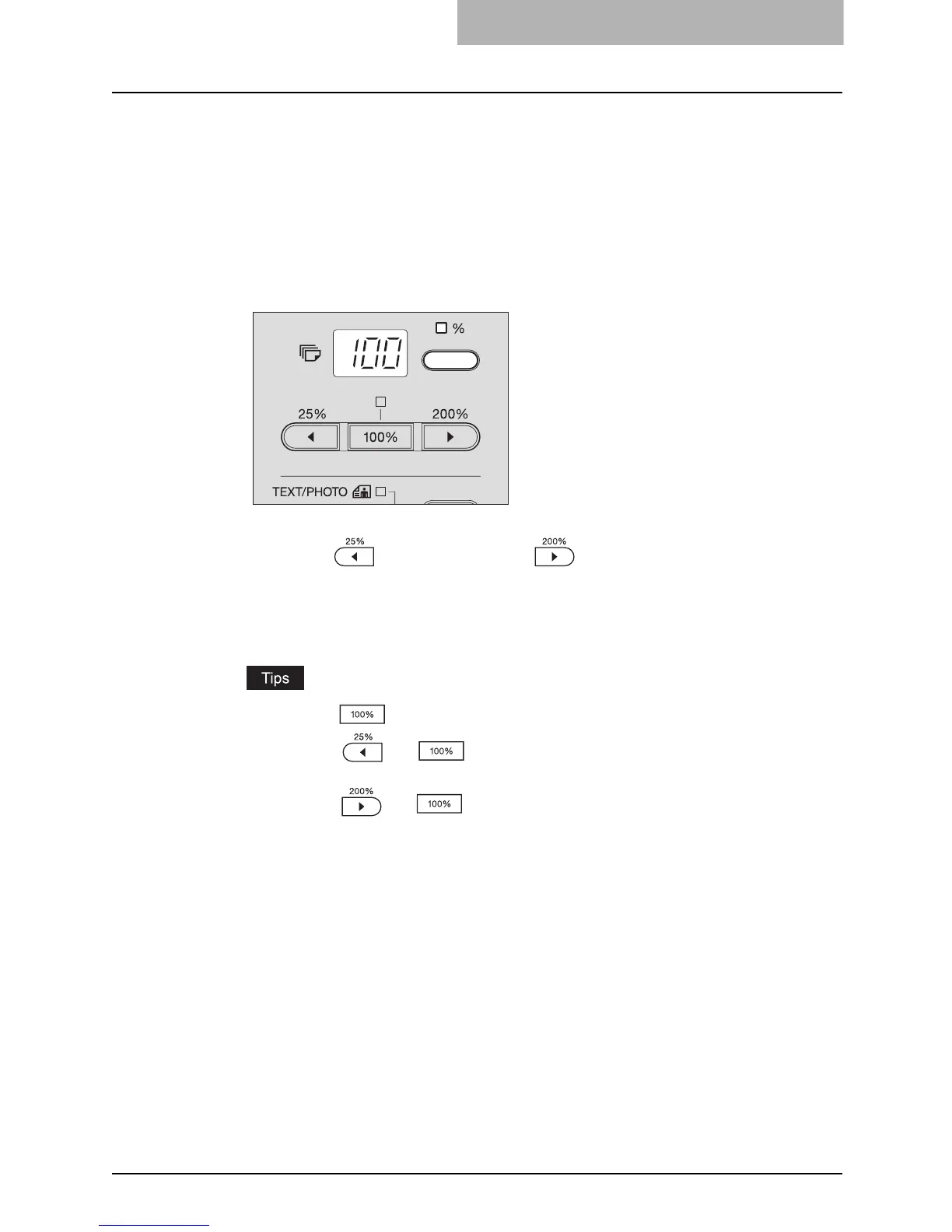
Press the Copy qty. / zoom display selecting button.
The reproduction ratio appears on the LED display.
4
Press the (zooming out) or (zooming in) button until the
desired reproduction ratio appears.
One press of each button increases or decreases the reproduction ratio by 1%. When
you keep pressing either of them, the reproduction ratio also keeps changing. The
reproduction ratio can be set from 25% to 200%.
y Press the button to return it to 100%.
y Press the and buttons simultaneously to set it 25% (the minimum
reproduction ratio).
y Press the and buttons simultaneously to set it 200% (the maximum
reproduction ratio).



 To Next Page
 Loading...











