2 COPY FUNCTIONS
62 Copy Settings
Confirming the current function settings
1
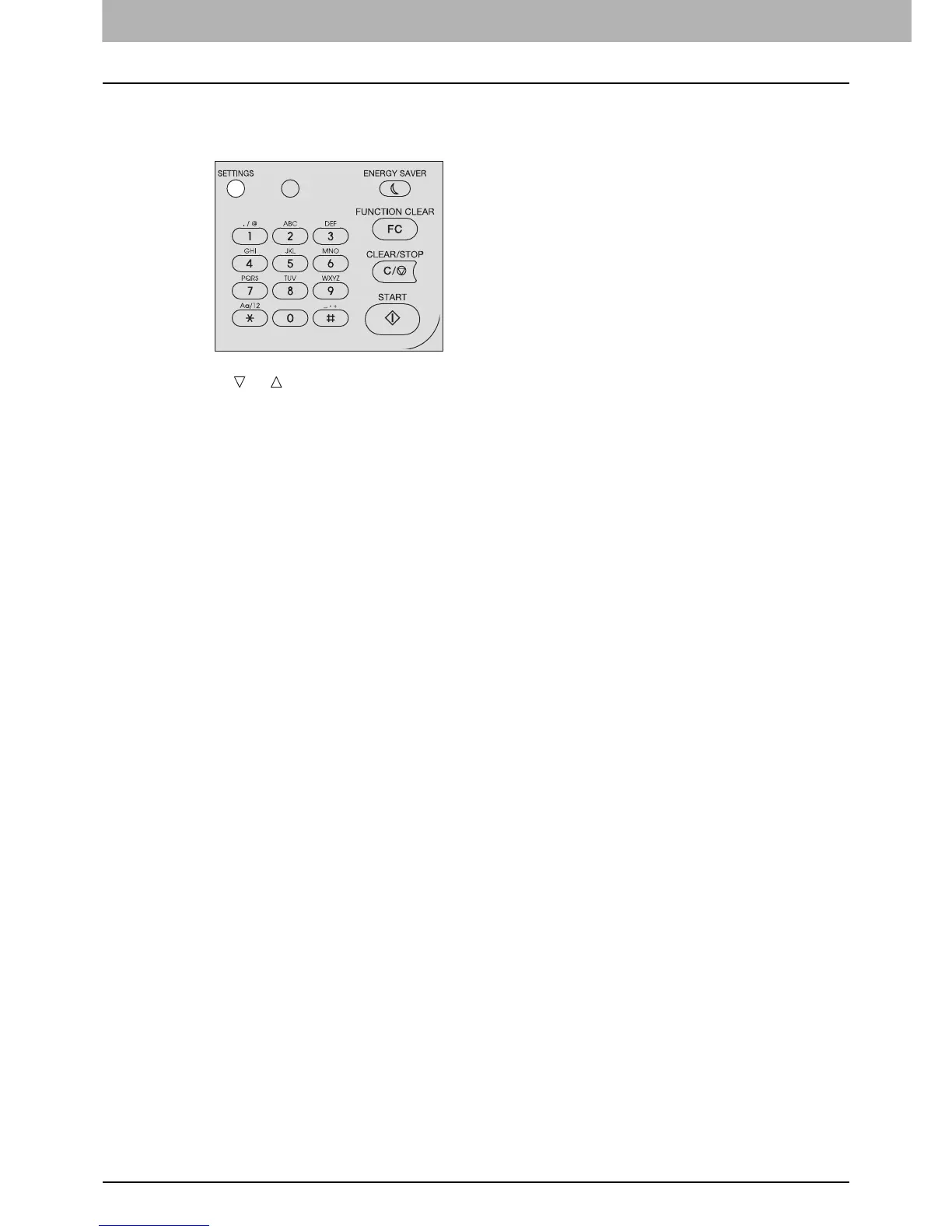
Press [SETTINGS].
2
Press or to scroll through the menu.
For details on the displayed functions and settings, see the pages below.
P.124 “Copy menu items”
3
When you are finished with confirmation, press [SETTINGS] again.



 To Next Page
 Loading...










