1
Description of Each Component
11
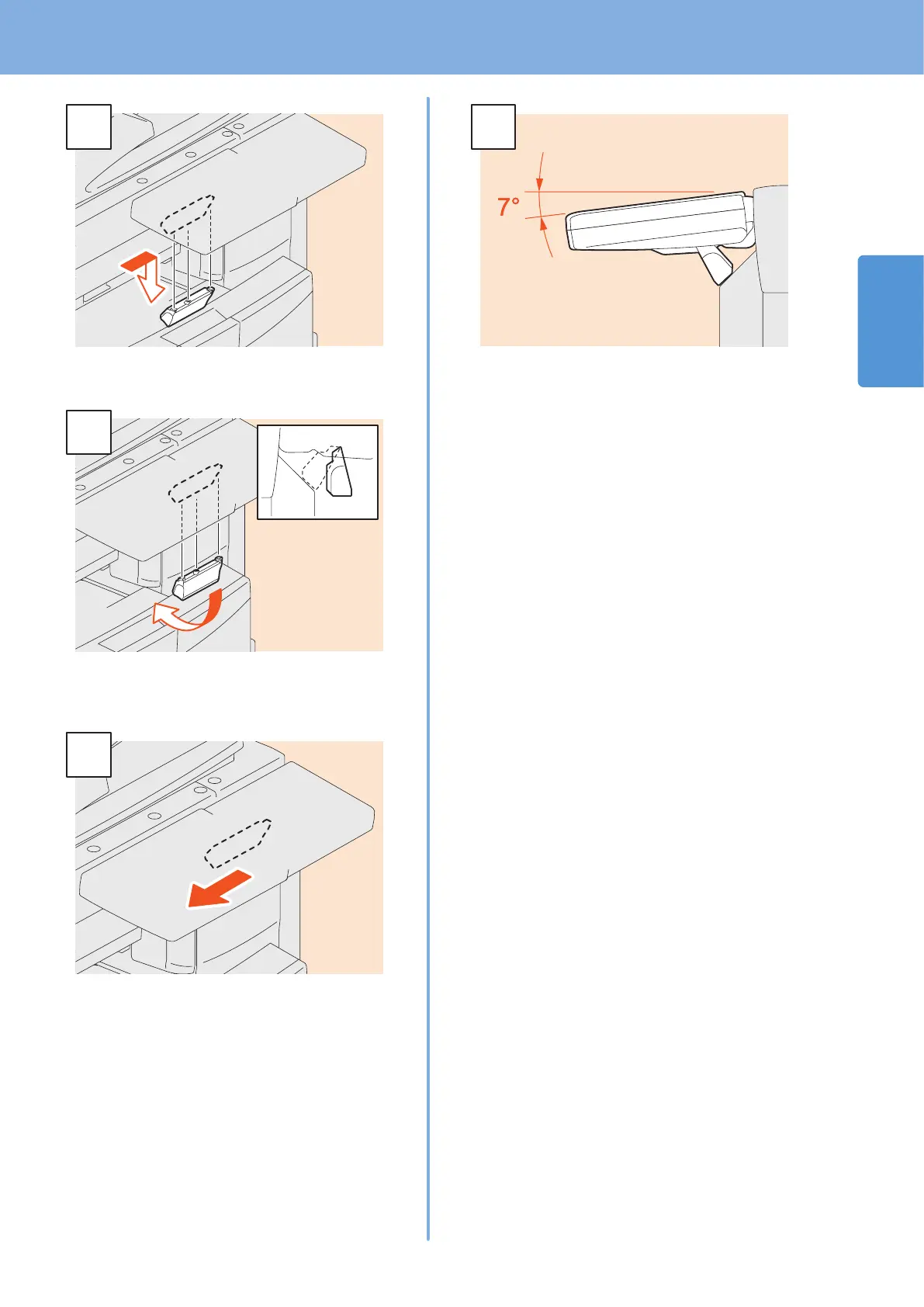
Slide the stopper (in position A) slightly to the
right, and then pull it out.
Fit the latches of the stopper in the holes in
position B and insert them by turning the stopper
itself.
Shift the stopper to the left until it clicks.
The angle of the control panel is xed at 7
degrees.



 To Next Page
 Loading...


