2.SETTING ITEMS (ADMIN)
Setting General Functions 117
2 SETTING ITEMS (ADMIN)
Creating or installing cloning files
This menu allows you to create duplicate files of the setting data and user data by using the cloning function. These files
can also be installed on other equipment of the same e-STUDIO series. It is convenient to apply the same settings for
multiple equipment.
The duplicate files are compatible with the same series of the TOSHIBA MFP, not with other series. For example, the
duplicate files created in the e-STUDIO4540C can be installed on other e-STUDIO4540C Series, not on the
e-STUDIO6550C Series.
For details of the cloning function, contact your service representative.
1
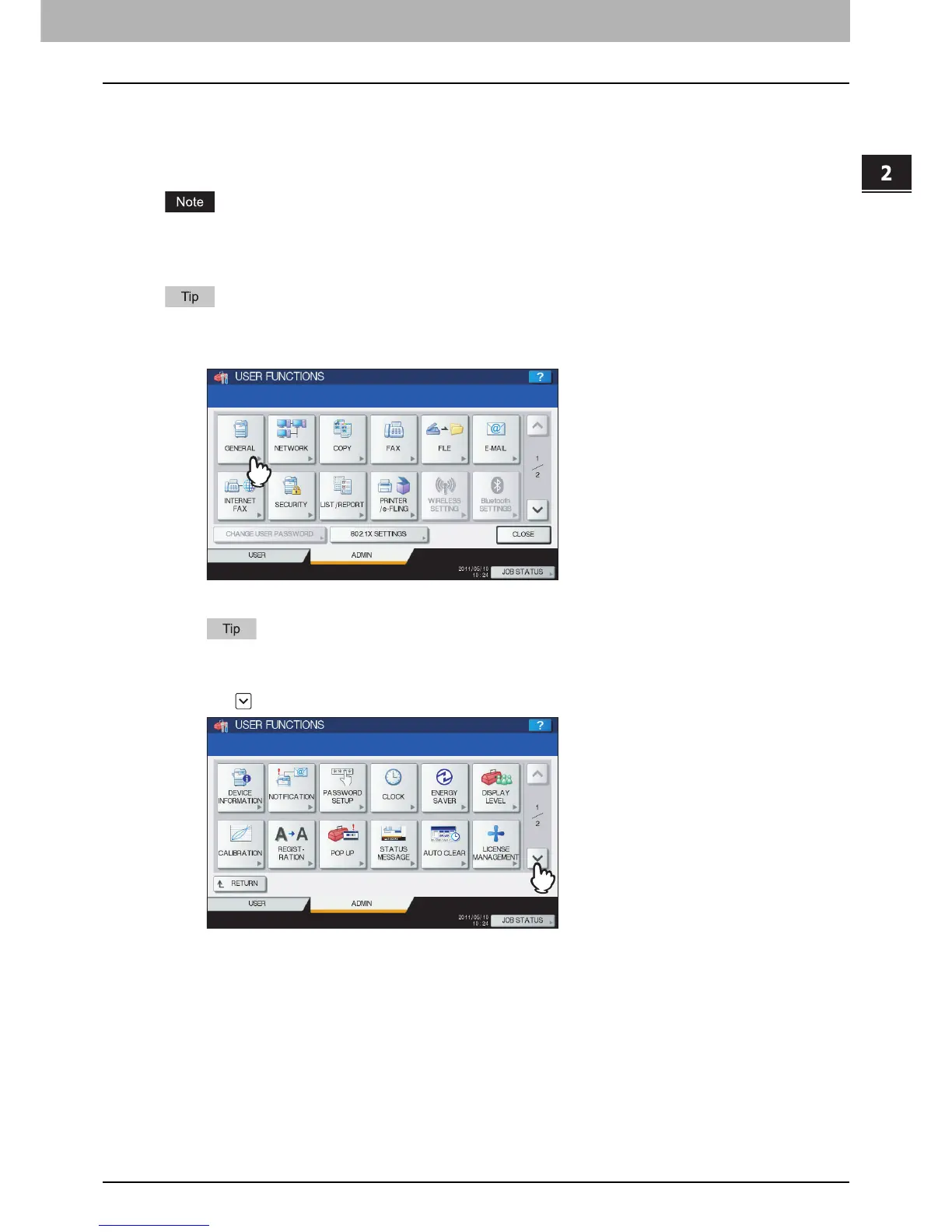
Press [GENERAL] in the ADMIN menu (1/2).
The GENERAL menu (1/2) is displayed.
To display the ADMIN menu, see the following page:
P.75 “Entering Admin Menu”
2
Press on the GENERAL menu (1/2) screen.
The GENERAL menu (2/2) is displayed.



 To Next Page
 Loading...











