1.SETTING ITEMS (USER)
Setting Copy Functions 17
1 SETTING ITEMS (USER)
2
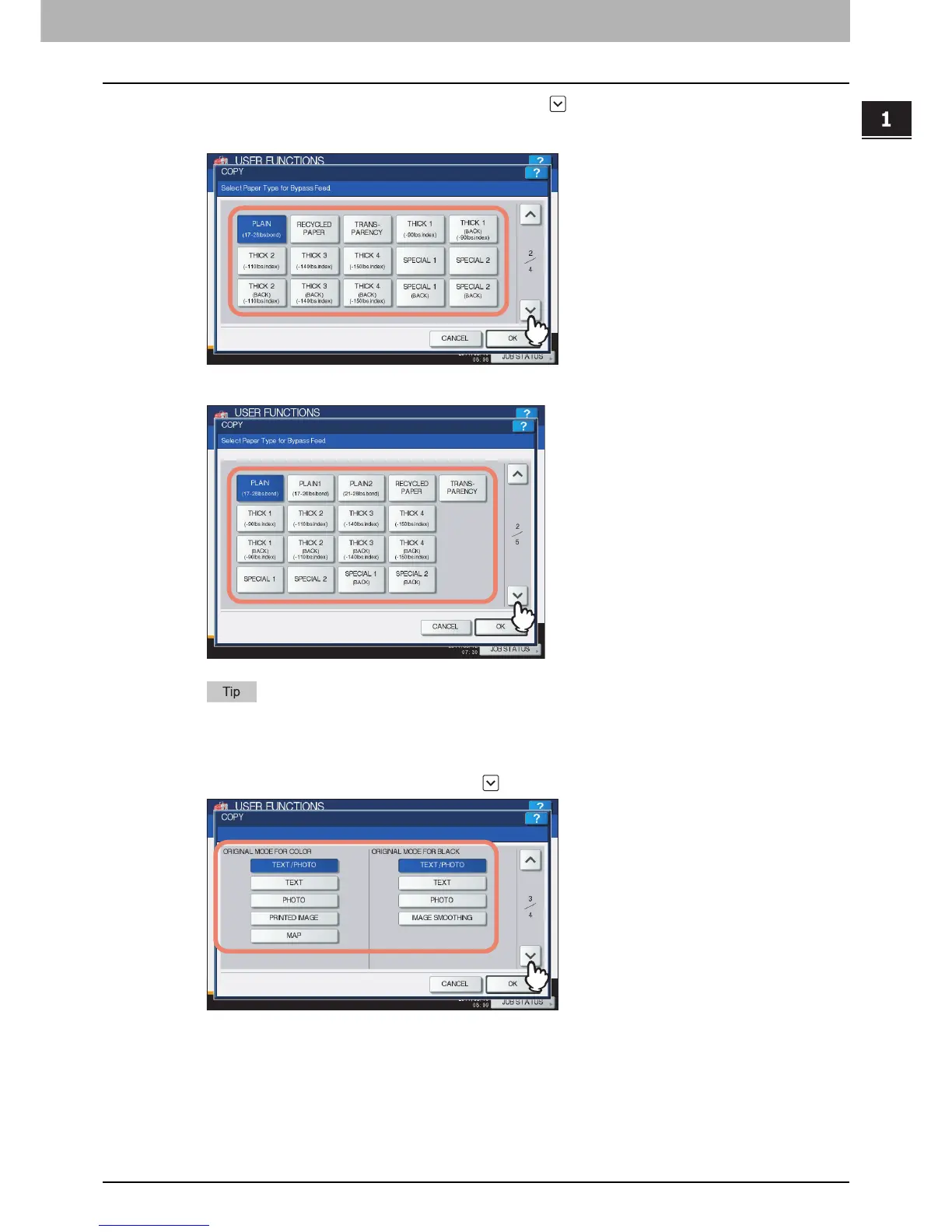
Press the desired media type button and press .
For the e-STUDIO4540C Series
For the e-STUDIO6550C Series
For more information about the paper types, refer to the Copying Guide “Chapter 1: BEFORE USING
EQUIPMENT”.
3
Press the desired mode button for the ORIGINAL MODE FOR COLOR and ORIGINAL
MODE FOR BLACK options and press .



 To Next Page
 Loading...











