2.SETTING ITEMS (ADMIN)
Setting General Functions 89
2 SETTING ITEMS (ADMIN)
2
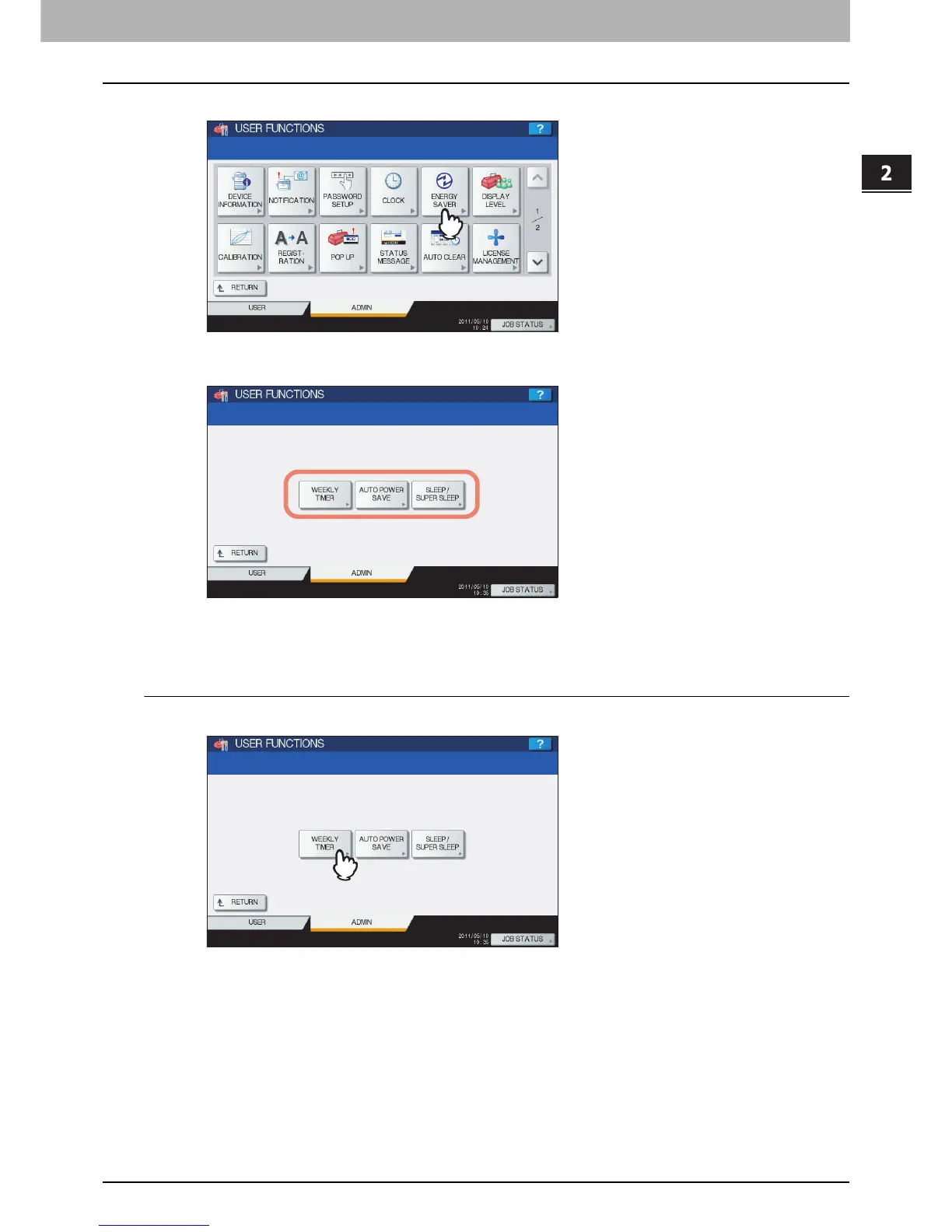
Press [ENERGY SAVER].
The ENERGY SAVER menu is displayed.
3
Continue the operation that you require.
P.89 “Setting the weekly timer”
P.91 “Setting the Auto Power Save mode”
P.91 “Setting the Sleep or Super Sleep mode”
Setting the weekly timer
1
Press [WEEKLY TIMER].
The TIMER screen is displayed.



 To Next Page
 Loading...











