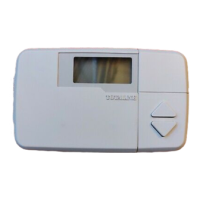
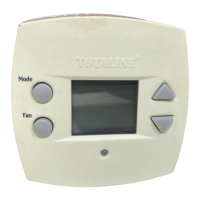
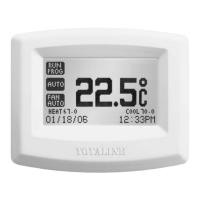
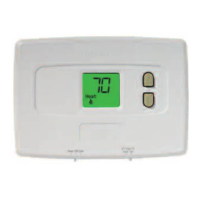
Totaline Basic 1H/1C & 2H/1C
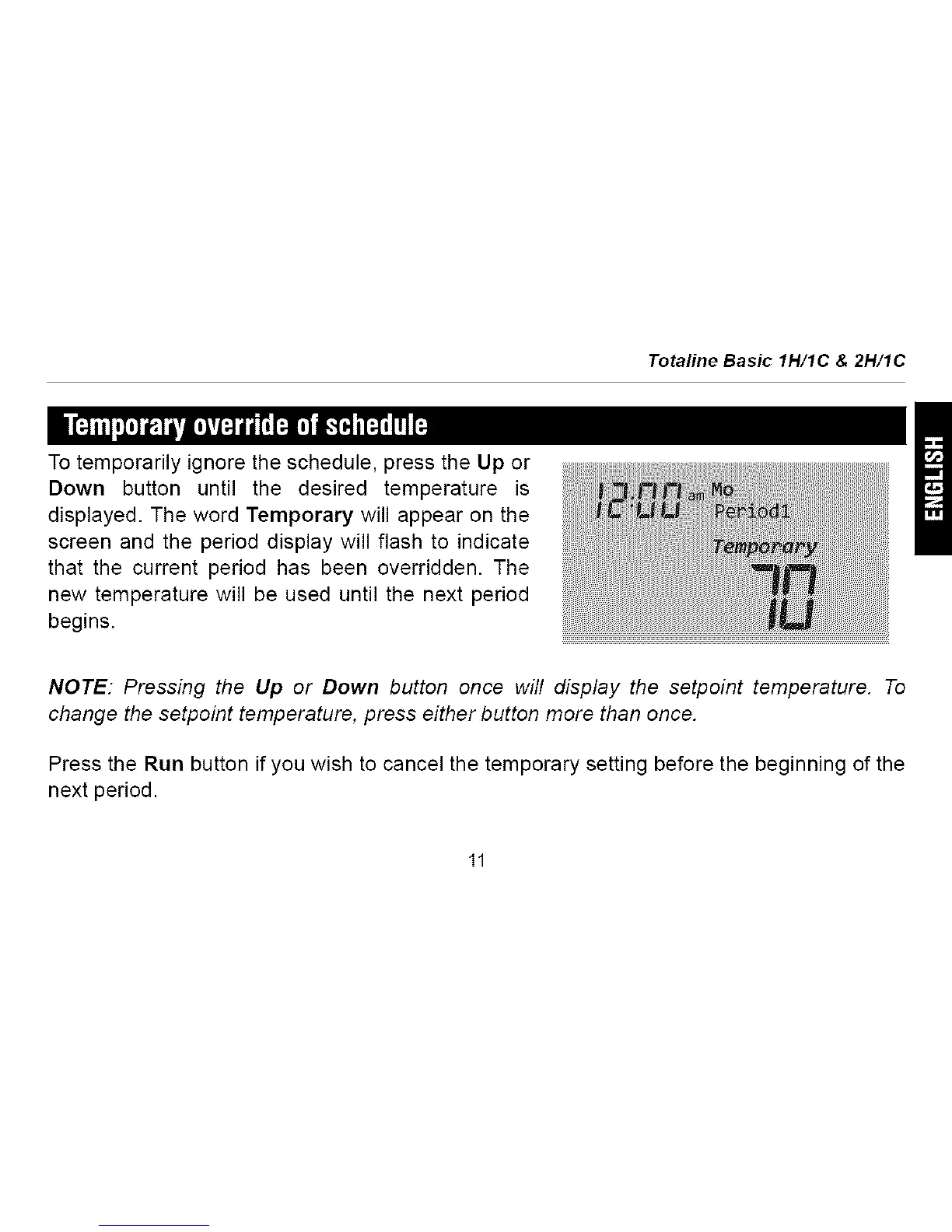
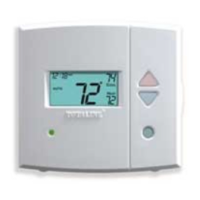
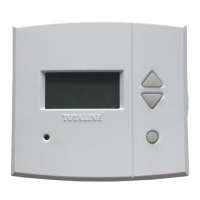
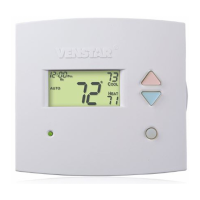
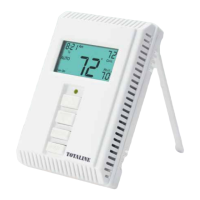
To temporarily ignore the schedule, press the Up or
Down button until the desired temperature is
displayed. The word Temporary will appear on the
screen and the period display will flash to indicate
that the current period has been overridden. The
new temperature will be used until the next period
begins.
NOTE: Pressing the Up or Down button once will display the setpoint temperature. To
change the setpoint temperature, press either button more than once.
Press the Run button if you wish to cancel the temporary setting before the beginning of the
next period.




 To Next Page