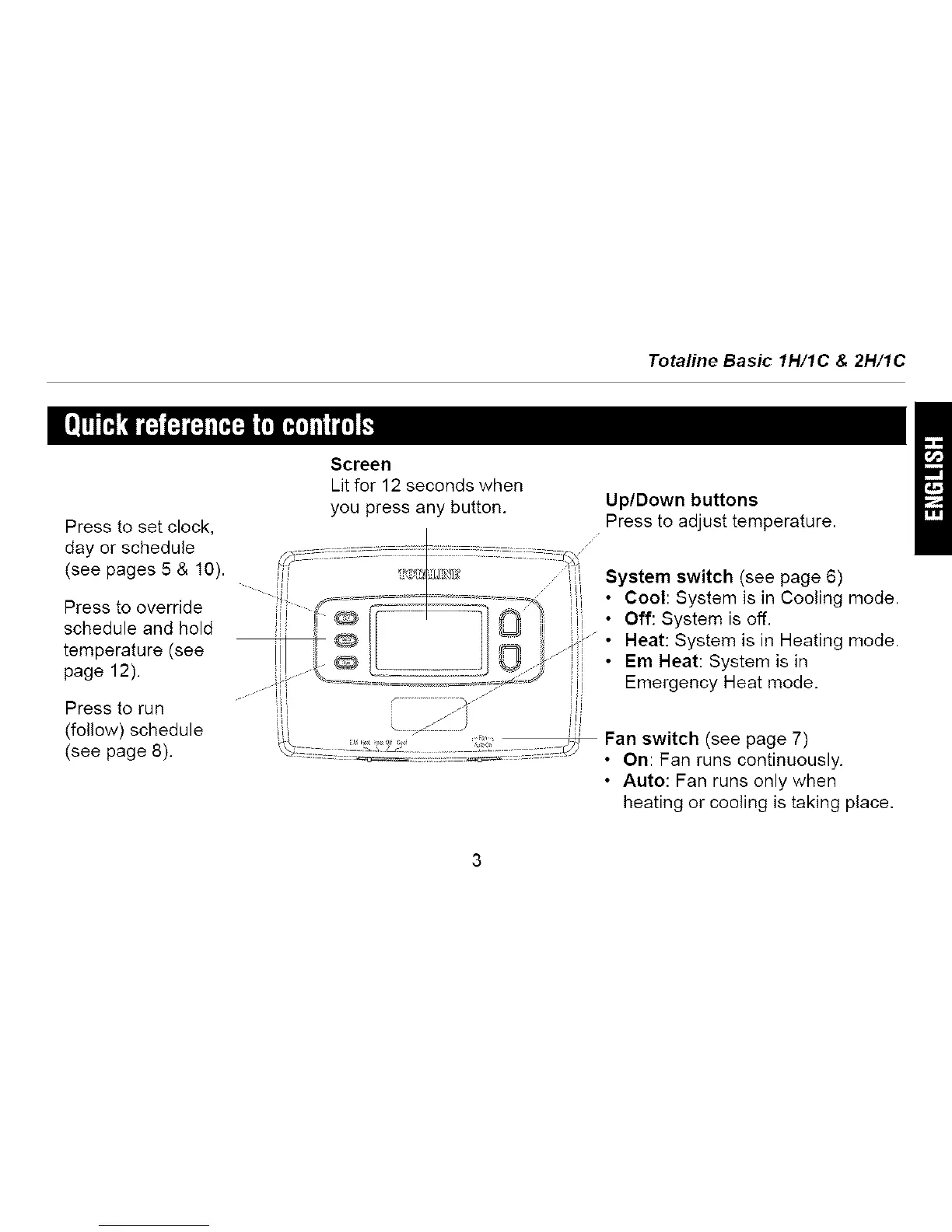
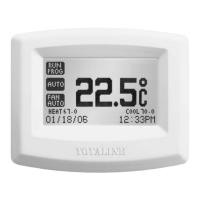
Press to set clock,
day or schedule
(see pages 5 & 10).
Press to override
schedule and hold
temperature (see
page 12).
Press to run
(follow) schedule
(see page 8).
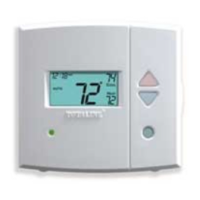
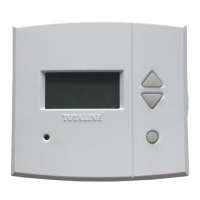
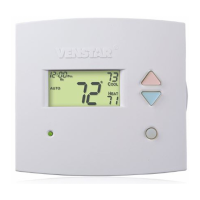
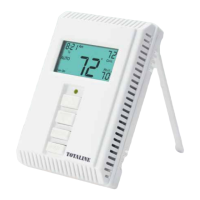
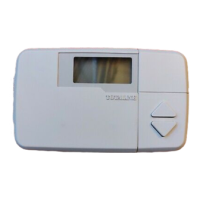
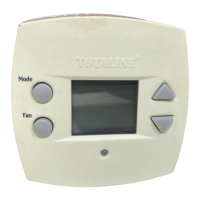
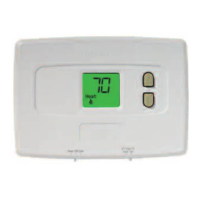
Totaline Basic 1H/1C & 2H/1C
Screen
Lit for 12 seconds when
you press any button.
Up/Down buttons
Press to adjust temperature.
System switch (see page 6)
• Cool: System is in Cooling mode.
• Off: System is off.
• Heat: System is in Heating mode.
•Em Heat: System is in
Emergency Heat mode,
Fan switch (see page 7)
• On: Fan runs continuously.
• Auto: Fan runs only when
heating or cooling is taking place.



 To Next Page