Operating Manual 570-208
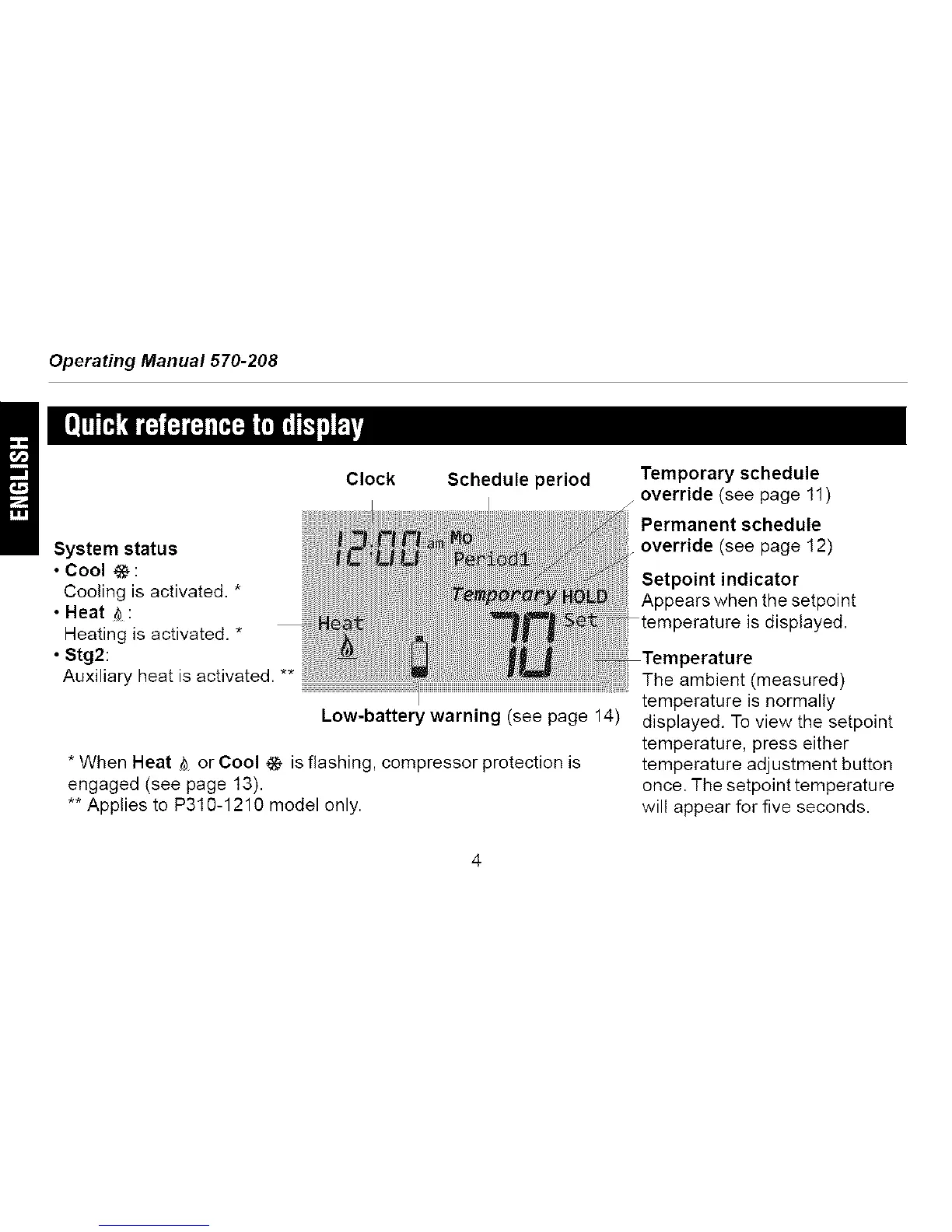
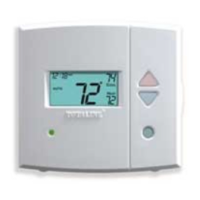
Clock Schedule period
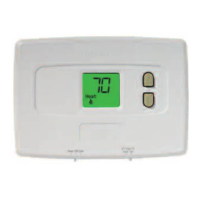
System status
• Cool @ :
Cooling is activated. *
• Heat _ :
Heating is activated. *
• Stg2:
Auxiliary heat is activated. **
Low-battery warning (see page 14)
* When Heat _ or Cool @ is flashing, compressor protection is
engaged (see page 13).
** Applies to P310-1210 model only.
Temporary schedule
override (see page 11)
Permanent schedule
override (see page 12)
Setpoint indicator
Appears when the setpoint
temperature is displayed.
The ambient (measured)
temperature is normally
displayed. To view the setpoint
temperature, press either
temperature adjustment button
once. The setpoint temperature
will appear for five seconds.



 To Next Page