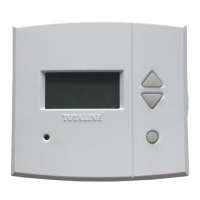
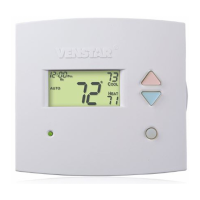
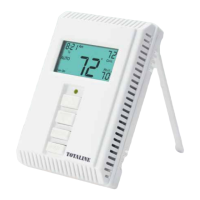
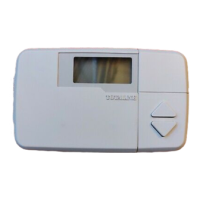
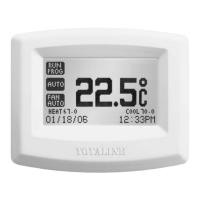
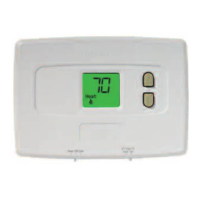
Totaline Basic 1H/1C & 2H/1C
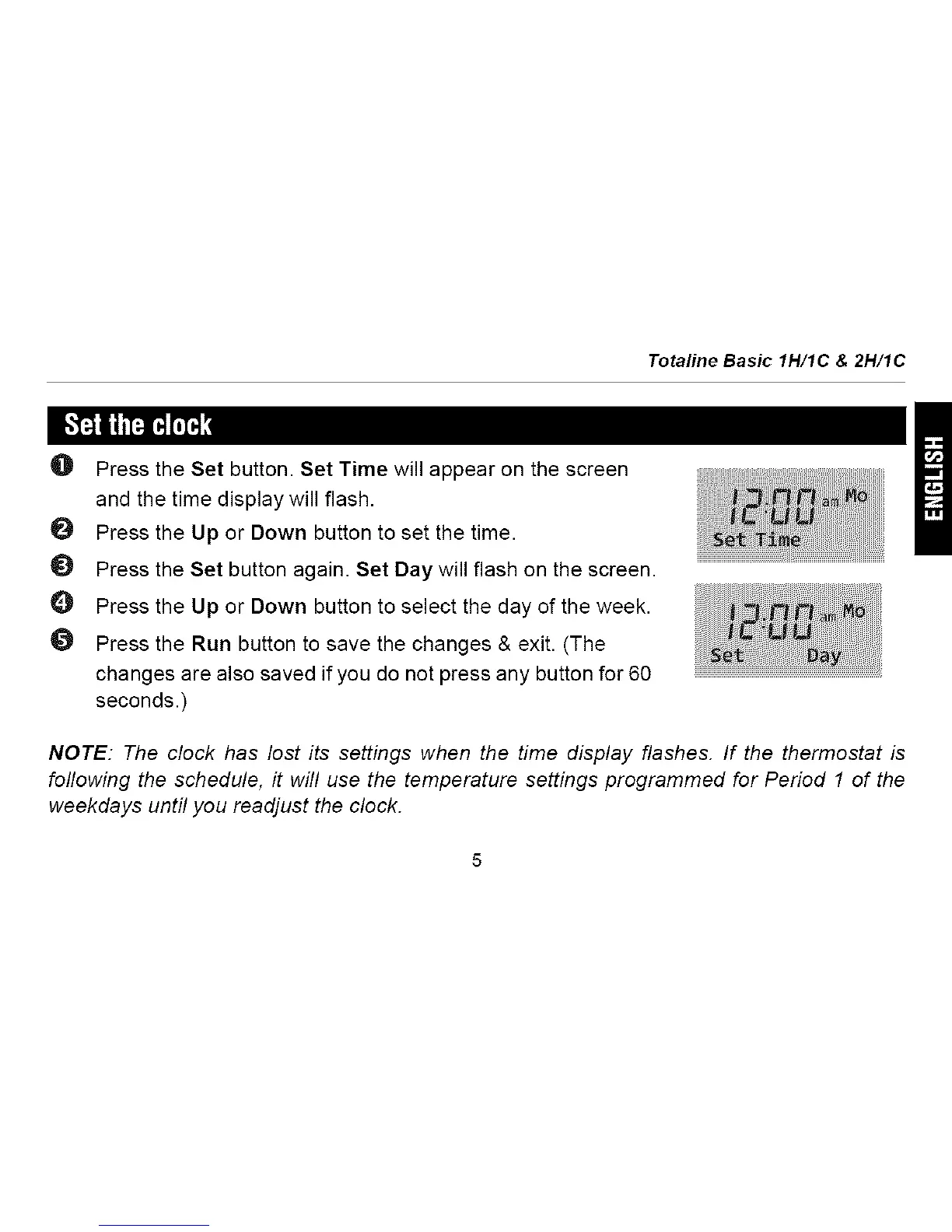
O Press the Set button. Set Time will appear on the screen
and the time display will flash.
O Press the Up or Down button to set the time.
Press the Set button again. Set Day will flash on the screen.
O Press the Up or Down button to select the day of the week.
Press the Run button to save the changes & exit. (The
changes are also saved if you do not press any button for 60
seconds.)
NOTE: The clock has lost its settings when the time display flashes. If the thermostat is
following the schedule, it will use the temperature settings programmed for Period 1 of the
weekdays until you readjust the clock.






 To Next Page