Operating Manual 570-208
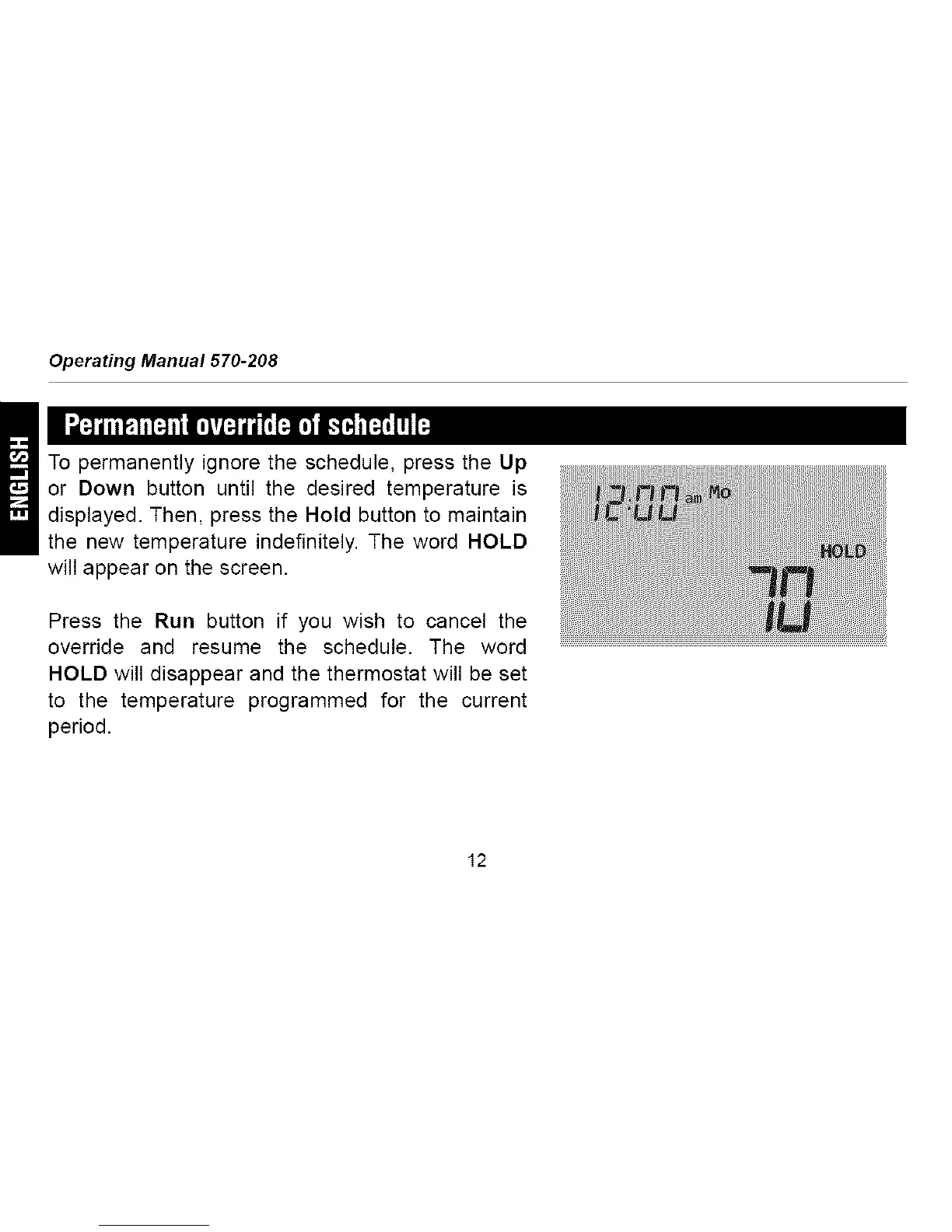
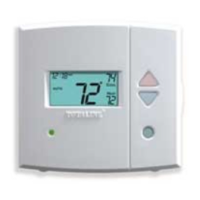
To permanently ignore the schedule, press the Up
or Down button until the desired temperature is
displayed. Then, press the Hold button to maintain
the new temperature indefinitely. The word HOLD
will appear on the screen.
Press the Run button if you wish to cancel the
override and resume the schedule. The word
HOLD will disappear and the thermostat will be set
to the temperature programmed for the current
period.
12




 To Next Page