6
Chapter 1
Get to Know About Your Router
The following parts (view from up to down) are located on the back panel.
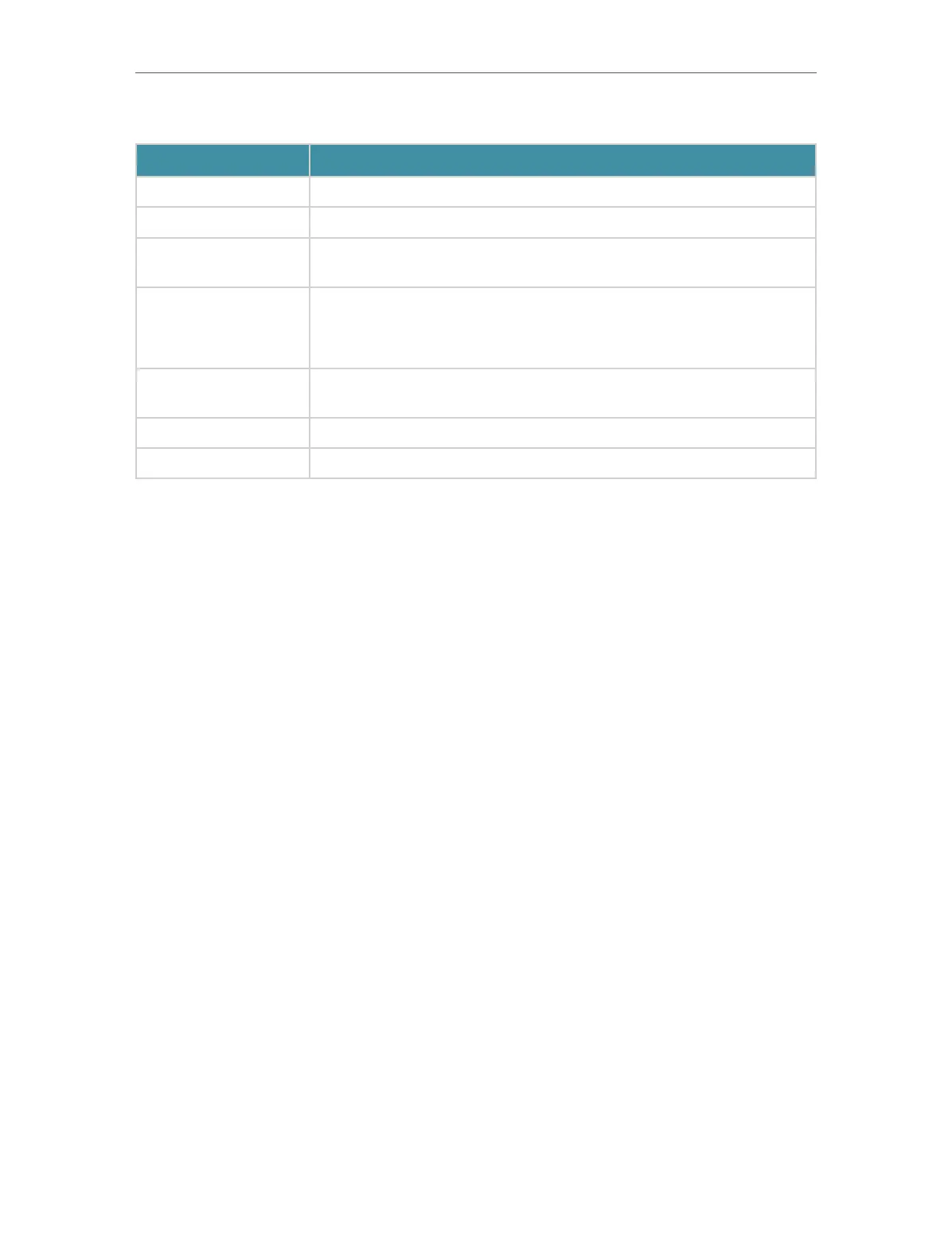
Item Description
LAN Port (1-3) For connecting your PC or other wired devices to the router.
1 Gbps WAN/LAN Port For connecting to a DSL/Cable modem, or an Ethernet jack.
2.5 Gbps WAN/LAN
Port
For connecting to a DSL/Cable modem, or an Ethernet jack.
LED/Wi-Fi
Press and hold this button for more than 2 seconds to turn on or off the
wireless function of your router.
Press the LED button for 1 second to turn on or off the LED of your router.
Reset Button
Press and hold the button for about 6 seconds until the Power LED blinks to
reset the router to its factory default settings.
Power Port For connecting the router to a power socket via the provided power adapter.
Power On/Off Button Press this button to power on or off the router.




 To Next Page