4
Chapter 1
Get to Know About Your Router
1. 1. Product Overview
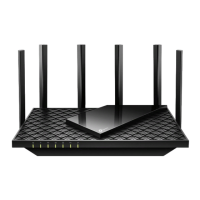
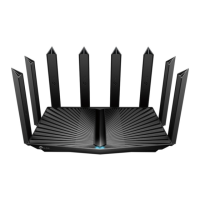
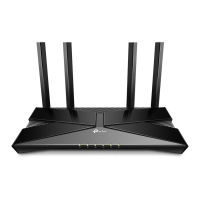
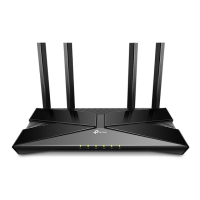
TP-Link AXE router, with the 802.11ax Wi-Fi technology and the brand-new 6 GHz
band, achieves Wi-Fi performance at its ultimate level. The revolutionary combination
of OFDMA and 1024QAM improve throughput by 4 times and dramatically increase
capacity and efficiency of the whole network. Access to the 6 GHz band brings more
bandwidth, faster speeds, and lower latency, opening up resources for future innovations
like in AR/VR, 8K streaming and more.
Moreover, it is simple and convenient to set up and use the TP-Link router due to its
intuitive Tether app and powerful web interface.
1. 2. Appearance
1. 2. 1. Top Panel
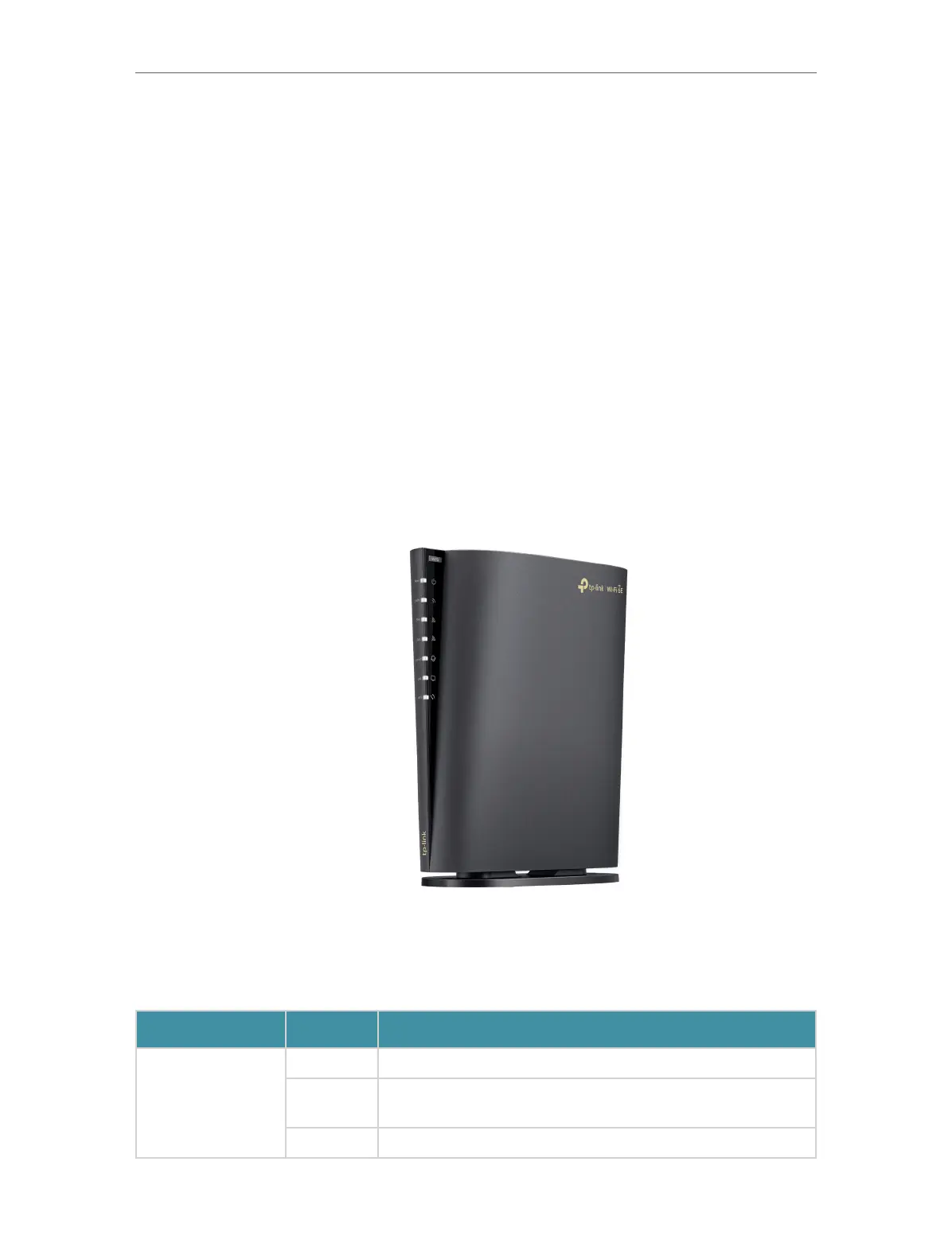
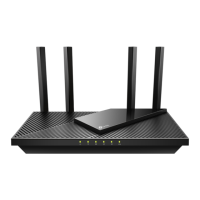
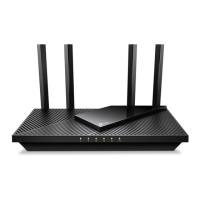
The router’s LEDs (view from up to down) are located on the front. You can check the
router’s working status by following the LED Explanation table.
LED Explanation
Name Status Indication
Power
On The system has started up successfully.
Flashing
The system is starting up, updating the firmware, or establishing
WPS connection. Do not disconnect or power off your router.
Off Power is off.




 To Next Page