35
Chapter 8
SMS
8. 5. SMS Settings
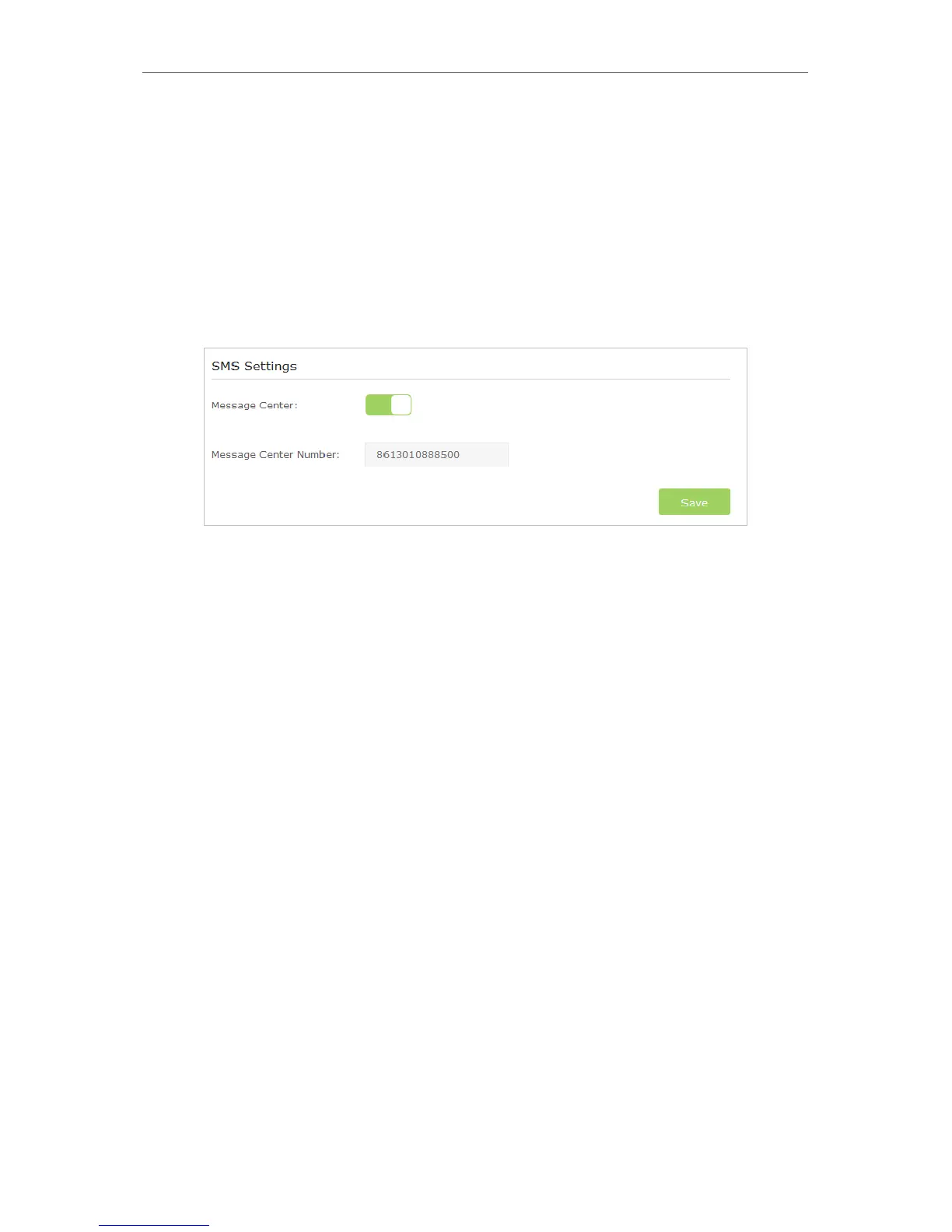
SMS Settings allows you to configure the Message Center. When the Message Center is
enabled, you can change the Message Center Number via which messages will be sent.
It is not recommended to change it for a wrong message center number will affect the
SMS function of the router.
1. Visit http://tplinkmodem.net, and log in with the password you set for the router.
2. Go to Advanced > SMS > SMS Settings page and enable Message Center.
3. The Message Center Number is auto-populated. Change it according to your needs.














 To Next Page