5
Chapter 1
Get to Know About Your 4G LTE Router
1. 3. Product Appearance
1. 3. 1. Top View
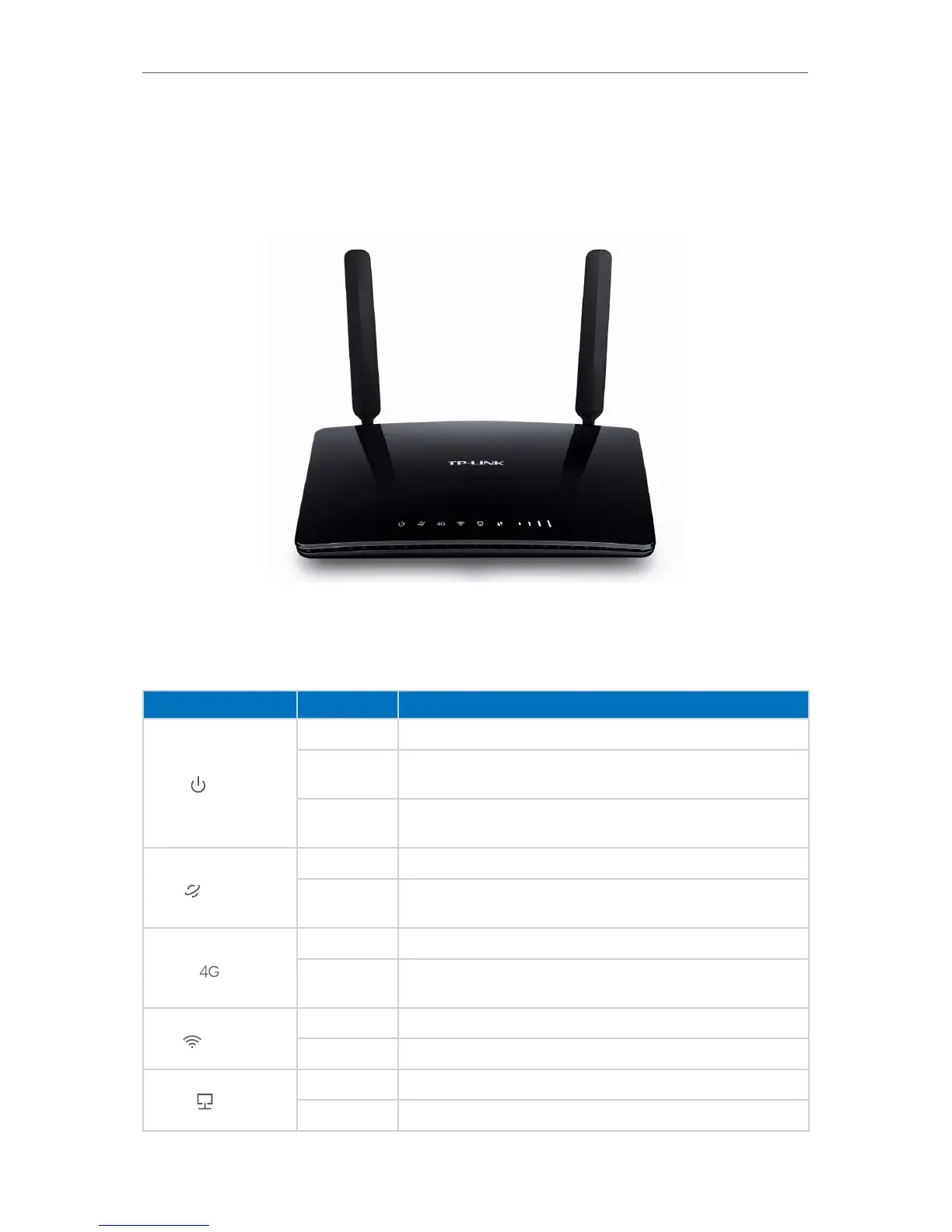
The router’s LEDs are located on the top panel (view from top to bottom). You can check
the router’s working status by following the LED Explanation table.
LED Explanation
Name Status
Indication
Power
On System initialization complete.
Flashing
System initializing or firmware upgrading is in process. Do not
disconnect or power off the router.
Off
Power is off. Please ensure that the power adapter is
connected correctly.
Internet
On Internet connection is available.
Off
No Internet connection. Please refer to Note 1 for
troubleshooting.
4G
On The router is using the 4G network.
Off
The router is using another network other than the 4G
network.
Wireless
On At least one wireless radio band (2.4 GHz or 5 GHz) is enabled.
Off The wireless radio band is disabled.
LAN
On At least one LAN port is connected.
Off No LAN port is connected.














 To Next Page