8
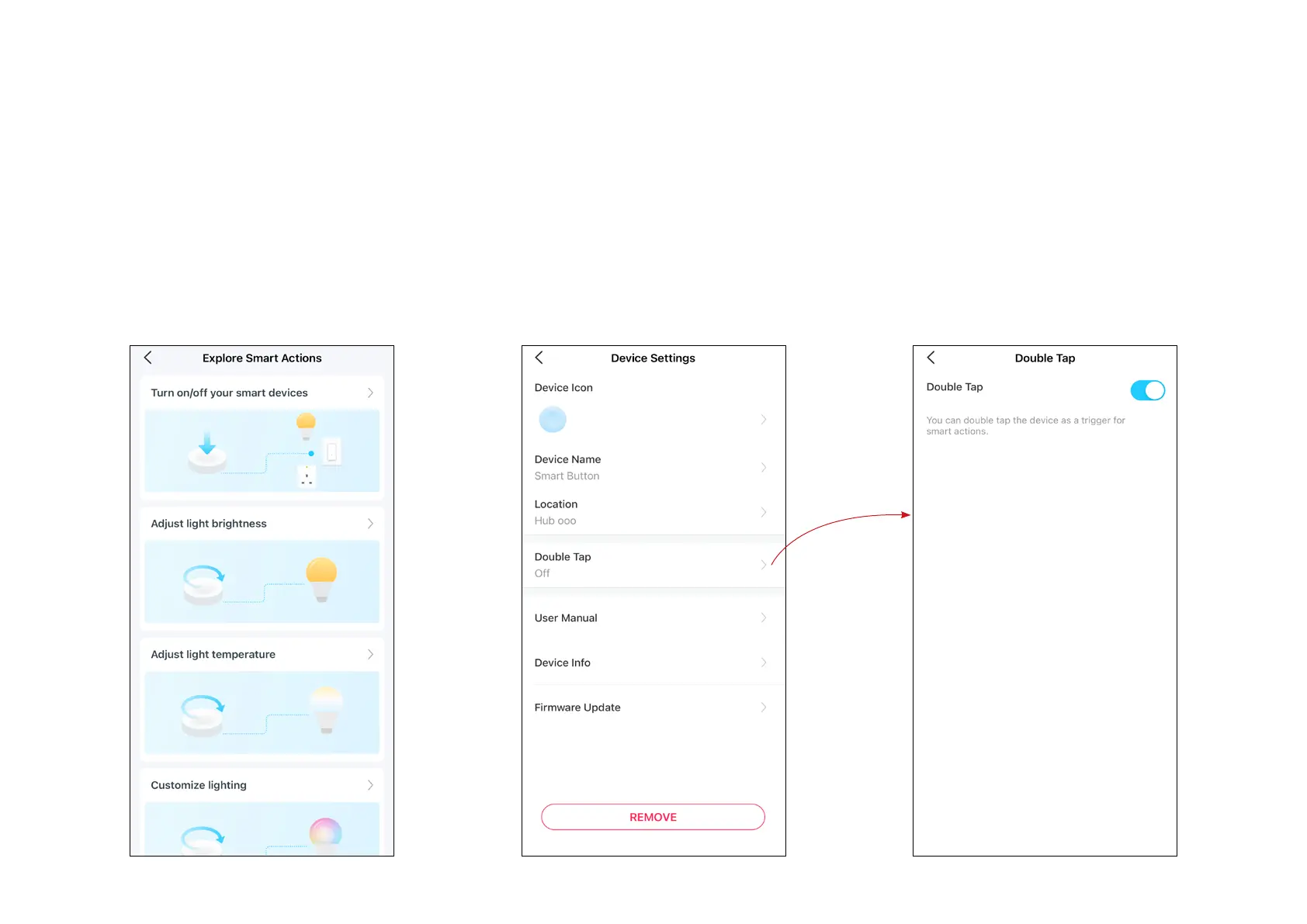
Device Settings
Check/edit the basic info, set Notications
settings, view User Manual and Placement
Guide, or remove your device from your
account.
Double Tap Settings
Turn on Double Tap if you want to use "Double
Tap" as a trigger for the smart action.
Featured Smart Actions
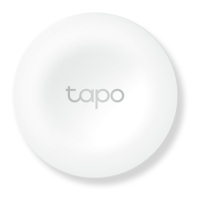
The smart button can work with other Tapo
devices to automate your home. You can
customize smart actions based on the
templates.


 To Next Page