5
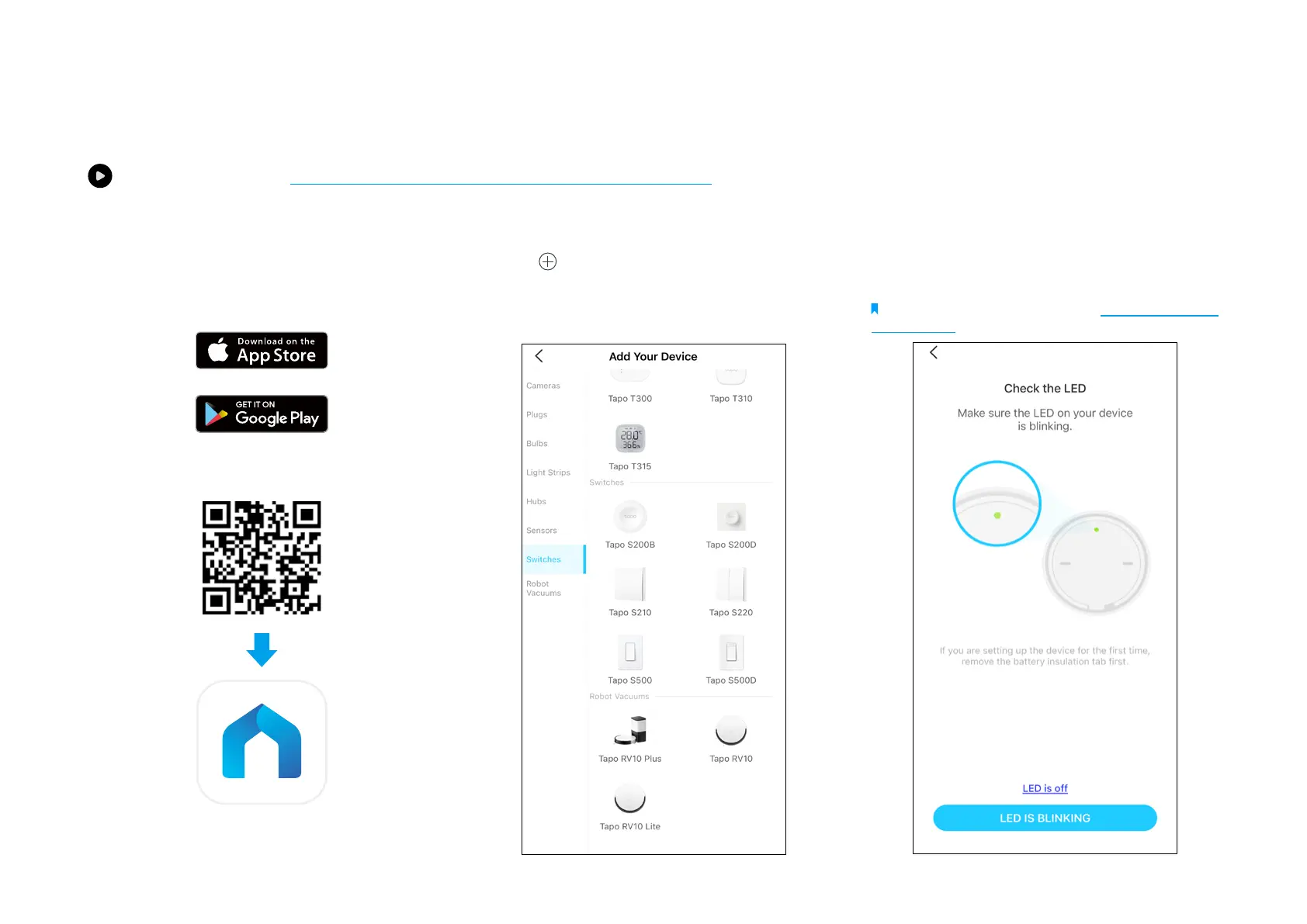
1. Set Up Your Button
Tap the button in the Tapo app, tap
Switches, and select your model. Follow the
instructions in the Tapo app to complete the
setup.
2. Check the LED & Set Up
Check if the LED blinks. Follow app
instructions to complete the setup.
Note: If LED is not blinking, refer to How to Reset Your
Smart Button for instructions.
Set Up Your Smart Button
Watch setup videos at https://www.tp-link.com/support/download/tapo-s200b/
Before You Start
A Tapo Hub is required. Make sure your Tapo
Hub is successfully added via the Tapo app.



 To Next Page