2
Introduction
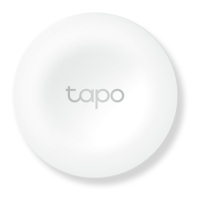
Don’t bother opening up an app or calling out to your voice assistant. Pair all your Tapo lights and devices with a single button for simple and handy
control. Place two or more buttons in dierent locations, so your lighting control is always within reach.
• Smart Actions – Control and set multiple lights, electronics, and other Tapo smart devices with the button.
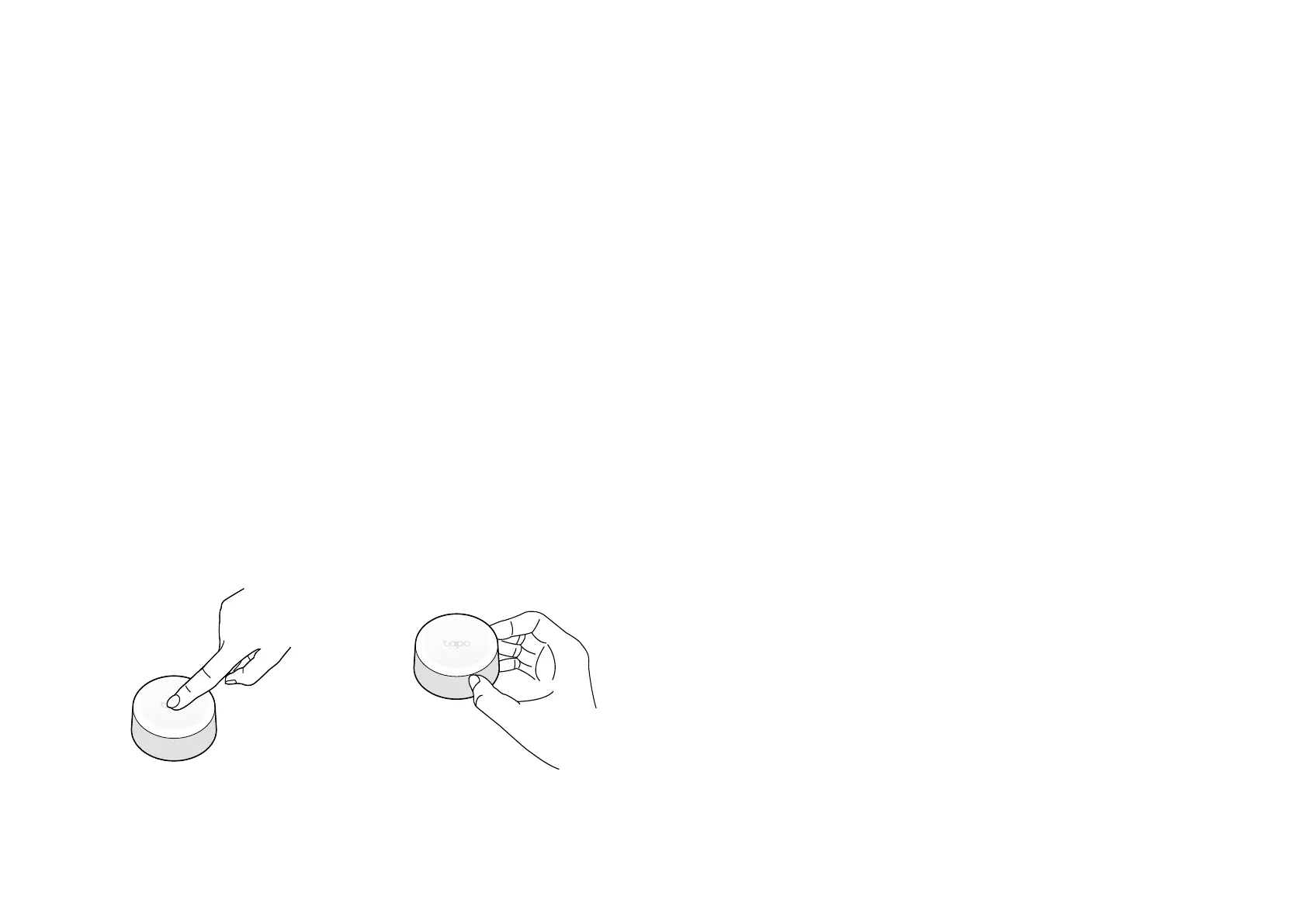
• Customized Actions – Single tap, double tap, and rotating options enable you to trigger multiple actions, from just one button.
• One-Click Alarm – Family members can use the device to get help in times of need.
• Control From Multiple Locations – Control electrical xtures from multiple locations with Tapo smart buttons.
• Instant App Notication - Is your parcel locked away? Find out immediately with instant notications.
• Great Compatibility - Just one part of the integrated Tapo ecosystem.
• Long Battery Life – Battery-powered design with 1+ year battery life. (Based on the testing of 30 triggers a day.)
• Device Sharing – Easily share management permissions with each member of your family.
• Easy Setup and Use – Set up quickly and easily through the free Tapo app.
Single Tap / Double Tap Rotate


 To Next Page