9
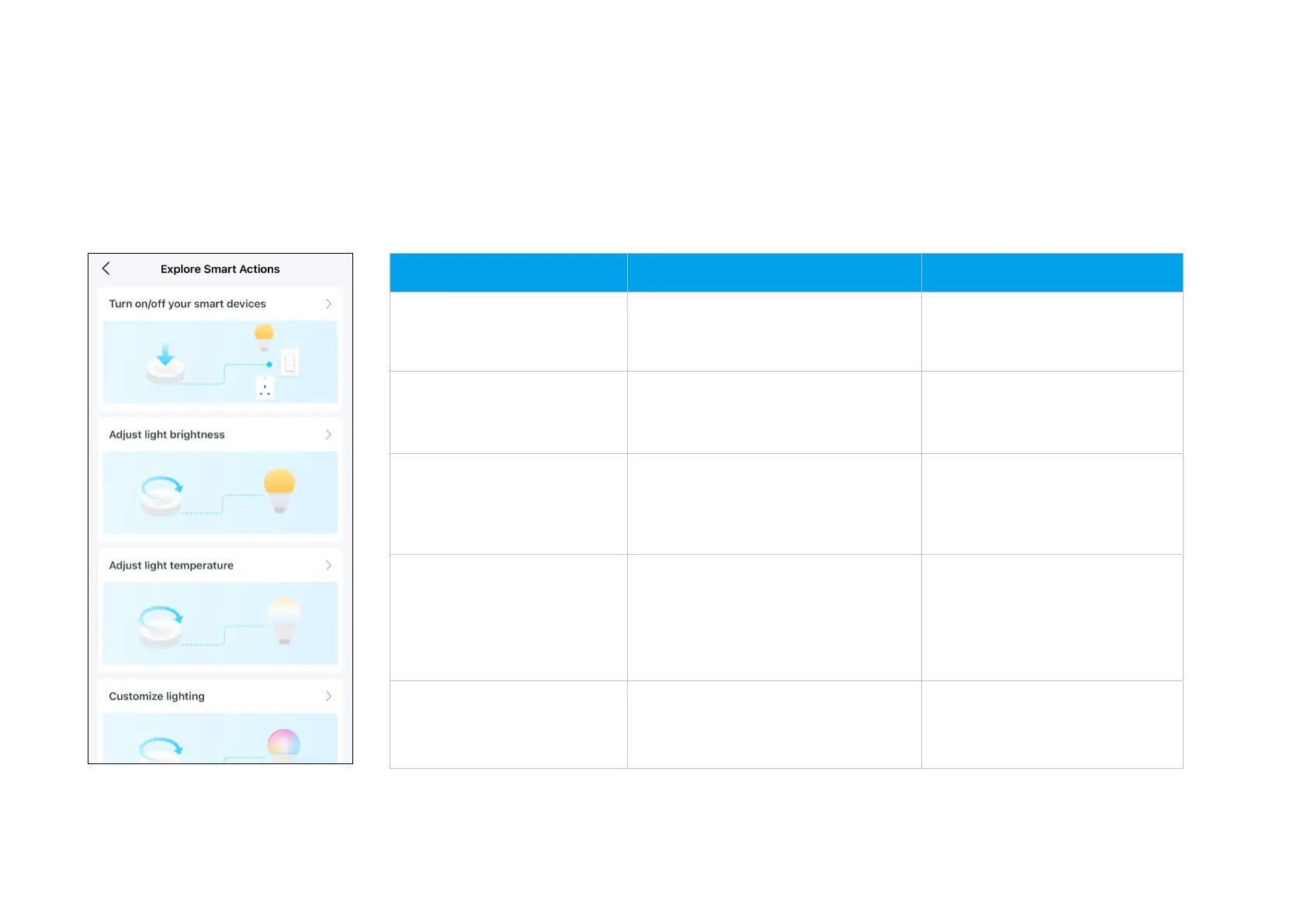
Explore Smart Actions
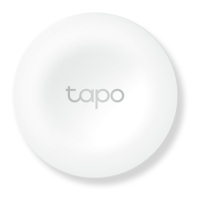
The smart button can work with other Tapo devices to automate your home. You can customize smart actions based on the templates. This makes your
home safer and smarter.
Smart Actions What can this Smart Action do? Tapo Device Requirement
Turn on/o your smart
devices
Turn on/o the devices with one tap
on your button
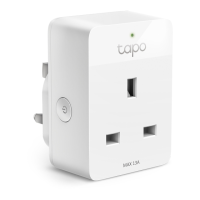
Hub + Bulb/Light Strip/Plug/
Switch
Adjust light brightness
Rotate the button to adjust the
brightness of the selected devices.
Hub + Bulb/Light Strip
Adjust light temperature
Rotate the button to change the
feeling and ambiance of the room on
the selected devices.
Hub with alarm feature
Customize lighting
Rotate the button to adjust color
and brightness for your mood
with the selected devices.
*Only color light is supported.
Hub + Bulb/Light Strip
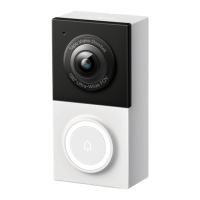
Build smart doorbell
When the button is pressed, the
selected hubs will ring.
Hub with alarm feature


 To Next Page