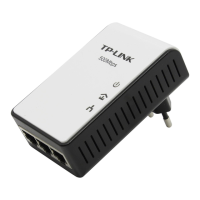
TL-PA201 200Mbps Ethernet Powerline Adapter
2
Chapter 2 Connecting Mechanism
2.1 Introduction
The Ethernet Powerline Adapter support up to 200Mbps data rate. With this high speed connection rate,
this Ethernet Powerline Adapter allows you to setup a high speed home network by using your home
existing electrical wiring. Simply plug this Ethernet Powerline Adapter into an ordinary power outlet to
extend your Cable/xDSL broadband connection or existing LAN network to any other electrical outlet in
any rooms of your house.
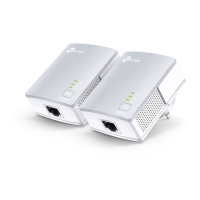
Take notes that this Ethernet Powerline Adapter works in pairs. You need to plug one Ethernet Powerline
Adapter into a power outlet for each computer (Connect to the computer LAN card) you want to connect
(Network access); you will also need another Ethernet Powerline Adapter connected to your
Cable/xDSL broadband (Ethernet port) in order to extend your broadband connection or Internet surfing.
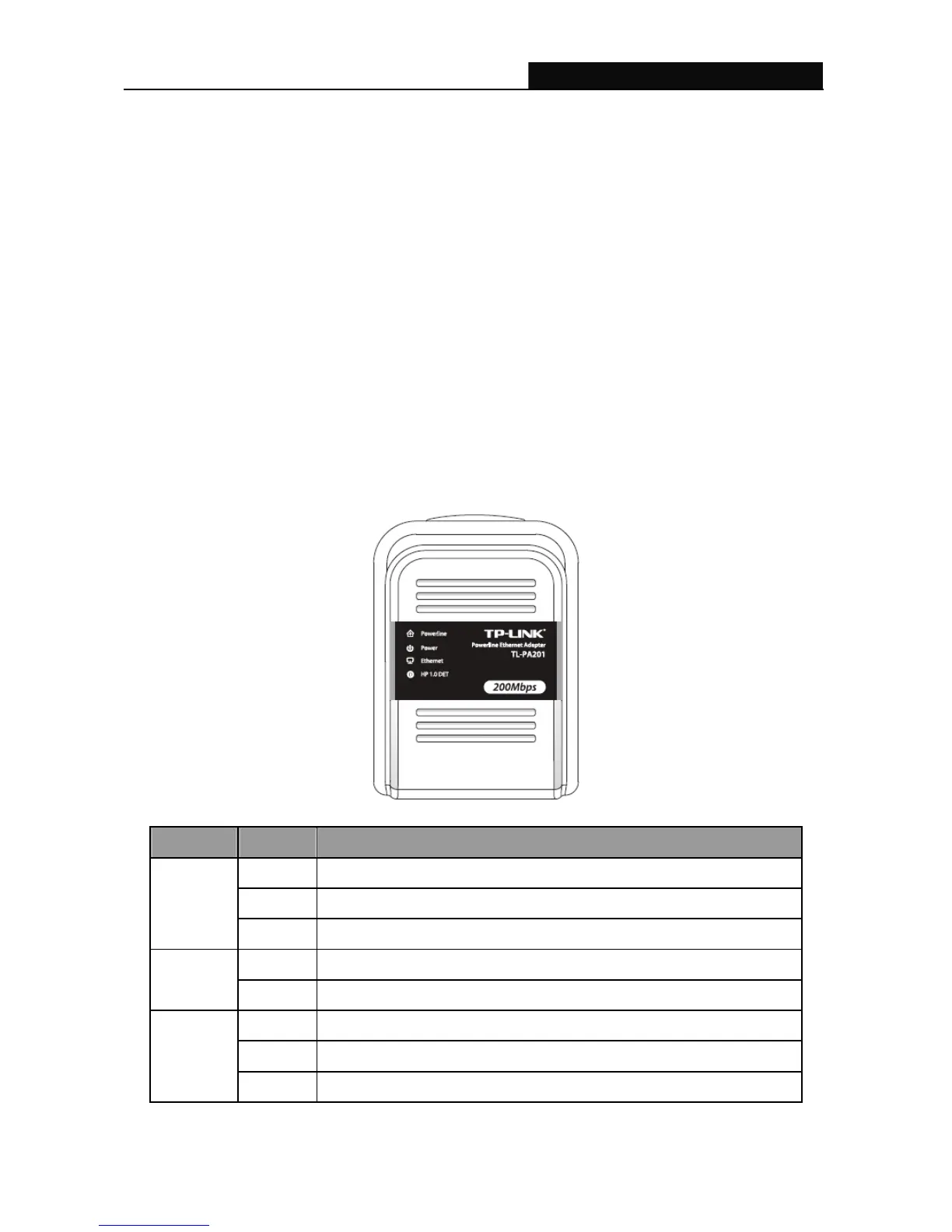
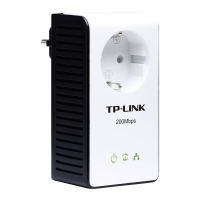
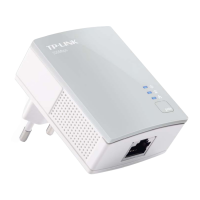
Section below describes the Ethernet Powerline Adapter’s LED indicators, physical interface and
hardware connection mechanism.
2.2 LED Indicator
The LED indicator displays information about the device’s status.
Label Status Description
ON Another powerline port is detected on the same powerline network
OFF Did not detect any other powerline port on the same powerline network
Powerline
Blinking The powerline port is transmitting/receiving data
ON The Ethernet Powerline Adapter is power on
Power
OFF The Ethernet Powerline Adapter is not receiving power
ON The Ethernet port is on and ready to receiving/transmitting data
OFF The Ethernet port is not connected or not power on
Ethernet
Blinking The Ethernet port is receiving/transmitting data


 To Next Page